
How to Leave a Whatsapp Group: A Step-by-step Guide
Are you tired of receiving constant notifications from a WhatsApp group? Do you want to leave a group without any drama or repercussions? Look no further! In this article, we will guide you through the simple process of leaving a WhatsApp group on your Android, iPhone, and computer.
Understanding Whatsapp Groups
Before we dive into the nitty-gritty of leaving a WhatsApp group, it’s essential to understand what a group is. A WhatsApp group is a chat where multiple people can participate and share messages with each other. You can join or leave a group at any time, but be aware that if you are an administrator, you will have more control over the group.
Why Leave a Whatsapp Group?
There are many reasons why you might want to leave a WhatsApp group:
- You’re tired of receiving notifications from the group.
- You no longer want to participate in group conversations.
- You’ve had a disagreement with other members and don’t want to continue participating.
Leaving a Whatsapp Group on Android
To leave a WhatsApp group on your Android device, follow these steps:
- Open WhatsApp and navigate to the chat screen.
- Find the group you want to leave and tap on it.
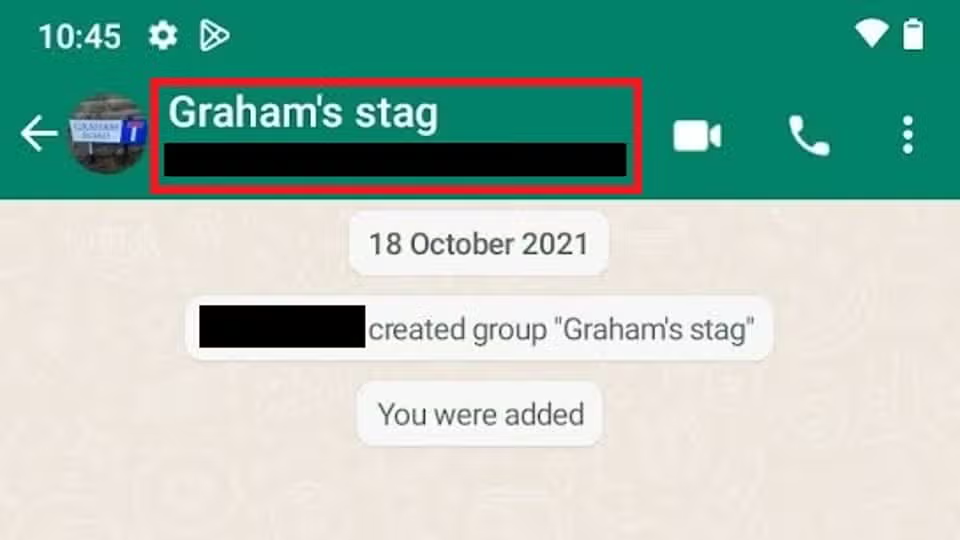
- Tap on the three dots on the top-right corner of the screen.
- Select “Exit Group” from the menu.
- Confirm that you want to exit the group.
Leaving a Whatsapp Group on Iphone
To leave a WhatsApp group on your iPhone, follow these steps:
- Open WhatsApp and navigate to the chat screen.
- Find the group you want to leave and tap on it.
- Tap on the “Info” button on the top-right corner of the screen.
- Scroll down and select “Leave Group.”
- Confirm that you want to leave the group.
Leaving a Whatsapp Group on Computer
To leave a WhatsApp group on your computer, follow these steps:
- Open WhatsApp Web or the desktop app.
- Find the group you want to leave and click on it.
- Click on the three dots on the top-right corner of the screen.
- Select “Exit Group” from the menu.
- Confirm that you want to exit the group.
What Happens When You Leave a Whatsapp Group?
When you leave a WhatsApp group, you will no longer receive notifications or be able to participate in group conversations. If you were an administrator of the group, another member will become the new administrator.
Can I Re-join a Whatsapp Group After Leaving It?
Yes, you can re-join a WhatsApp group after leaving it. However, you will need to ask the current administrator if you can join the group again.
Why Can’t I Leave a Whatsapp Group Without Anyone Noticing?
Unfortunately, when you leave a WhatsApp group, others in the group will be notified that you have left. This is because leaving a group is a public action and is visible to all members.
However, we understand your desire for privacy and have created a tutorial on how to leave a WhatsApp group without anyone noticing.
How Do I Mute or Silence a Whatsapp Group?
If you don’t want to leave a WhatsApp group but still want to silence notifications from the group, you can mute it. To do this:
- Open WhatsApp and navigate to the chat screen.
- Find the group you want to mute and tap on it.
- Tap on the three dots on the top-right corner of the screen.
- Select “Mute” from the menu.
You can choose how long you want to mute the group for, such as 8 hours, 1 week, or always.
Conclusion
Leaving a WhatsApp group is a simple process that requires minimal effort and time. Whether you’re tired of receiving notifications or no longer want to participate in group conversations, we’ve got you covered with this step-by-step guide.


