
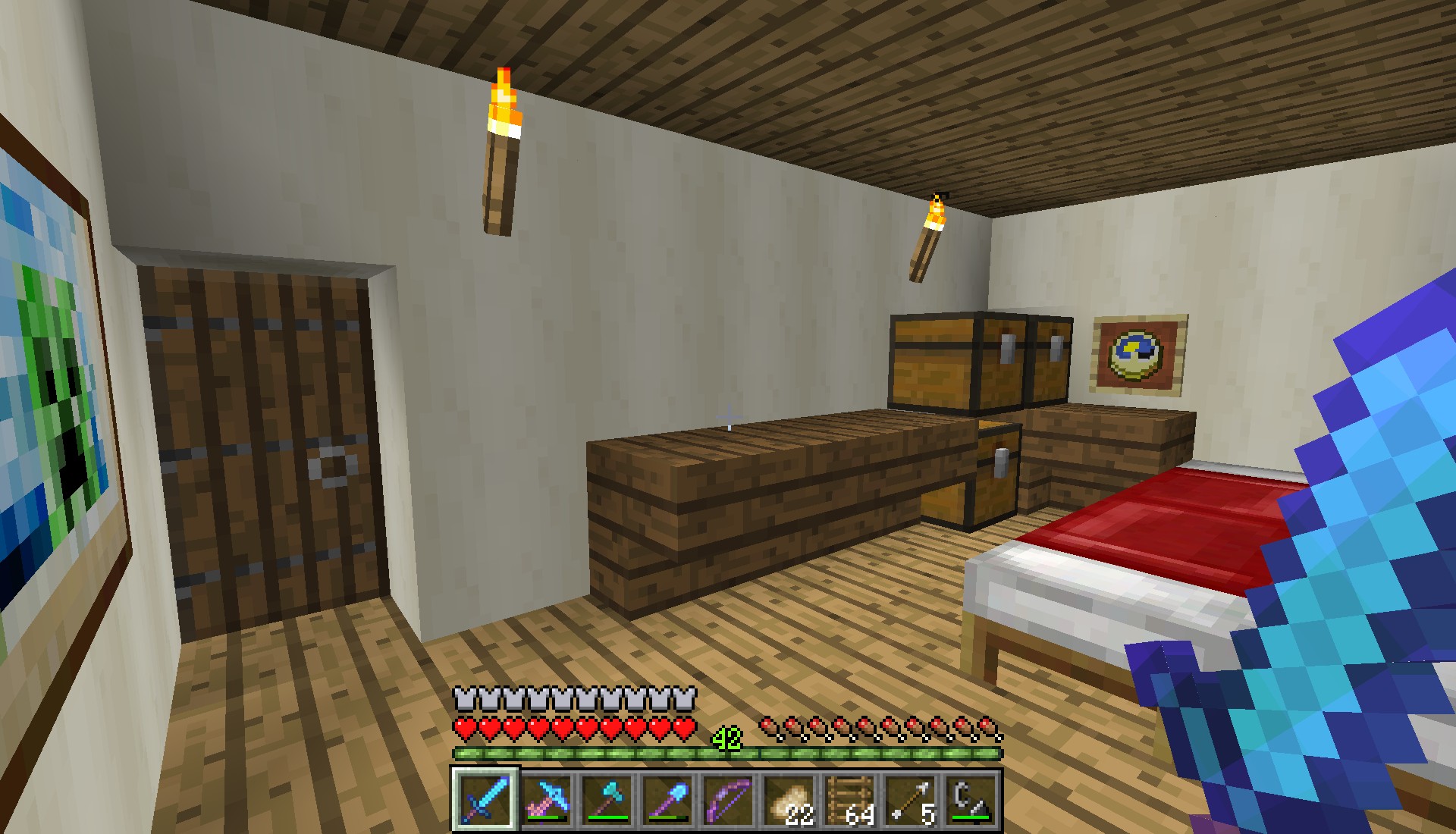
The Ultimate Guide to Sleeping in Minecraft: A Step-by-step Tutorial
Are you tired of playing Minecraft without being able to take a nap or sleep like your character? Look no further! In this comprehensive guide, we will walk you through the process of sleeping in Minecraft using a custom-made datapack.
What is Sleeping in Minecraft?
Sleeping in Minecraft allows you to create a custom bed and animation for your character. This feature was not originally included in the game but has been made possible by creative players who have developed custom datapacks.
Why Use a Datapack?
Using a datapack is the only way to sleep in Minecraft, as it provides the necessary code and assets to create a functional bed and animation for your character. Without a datapack, sleeping is not possible in the game.
What Are The System Requirements For Sleeping in Minecraft?
To sleep in Minecraft, you will need:
- A copy of Minecraft Java Edition (version 1.4 Or higher)
- The Lie Down datapack installed
- A compatible computer with Java and Minecraft installed
Step-by-step Instructions For Sleeping in Minecraft
Here’s a step-by-step guide to sleeping in Minecraft using the Lie Down datapack:
Step 1: Download The Lie Down Datapack
To start, you’ll need to download the Lie Down datapack from the official Minecraft website. Make sure to choose the correct version of the game and the datapack for your operating system.
Step 2: Install The Lie Down Datapack
Once downloaded, install the Lie Down datapack by following these steps:
- Open Minecraft and navigate to the “Datapacks” folder in your saves directory.
- Move the Lie Down datapack file into this folder.
- Restart Minecraft for the changes to take effect.
Step 3: Create a New World
To sleep in Minecraft, you’ll need to create a new world. Follow these steps:
- Open Minecraft and select “Create a new world” from the main menu.
- Choose your preferred game mode (creative or survival).
- Name your world and choose a seed if desired.
Step 4: Activate The Lie Down Datapack
To activate the Lie Down datapack, follow these steps:
- Select the “Player” option in the top-left corner of the screen.
- Click on the “Create a new world” button.
- Choose your newly created world and click on it to enter the game world.
Step 5: Place The Bed
To place the bed, follow these steps:
- Find a suitable location for your bed (e.G., A cozy corner or a designated sleeping area).
- Right-click on the ground with an item in hand.
- Choose the “Place” option and select the bed from the menu.
Step 6: Lie Down
To lie down, follow these steps:
- Approach the bed and press the Shift key to activate the animation.
- Watch as your character lies down on the bed!
Tips And Tricks For Sleeping in Minecraft
Here are some additional tips and tricks for sleeping in Minecraft:
- Make sure you have a suitable location for your bed. You can choose any block type, but avoid placing it too close to other objects or structures.
- Experiment with different textures and colors for your bed to match your game world’s aesthetic.
- Don’t worry if the animation doesn’t work perfectly – it’s just a fun little feature!
Conclusion
Sleeping in Minecraft is now possible thanks to creative players who have developed custom datapacks. Follow these steps, and you’ll be sleeping like your character in no time! Remember to experiment with different textures and colors for your bed to match your game world’s aesthetic.
How to Sleep on The Bed in Minecraft
If you want to see better the situation, press the F5 key in third-person mode.


