
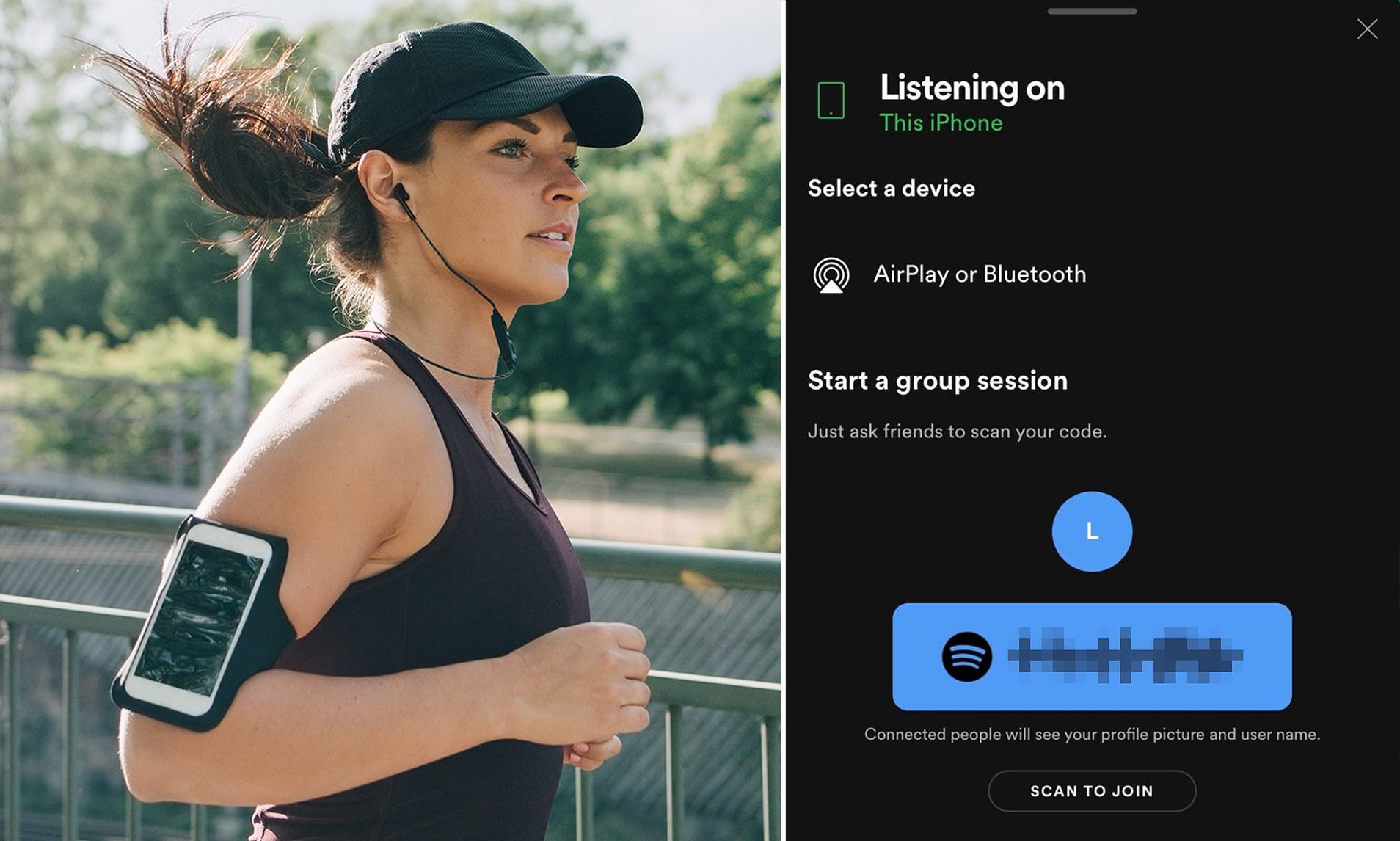
How to Listen Music Together on Spotify
Are you tired of listening to music alone? Do you want to share your favorite tunes with your best friend or family member? Look no further! In this article, we will guide you through the process of listening to music together on Spotify.
What is Spotify’s Jam Feature?
Spotify’s Jam feature allows users to create a shared playlist that can be accessed by multiple people in real-time. This means that you and your friend or family member can listen to the same song at the same time, no matter where you are in the world.
How to Create a Shared Playlist on Spotify
To create a shared playlist on Spotify, follow these steps:
- Open Spotify: Open the Spotify app on your smartphone or tablet.
- Sign In: Sign in to your account using your login credentials.
- Tap on The “New” Button: Tap on the “New” button at the bottom of the screen to create a new playlist.
- Choose a Name And Artwork: Choose a name and artwork for your playlist.
- Tap on The “Jam” Button: Tap on the “Jam” button to enable the shared playlist feature.
- Share The Link: Share the link with your friend or family member, who can then access the playlist in real-time.
How to Listen to a Shared Playlist on Spotify
To listen to a shared playlist on Spotify, follow these steps:
- Open Spotify: Open the Spotify app on your smartphone or tablet.
- Sign In: Sign in to your account using your login credentials.
- Tap on The “Jam” Button: Tap on the “Jam” button at the bottom of the screen.
- Enter The Link: Enter the link provided by the person who created the shared playlist.
- Listen Together: Listen to the music together with your friend or family member in real-time.
What is Discord’s Spotify Integration?
Discord, a popular communication platform for gamers and communities, has integrated Spotify into its service. This means that users can now listen to music together on Discord using Spotify.
How to Listen to Music Together on Discord Using Spotify
To listen to music together on Discord using Spotify, follow these steps:
- Open Discord: Open the Discord app on your computer or mobile device.
- Join a Server: Join a server where you want to listen to music with others.
- Click on The “Spotify” Button: Click on the “Spotify” button at the bottom of the screen.
- Log In: Log in to your Spotify account using your login credentials.
- Choose a Song: Choose a song to listen to together with others.
- Listen Together: Listen to the music together with others in real-time.
Benefits of Listening to Music Together on Spotify
Listening to music together on Spotify has several benefits, including:
- Improved Social Bonding: Listening to music together can improve social bonding and create a sense of community among friends and family members.
- Shared Experience: Sharing a musical experience can create a shared memory that can be cherished for years to come.
- Enhanced Emotional Connection: Listening to music together can enhance emotional connection and empathy among individuals.
Conclusion
Listening to music together on Spotify is a great way to share your favorite tunes with friends and family members. With Spotify’s Jam feature, you can create a shared playlist that can be accessed by multiple people in real-time. Additionally, Discord’s Spotify integration allows users to listen to music together using Spotify. By following the steps outlined in this article, you can experience the benefits of listening to music together on Spotify.
Frequently Asked Questions (FAQs)
- Q: What is Spotify’s Jam Feature?
A: Spotify’s Jam feature allows users to create a shared playlist that can be accessed by multiple people in real-time. - Q: How do I Create a Shared Playlist on Spotify?
A: To create a shared playlist on Spotify, follow the steps outlined in this article. - Q: Can I Listen to Music Together on Discord Using Spotify?
A: Yes, you can listen to music together on Discord using Spotify by following the steps outlined in this article. - Q: What Are The Benefits of Listening to Music Together on Spotify?
A: The benefits of listening to music together on Spotify include improved social bonding, shared experience, and enhanced emotional connection. - Q: Can I Listen to Music Together With Others Even if we Don’t Have Spotify Premium?
A: Yes, you can still listen to music together with others using the free version of Spotify, but you will hear ads while your friend or family member listens. - Q: How do I Share a Playlist on Discord Using Spotify?
A: To share a playlist on Discord using Spotify, follow the steps outlined in this article.
Recommended Reading


