
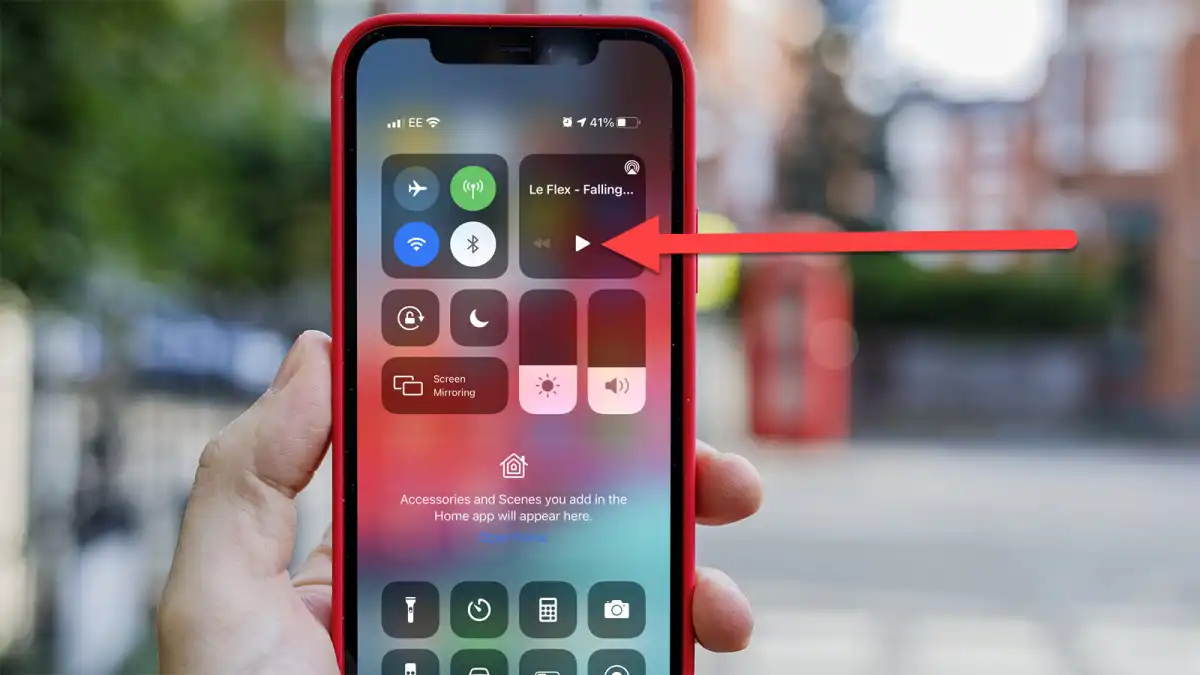
How to Listen Youtube in Background: A Comprehensive Guide
Are you tired of listening to music or videos on YouTube while doing other things on your device? Do you want to know the secret to listening to YouTube in background without any hassle? Look no further! In this article, we will guide you through the process of listening to YouTube in background using various methods.
What is Youtube Music And How Does it Help?
YouTube Music is a music streaming service developed by Google. It allows users to listen to music, podcasts, and videos without any ads. The service also provides features like offline listening, voice commands, and personalized recommendations. To listen to YouTube in background using YouTube Music, you need to subscribe to the service, which costs €9.99/Month.
How to Listen Youtube in Background on Android
To listen to YouTube in background on your Android device, follow these steps:
- Open Youtube Music: Open the YouTube Music app on your device.
- Select a Video or Playlist: Select a video or playlist that you want to listen to.
- Tap The Three Vertical Dots: Tap the three vertical dots on the top-right corner of the screen.
- Select “Start Upgrade”: Select “Start upgrade” from the menu.
- Choose Your Subscription Plan: Choose your subscription plan, which is either €9.99/Month or €14.99/Month for the family plan.
- Tap “Acquire”: Tap “Acquire” to activate YouTube Music.
How to Listen Youtube in Background on Iphone And Ipad
To listen to YouTube in background on your iPhone or iPad, follow these steps:
- Open Youtube Music: Open the YouTube Music app on your device.
- Select a Video or Playlist: Select a video or playlist that you want to listen to.
- Tap The Three Horizontal Dots: Tap the three horizontal dots on the top-right corner of the screen.
- Select “Start Upgrade”: Select “Start upgrade” from the menu.
- Choose Your Subscription Plan: Choose your subscription plan, which is either €9.99/Month or €14.99/Month for the family plan.
- Tap “Acquire”: Tap “Acquire” to activate YouTube Music.
How to Listen Youtube in Background on PC
To listen to YouTube in background on your PC, follow these steps:
- Open a Browser: Open a browser like Google Chrome, Mozilla Firefox, or Microsoft Edge.
- Visit The Youtube Website: Visit the YouTube website by typing youtube.Com in the address bar.
- Select a Video or Playlist: Select a video or playlist that you want to listen to.
- Click on The Three Vertical Dots: Click on the three vertical dots on the top-right corner of the browser window.
- Select “Minimize”: Select “Minimize” from the menu to minimize the YouTube window.
How to Listen Youtube in Background With Picture-in-picture (PiP) on Iphone And Ipad
To listen to YouTube in background using Picture-in-Picture (PiP) on your iPhone or iPad, follow these steps:
- Open Safari: Open the Safari browser on your device.
- Visit a Website: Visit any website that has a video player.
- Tap The “Aa” Button: Tap the “Aa” button on the top-right corner of the screen to open the settings menu.
- Select “Add Bookmark”: Select “Add Bookmark” from the menu to add the video player to your bookmarks.
- Open The Bookmarks Menu: Open the bookmarks menu by tapping the three horizontal dots on the bottom-right corner of the screen.
- Tap The Video Player Bookmark: Tap the video player bookmark to open it in PiP mode.
How to Listen Youtube in Background With Split View on Ipad
To listen to YouTube in background using Split View on your iPad, follow these steps:
- Open Two Apps: Open two apps, one of which is YouTube Music or YouTube.
- Tap The “Split View” Button: Tap the “Split View” button on the top-right corner of the screen to open Split View mode.
- Select The Video Player App: Select the video player app from the list of available apps.
Conclusion
Listening to YouTube in background is a great way to multitask and get more out of your device. Whether you’re using an Android, iPhone, iPad, or PC, we’ve got you covered with these step-by-step guides. Remember to subscribe to YouTube Music for ad-free listening and offline capabilities. Happy streaming!
Frequently Asked Questions
- Q: Can I Listen to Youtube in Background on my Phone?
A: Yes, you can listen to YouTube in background on your Android or iPhone device using the methods described above. - Q: How Much Does Youtube Music Cost?
A: YouTube Music costs €9.99/Month for individual plans and €14.99/Month for family plans. - Q: Can I Use Picture-in-picture (PiP) to Listen to Youtube in Background on my Iphone or Ipad?
A: Yes, you can use PiP to listen to YouTube in background on your iPhone or iPad using the method described above.


