
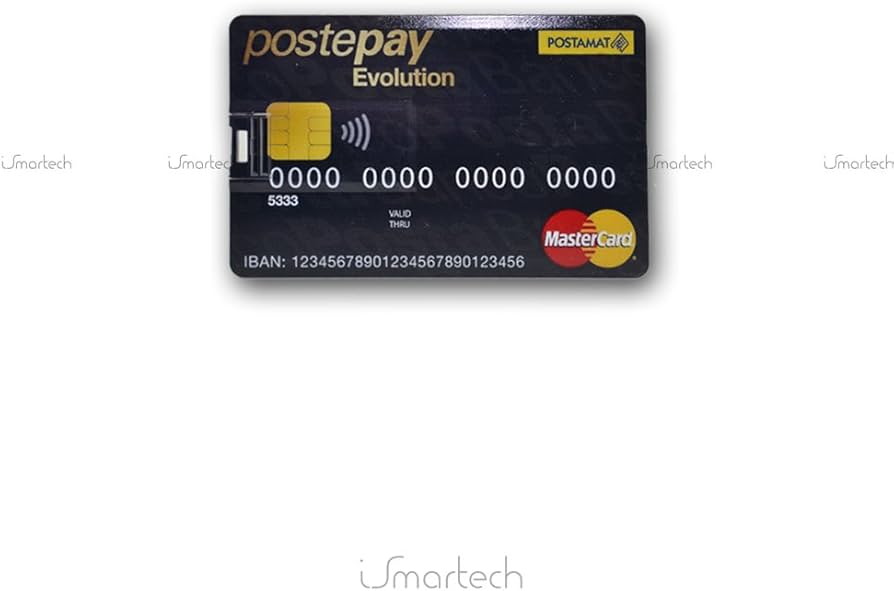
How to Recharge Your Postepay Card Online: A Step-by-step Guide
Are you tired of running out of funds on your Postepay card? Do you want to know how to recharge it online without any hassle? Look no further! In this article, we will guide you through the process of recharging your Postepay card using various methods.
What is Postepay?
Postepay is a prepaid credit card issued by Poste Italiane, Italy’s postal service. It allows users to make payments online, in-store, or at ATMs without needing a traditional bank account.
Why Recharge Your Postepay Card Online?
Recharging your Postepay card online is convenient and saves you time. You can do it from anywhere with an internet connection, making it perfect for busy individuals.
Method 1: Using The Postepay App
The PostePay app is a great way to recharge your card online. Here’s how:
- Download The App: Download the PostePay app on your smartphone or tablet.
- Create an Account: Create an account using your credentials (PosteID or username and password).
- Configure Your Account: Configure your account by creating a new code PosteID.
- Initiate The Recharge Process: Open the app, tap on the “Access” button, and log in using your code PosteID or biometric authentication.
- Select The Recharge Option: Tap on the “Ricarica” (Recharge) option.
- Choose Your Card: Select the card you want to recharge from your list of contacts.
- Enter The Amount: Enter the amount you want to recharge, and tap on the “Continue” button.
- Confirm The Transaction: Confirm the transaction using your biometric authentication or code PosteID.
Method 2: Using The Bancoposta App
If you have a BancoPosta account, you can also use the app to recharge your Postepay card. Here’s how:
- Download The App: Download the BancoPosta app on your smartphone or tablet.
- Configure Your Account: Configure your account by creating a new code PosteID.
- Initiate The Recharge Process: Open the app, tap on the “Access” button, and log in using your code PosteID or biometric authentication.
- Select The Recharge Option: Tap on the “Ricarica” (Recharge) option.
- Choose Your Card: Select the card you want to recharge from your list of contacts.
- Enter The Amount: Enter the amount you want to recharge, and tap on the “Continue” button.
- Confirm The Transaction: Confirm the transaction using your biometric authentication or code PosteID.
Method 3: Using The Postepay Website
You can also recharge your Postepay card online through the Postepay website. Here’s how:
- Log in to Your Account: Log in to your Postepay account using your credentials.
- Select The Recharge Option: Click on the “Ricarica” (Recharge) option.
- Choose Your Card: Select the card you want to recharge from your list of contacts.
- Enter The Amount: Enter the amount you want to recharge, and click on the “Continue” button.
- Confirm The Transaction: Confirm the transaction using your biometric authentication or code PosteID.
Other Solutions
If you don’t have a Postepay card or account, but still need to make payments online, there are other solutions available:
- Paypal: You can associate your Postepay card with a PayPal account and recharge it from there.
- Open Banking Services: Many Italian banks offer open banking services that allow you to integrate their accounts into the Postepay system.
Recharging Your Postepay Evolution Card
If you have a Postepay Evolution card, which has an IBAN code, you can recharge it online using a SEPA transfer:
- Use a Home Banking Platform: Use a home banking platform to initiate a SEPA transfer.
- Enter The Recipient’s Details: Enter the recipient’s details (Postepay Evolution card holder).
- Enter The Transfer Amount: Enter the amount you want to transfer, and confirm the transaction.
Conclusion
Recharging your Postepay card online is easy and convenient using various methods. Whether you use the PostePay app, BancoPosta app, or website, it’s a straightforward process that saves you time and hassle. Don’t forget to explore other solutions if you don’t have a Postepay account or Evolution card.
Frequently Asked Questions
- Q: Can I Recharge my Postepay Card Online?
A: Yes, you can recharge your Postepay card online using the PostePay app, BancoPosta app, or website. - Q: What is The Process For Recharging my Postepay Evolution Card?
A: To recharge your Postepay Evolution card, use a SEPA transfer through a home banking platform. - Q: Can I Associate my Postepay Card With a Paypal Account?
A: Yes, you can associate your Postepay card with a PayPal account and recharge it from there. - Q: What Are The Benefits of Using The Postepay App or Bancoposta App to Recharge my Card?
A: The PostePay app and BancoPosta app offer convenience, ease of use, and time-saving features. - Q: Can I Make Payments Online Without a Postepay Account?
A: Yes, there are other solutions available for making payments online without a Postepay account.
We hope this guide has been helpful in understanding how to recharge your Postepay card online. If you have any further questions or concerns, please don’t hesitate to ask!


