
How to Contact Your Access on Instagram: A Step-by-step Guide
Are you tired of seeing your private profile’s last access on Instagram? Do you want to keep your photos away from prying eyes? Look no further! In this article, we will guide you through the simple process of contacting the last access on Instagram, both on smartphones and computers.
Why Contact Your Last Access on Instagram?
You might be wondering why you would want to contact your last access on Instagram. The answer is simple: To keep your private profile private! By disabling the “Display state of activity” feature, you will no longer see your last access timestamp or activity indicator on your profile.
How to Contact Your Last Access on Instagram From a Smartphone
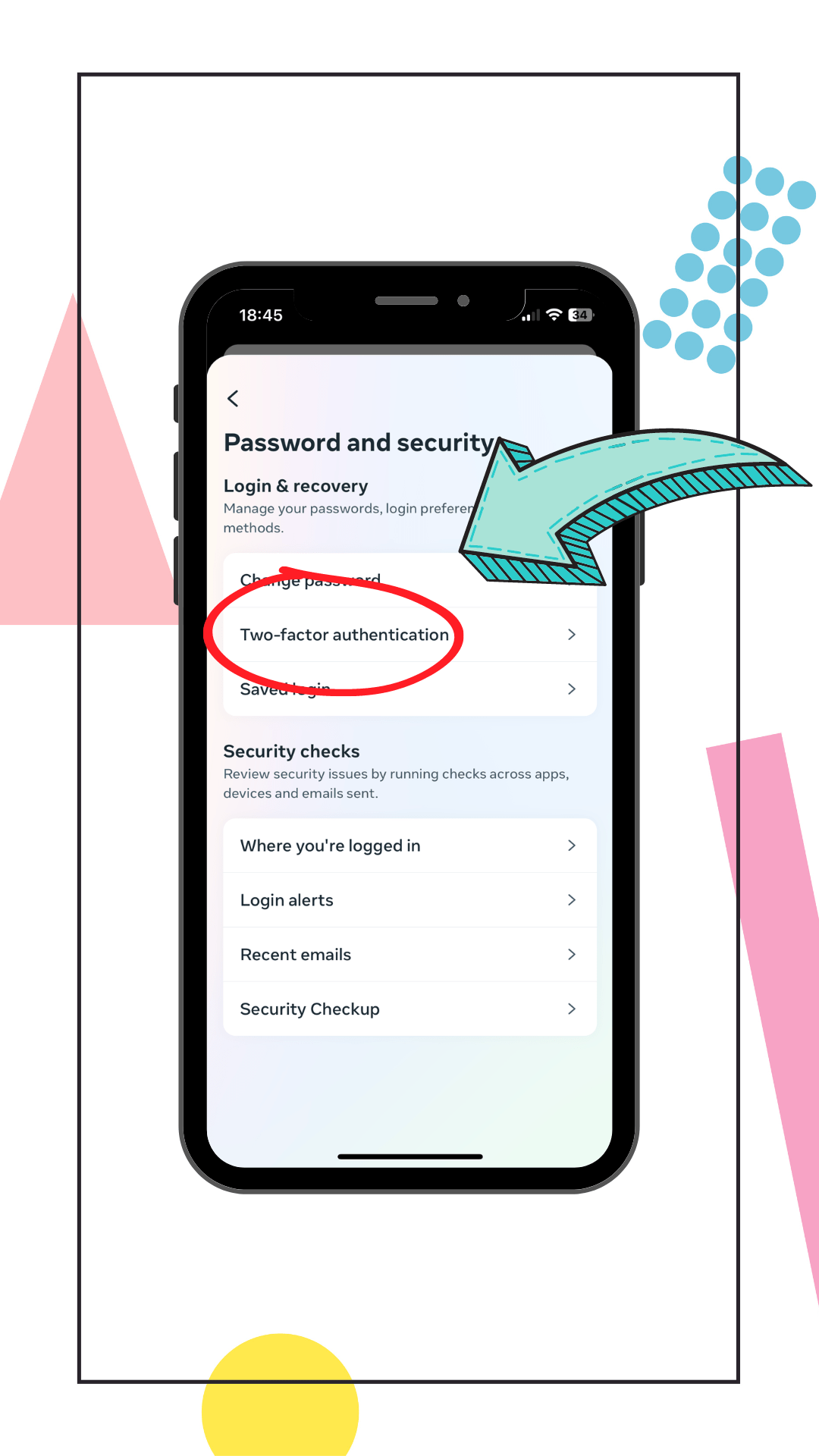
If you’re using a smartphone to access Instagram, follow these steps:
- Access Instagram: First, make sure you have the official Instagram app installed on your device.
- Tap on The Profile Icon: Next, tap on the profile icon (usually represented by an omino or your miniature photo) in the bottom right corner of the screen.
- Select Settings And Privacy: Then, tap on the ≡ button (in the top right corner) and select “Settings and privacy” from the menu that appears.
- Choose Messages And Answers to History: Scroll down to the section titled “How can others interact with you?” and tap on “Messages and answers to history”.
- Toggle ON The Display State of Activity: Finally, toggle the switch next to “Display state of activity” to the ON position.
How to Contact Your Last Access on Instagram From a Computer
If you prefer using a computer to access Instagram, follow these steps:
- Access Instagram Web Version: First, go to Instagram’s web version or desktop application.
- Click on The ≡ Button: Next, click on the ≡ button (in the top right corner) and select “Settings” from the menu that appears.
- Choose Messages And Answers to History: Scroll down to the section titled “How can others interact with you?” and click on “Messages and answers to history”.
- Toggle ON The Display State of Activity: Finally, toggle the switch next to “Display state of activity” to the ON position.
How to Contact Access to Photos on Instagram
If you want to protect your photos from prying eyes, follow these steps:
- Access Your Profile: First, access your profile by clicking on the profile icon or miniature photo.
- Click on The ≡ Button: Next, click on the ≡ button (in the top right corner) and select “Settings” from the menu that appears.
- Choose Privacy: Scroll down to the section titled “Who can see your contents?” and click on “Privacy”.
- Toggle ON Private Modality: Finally, toggle the switch next to “Account deprived” to the ON position.
How to Contact Access to Photos on Instagram From a Computer
If you’re using a computer to protect your photos, follow these steps:
- Access Instagram Web Version: First, go to Instagram’s web version or desktop application.
- Click on The ≡ Button: Next, click on the ≡ button (in the top right corner) and select “Settings” from the menu that appears.
- Choose Privacy: Scroll down to the section titled “Who can see your contents?” and click on “Privacy”.
- Toggle ON Private Modality: Finally, toggle the switch next to “Account deprived” to the ON position.
Conclusion
In conclusion, contacting your last access on Instagram is a simple process that can be completed in just a few steps. By following these instructions, you will no longer see your private profile’s last access timestamp or activity indicator on your profile. Remember to always prioritize your online security and protect your personal data!
Frequently Asked Questions
- Q: Why Would I Want to Contact my Last Access on Instagram?
A: You might want to contact your last access on Instagram if you don’t want others to see when you’re active or not. - Q: How do I Contact my Last Access on Instagram From a Smartphone?
A: Follow the steps outlined above, starting with accessing Instagram and tapping on the profile icon. - Q: Can I Still Share Photos if I Disable “Display State of Activity”?
A: Yes, you can still share photos even if you’ve disabled “Display state of activity”. - Q: How do I Enable Private Modality For my Account?
A: Follow the steps outlined above, starting with accessing your profile and clicking on the ≡ button.
I hope this article has been helpful in answering any questions you may have had about contacting your last access on Instagram! If you have any further queries or concerns, please don’t hesitate to reach out.


