
How to Access Messenger Without Password: A Step-by-step Guide
Are you tired of constantly entering your password to access Messenger? Do you want to simplify the login process and enjoy a seamless experience on both your smartphone and PC? Look no further! In this article, we’ll show you how to recover your password and log in to Messenger without having to enter it every time.
Recovering Your Password
If you’ve forgotten your Messenger password or are unable to access it, don’t worry. The recovery process is straightforward and can be completed in a few minutes. Here’s what you need to do:
From Smartphone And Tablet
- Launch the Messenger app on your Android or iOS/iPadOS device.
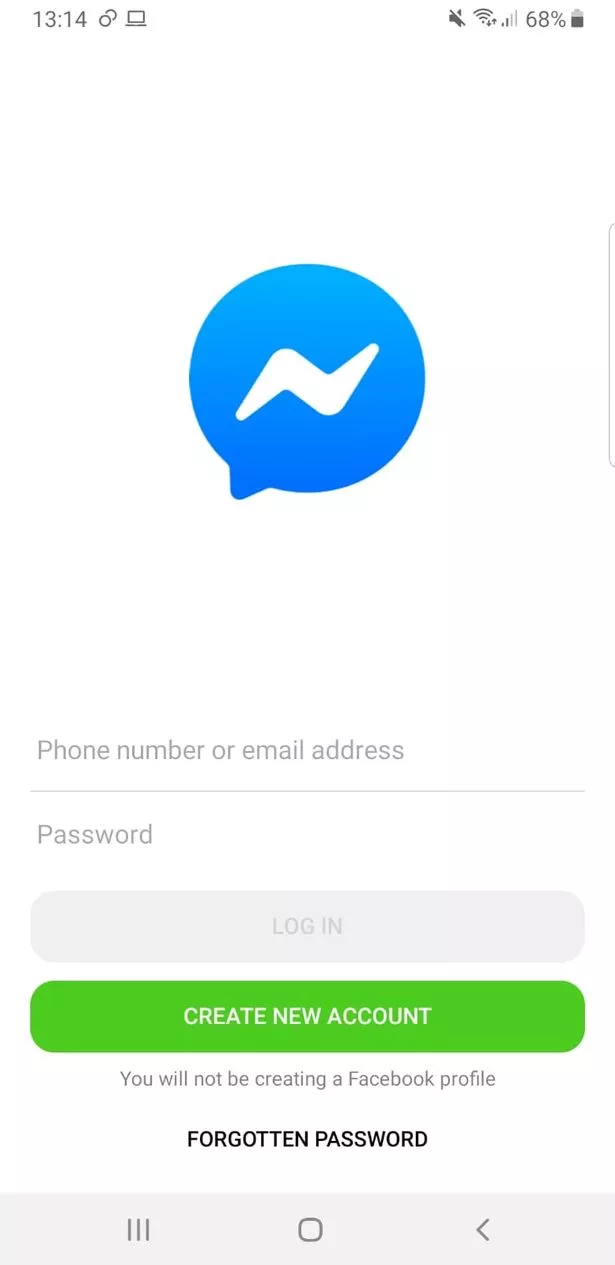
- Tap on the “Password forgotten” option below the login screen.
- Enter your email address or phone number associated with your account.
- Click on the “Continue” button to receive a code via email or SMS.
- Enter the received code and choose whether you want to stay logged in or log out of all devices.
From PC
- Go to the Messenger website on your computer and click on the “Log In” button.
- Enter your phone number or email address associated with your account.
- Click on the “Continue” button to receive a code via email or SMS.
- Enter the received code and create a new password for your account.
Accessing Messenger Without Password
Now that you’ve recovered your password, let’s talk about accessing Messenger without entering it every time. Here are some methods:
From Smartphone And Tablet
- Launch the Messenger app on your Android or iOS/iPadOS device.
- Tap on the “Save information” button to remember your login credentials.
- Next time you log in, tap on the “Continue” button without entering your password.
From PC
- Log in to Messenger using your Facebook account.
- The app will automatically link your Messenger and Facebook accounts.
- You’ll be able to access Messenger without entering a password.
Troubleshooting Common Issues
Sometimes, you may encounter issues when trying to recover or log in to your Messenger account. Don’t worry! Here are some tips to help you troubleshoot:
Can’t Access Account
- If you’re unable to access your account, check if the issue is with the app itself or with your internet connection.
- Try restarting the app and see if it resolves the issue.
Forgotten Password
- If you’ve forgotten your password, click on the “Forgot Password” option on the login screen.
- Follow the prompts to recover your password.
Conclusion
Accessing Messenger without a password is now easier than ever. By following these simple steps, you can enjoy a seamless experience on both your smartphone and PC. Remember to keep your account information secure and up-to-date to prevent any future issues. If you have any questions or need further assistance, feel free to ask.
Frequently Asked Questions
- How do I Recover my Messenger Password?
- Go to the Messenger website and click on the “Forgot Password” option.
- Can I Access Messenger Without Entering a Password?
- Yes! If you’ve saved your login information, you can log in without entering your password.
-
What if I Forget my Password Again?
- Don’t worry! You can recover your password by following the prompts on the login screen.
-
How do I Link my Facebook Account to Messenger?
- Log in to Messenger using your Facebook account and follow the prompts to link it.
-
What if I’m Having Trouble Accessing my Account?
- Try restarting the app and see if it resolves the issue.
-
Can I Access Messenger on Multiple Devices at Once?
- Yes! You can log in to your account from multiple devices, but make sure you’re logged out of all other devices before logging back in.
-
How do I Report an Issue With my Account?
- Contact the Messenger support team and they’ll be happy to assist you.
-
Can I Change my Password on Multiple Devices at Once?
- Yes! You can update your password across all your connected devices by logging in to your account on one device and changing it there.


