
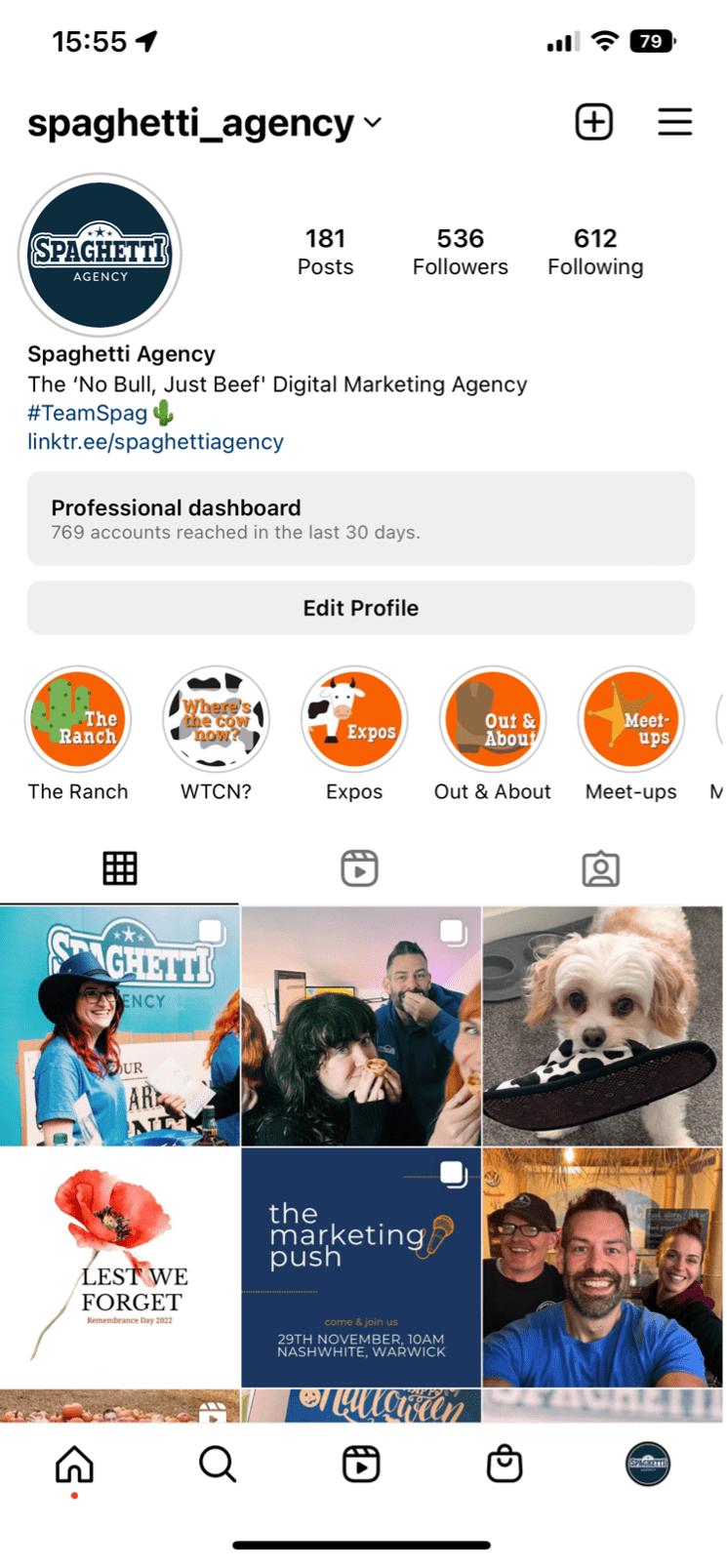
How to Create a Perfect Instagram Bio: A Step-by-step Guide
Are you tired of having a dull and uninteresting profile on Instagram? Do you want to make your account stand out from the rest? If yes, then creating a perfect Instagram bio is just what you need! In this article, we will guide you through a step-by-step process on how to create a captivating bio that showcases your personality, interests, and brand.
Why is an Instagram Bio Important?
Before we dive into the details of creating a perfect Instagram bio, let’s first understand why it’s essential. Your Instagram bio is the first thing that people see when they visit your profile. It’s like a business card for you or your brand. A well-crafted bio can:
- Make a Great Impression: Your bio should give visitors an idea of who you are and what you’re about.
- Increase Engagement: A captivating bio can encourage users to follow you and engage with your content.
- Stand Out From The Crowd: A unique and creative bio can make your profile more memorable and attention-grabbing.
Step 1: Determine Your Goals
Before creating your Instagram bio, take some time to think about what you want to achieve. What are your goals for using Instagram? Do you want to promote your business, showcase your art, or simply connect with friends and family?
- Keep it Concise: Remember that your bio should be short and to the point.
- Be Authentic: Your bio should reflect your personality and brand.
Step 2: Choose a Profile Picture
Your profile picture is often the first thing people see when they visit your profile. Make sure it’s a high-quality image that represents you or your brand well.
- Use a Clear Photo: Avoid using blurry or low-quality images.
- Keep it Consistent: Use the same profile picture across all your social media platforms to maintain branding consistency.
Step 3: Craft Your Bio
Now it’s time to write your Instagram bio! Keep in mind that you have 150 characters to work with, so make every word count. Here are some tips to help you create a captivating bio:
- Be Creative: Use humor, puns, or clever wordplay to make your bio stand out.
- Highlight Your Strengths: Mention your achievements, skills, or experiences that make you unique.
- Add a Call-to-action: Encourage visitors to engage with your content or follow you for more.
Step 4: Add Links And Hashtags
If you want to add links to your bio, now is the time to do it! You can include up to 30 links in your profile. Make sure they’re relevant to your brand and interests.
- Use Relevant Hashtags: Include hashtags that are related to your niche or industry.
- Keep it Concise: Avoid using too many hashtags, as this can make your bio look cluttered.
Step 5: Review And Edit
Before making your profile live, take a step back and review your bio. Ask yourself:
- Is it Clear And Concise?
- Does it Accurately Represent me or my Brand?
- Is it Engaging And Attention-grabbing?
If you’re not satisfied with your bio, don’t worry! You can always edit it later.
Conclusion
Creating a perfect Instagram bio takes time and effort, but the results are worth it. By following these steps and tips, you’ll be able to create a captivating bio that showcases your personality, interests, and brand.
Frequently Asked Questions (FAQs)
Here are some additional FAQs that might help:
-
What is The Character Limit For Instagram Bios?
- The character limit for Instagram bios is 150 characters.
-
Can I Add Links to my Bio?
-
Yes, you can add up to 30 links to your bio.
-
How do I Make Sure my Bio is Concise And Easy to Read?
-
Use short sentences, avoid jargon, and keep it clear and concise.
-
Can I Change my Bio Later?
-
Yes, you can always edit your bio later if you need to.
By following these steps and tips, you’ll be able to create a perfect Instagram bio that showcases your personality, interests, and brand. Happy creating!


