
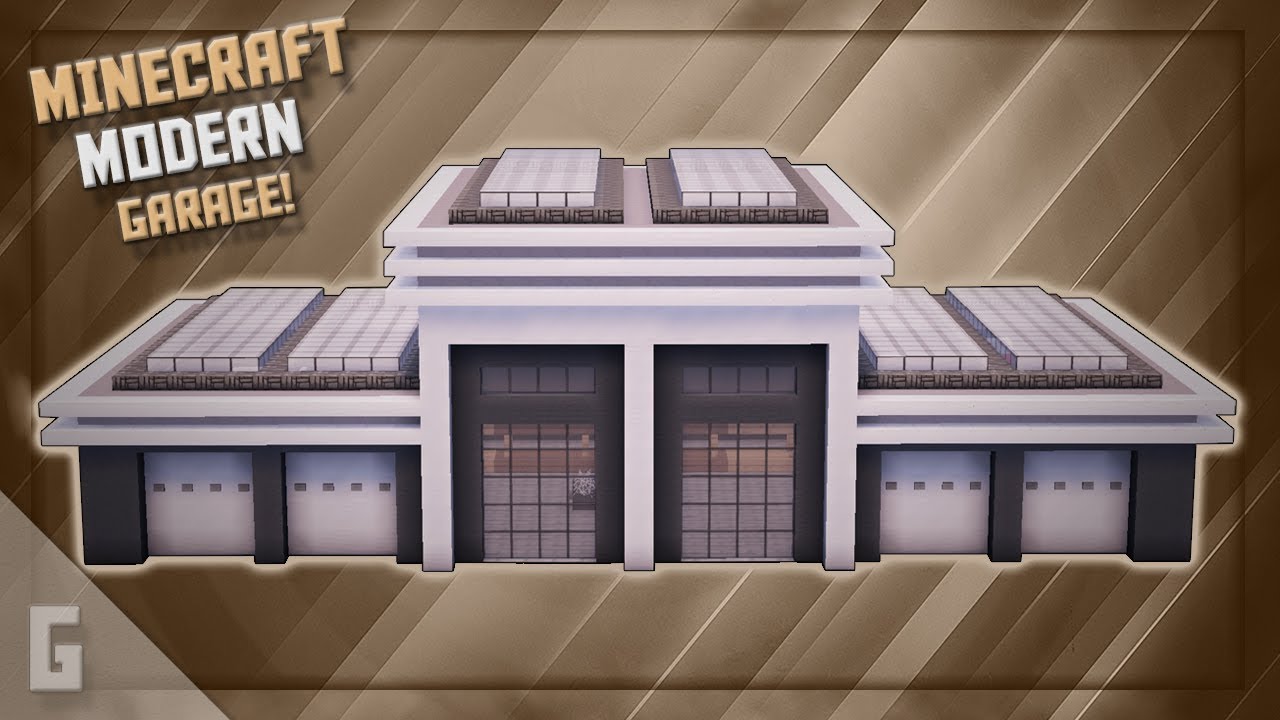
The Ultimate Guide to Creating a Garage on Minecraft
Are you tired of playing Minecraft without a garage? Look no further! In this article, we will guide you through the process of creating a functional garage in Minecraft.
Why Build a Garage in Minecraft?
Building a garage in Minecraft can be a fun and creative project. Not only does it provide a sense of accomplishment, but it also adds a touch of realism to your game world. A garage is a great way to store your favorite items and keep them organized, making gameplay more enjoyable.
Materials Needed
Before you start building, make sure you have the following materials:
- Powder of Redstone
- Torches of Redstone
- Repeaters of Redstone
- Pistons
- Piston Sticky
- Subject blocks (such as Sand, Concrete, or Gravel)
- Power source (such as a Redstone Dust)
Step 1: Prepare The Site
To create your garage, you will need to prepare the site. Start by digging a trench that is 5 blocks deep and 3 blocks wide. The width can be adjusted according to your preference.
Step 2: Create The Base
Once you have prepared the site, it’s time to create the base of your garage. Place 4 pistons in each corner, facing upwards, and cover them with a horizontal coat of subject blocks.
Step 3: Add The Upper Coat
After adding the base, place two coats of 4 pistons each, facing downwards. This will provide additional support for your garage.
Step 4: Add The Final Touches
Finally, add the final touches to your garage by placing a power source on top and connecting it to the pistons. You can also add some decorative blocks to give your garage a personalized touch.
Using Mods to Enhance Your Garage Experience
If you’re looking for an even more realistic experience, consider using mods to enhance your garage experience. The MalisisDoors mod adds various types of doors, including garage doors that can be crafted in the game.
How to Install The Malisisdoors Mod
To install the MalisisDoors mod, follow these steps:
- Download Forge and install it on your Minecraft game.
- Download the MalisisDoors mod from the official website.
- Open the Minecraft game and select the “Installations” option.
- Click on the “New installation” button and select the version of Forge that corresponds to the mod.
- Save and play the game.
Tips And Tricks
Here are some tips and tricks to help you create a functional garage:
- Make sure to use subject blocks that provide adequate support for your garage.
- Use pistons with sticky faces to create a more realistic garage door.
- Experiment with different types of doors and decorations to give your garage a personalized touch.
Conclusion
Creating a garage on Minecraft can be a fun and rewarding experience. With these steps, you should now have a functional garage that adds a touch of realism to your game world. Remember to experiment with mods and other features to enhance your gameplay experience.
Frequently Asked Questions
- Q: What Materials do I Need to Build a Garage on Minecraft?
A: You will need Powder of Redstone, Torches of Redstone, Repeaters of Redstone, Pistons, Piston Sticky, Subject blocks, and a power source. - Q: How do I Create The Base of my Garage?
A: Start by digging a trench that is 5 blocks deep and 3 blocks wide. Then, place 4 pistons in each corner, facing upwards, and cover them with a horizontal coat of subject blocks. - Q: Can I Use Mods to Enhance my Garage Experience?
A: Yes! Consider using the MalisisDoors mod to add various types of doors, including garage doors that can be crafted in the game. - Q: How do I Install The Malisisdoors Mod?
A: Download Forge and install it on your Minecraft game. Then, download the MalisisDoors mod from the official website and follow the installation instructions.
Additional Resources
If you’re looking for more information or resources to help you create a garage on Minecraft, check out these additional resources:
- Minecraft Official Website: The official Minecraft website provides a wealth of information on how to play the game, including tutorials and guides.
- Minecraft Wiki: The Minecraft wiki is a comprehensive resource that provides detailed information on various aspects of the game, including building and crafting.
- Reddit’s R/minecraft Community: Join the Reddit community for Minecraft enthusiasts to connect with other players, ask questions, and share tips and tricks.


