
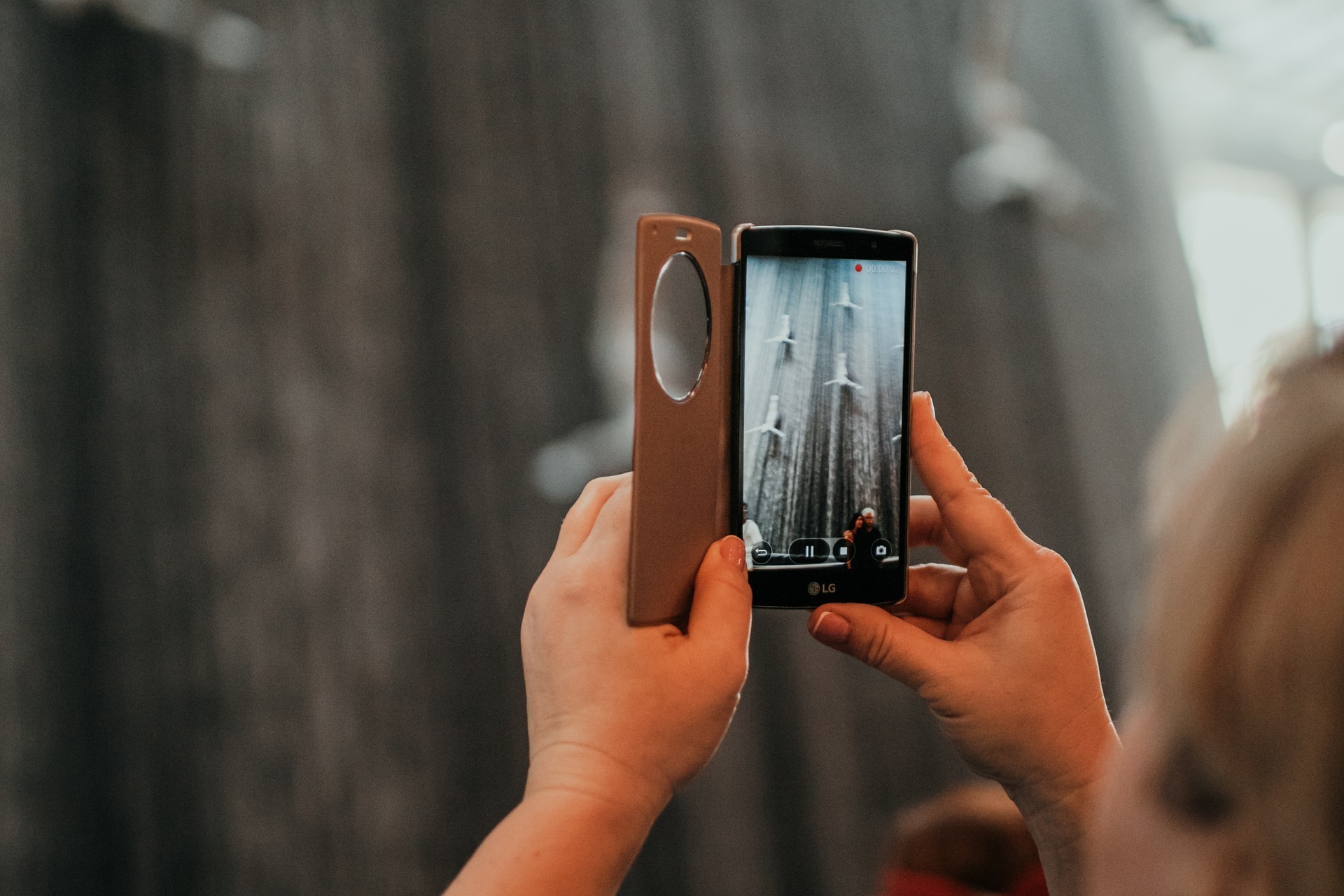
The Ultimate Guide to Creating a Reel of a Voyage
Are you ready to relive the magic of your dream vacation in an immersive video experience? Look no further! In this comprehensive guide, we’ll show you how to create a stunning Reel of a voyage that will transport your friends and family back to the wonder of your travels.
Why Create a Reel of a Voyage?
Before we dive into the nitty-gritty, let’s talk about why creating a Reel of a voyage is an excellent idea. Not only do these videos allow you to relive the memories of your trip, but they also give your friends and family a front-row seat to experience it with you.
Imagine being able to share the beauty of the Amalfi Coast, the thrill of exploring Tokyo’s neon streets, or the tranquility of hiking through Iceland’s stunning landscapes. A Reel of a voyage is the perfect way to relive these memories and inspire others to plan their own dream vacations.
Tips For Creating a Memorable Reel
Before we begin, here are some essential tips to keep in mind:
- Organize Your Material: Create a folder with all the videos and photos you’ve taken during your trip. This will make it easier to select the best moments to feature in your Reel.
- Select a Theme: Decide on a theme for your Reel, such as showcasing a particular city or landscape.
- Keep it Concise: Remember that attention spans are short, so keep your Reel engaging and easy to follow.
How to Create a Reel of a Voyage
Now that we’ve covered the basics, let’s dive into the step-by-step process of creating a Reel of a voyage:
Step 1: Choose Your Platform
You can create a Reel on either Instagram or Facebook. Both platforms offer a user-friendly interface and a wide range of features to help you create an engaging video.
Step 2: Select Your Videos And Photos
Choose the best videos and photos from your trip and add them to a folder. You’ll want to select moments that showcase the beauty, culture, and adventure of your travels.
Step 3: Edit Your Reel
Use the editing tools on Instagram or Facebook to trim, cut, and arrange your videos and photos in a way that tells a story. Don’t be afraid to get creative!
Step 4: Add Music And Sound Effects
Choose a catchy soundtrack and add sound effects to enhance the viewing experience.
Step 5: Add Captions And Subtitles
Use captions and subtitles to provide context and make your Reel more accessible to a wider audience.
Tips For Creating a Reel on Instagram
If you’re creating a Reel on Instagram, here are some additional tips:
- Use The “Reels” Feature: This feature allows you to create a 15-90 second video that can be shared directly with your followers.
- Choose a Catchy Soundtrack: Music plays a huge role in making your Reel engaging and memorable.
- Keep it Concise: Instagram users have short attention spans, so keep your Reel snappy and easy to follow.
Tips For Creating a Reel on Facebook
If you’re creating a Reel on Facebook, here are some additional tips:
- Use The “Reels” Feature: This feature allows you to create a 15-90 second video that can be shared directly with your followers.
- Add Captions And Subtitles: Use captions and subtitles to provide context and make your Reel more accessible to a wider audience.
App For Creating a Reel of a Voyage
If you’re not comfortable creating a Reel on Instagram or Facebook, there are several apps available that can help you create a stunning video:
- Unfold: A free app that offers a range of templates and features to help you create a beautiful Reel.
- Instories: Another free app with a range of templates and features to help you create an engaging Reel.
Conclusion
Creating a Reel of a voyage is an excellent way to relive the memories of your dream vacation and inspire others to plan their own adventures. By following these tips and using the right tools, you can create a stunning video that will transport your friends and family back to the wonder of your travels.
Frequently Asked Questions
Q: What’s the best platform for creating a Reel of a voyage?
A: Both Instagram and Facebook offer user-friendly interfaces and features to help you create an engaging video. Choose the one that works best for you!
Q: How long should my Reel be?
A: Keep it concise! 15-90 seconds is a good length to aim for.
Q: What’s the most important thing to remember when creating a Reel of a voyage?
A: Organize your material and select a theme before you begin. This will make it easier to create an engaging video.
Q: Can I use music from other sources in my Reel?
A: Yes, but be sure to check the copyright laws in your country first!
Q: How do I add captions and subtitles to my Reel?
A: Use the built-in features on Instagram or Facebook to add captions and subtitles. This will make your Reel more accessible to a wider audience.
Q: Can I use other apps to create my Reel of a voyage?
A: Yes! There are several apps available that can help you create an engaging video, such as Unfold and Instories.
Q: How do I share my Reel with others?
A: Share your Reel directly on Instagram or Facebook. You can also save it to your device for later sharing.


