
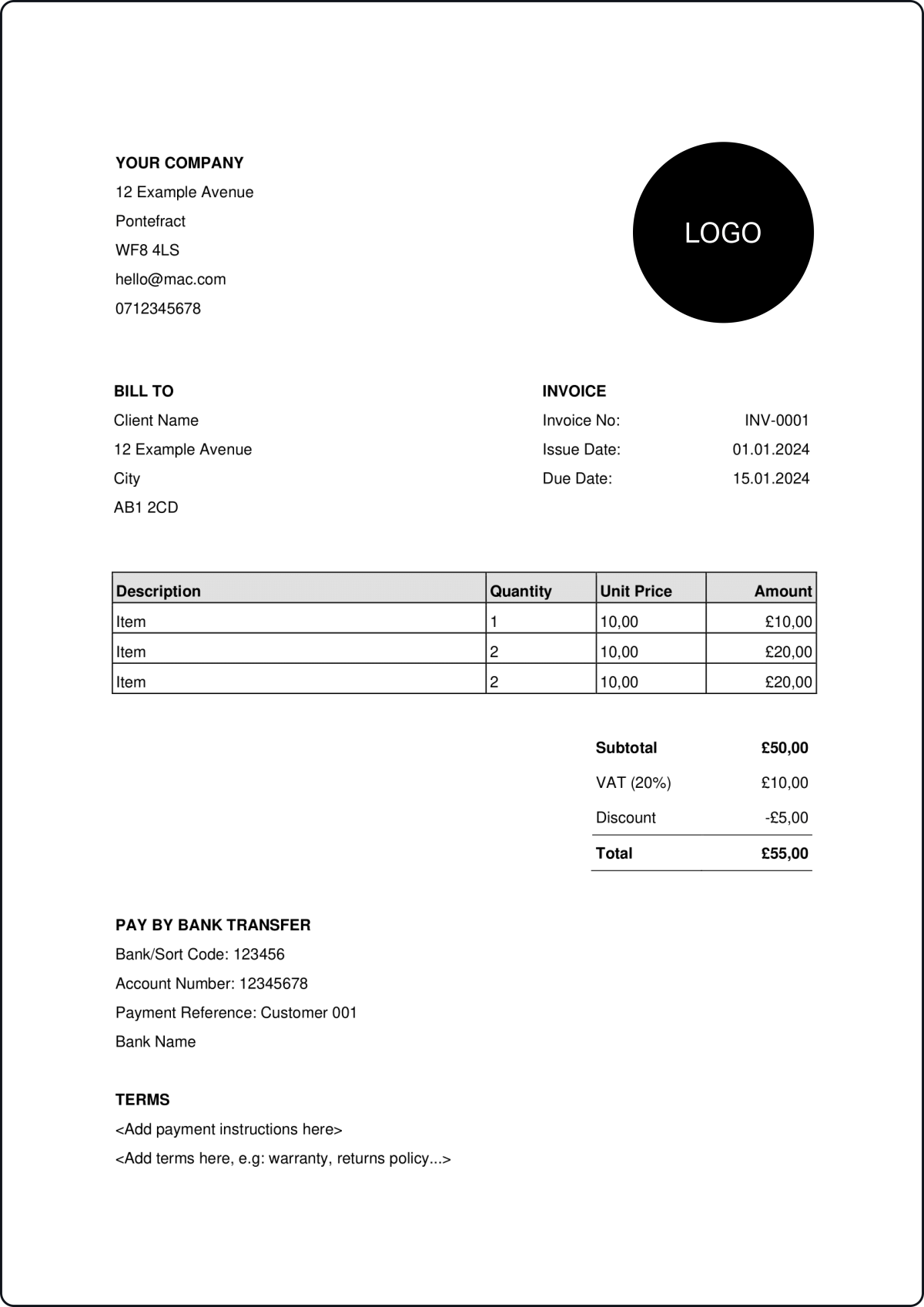
The Ultimate Guide to Doing Electronic Bills Free: A Step-by-step Guide
As a business owner or freelancer, managing electronic bills can be a daunting task. However, with the advent of technology, it has become easier than ever to generate and manage electronic bills free of charge. In this article, we will guide you through the process of doing electronic bills free using various instruments provided by the Italian government.
What Are Electronic Bills?
Before we dive into the nitty-gritty details, let’s first understand what electronic bills are. Electronic bills, also known as e-bills or e-invoices, are digital versions of traditional paper bills. They are generated and sent electronically to customers using various software programs or online platforms.
Why Should I Do Electronic Bills Free?
There are several benefits to doing electronic bills free:
- Cost Savings: By generating electronic bills, you can save on printing, postage, and other costs associated with traditional paper bills.
- Environmental Benefits: Reducing the need for paper and ink helps reduce waste and minimize your carbon footprint.
- Increased Efficiency: Electronic bills are generated and sent quickly, reducing the time spent on manual processes.
How to Do Electronic Bills Free Using Agency of Entrances’ Instruments
The Italian government has provided several instruments to help taxpayers manage electronic bills free of charge. Let’s explore each instrument in detail:
Procedure Web
The Procedure Web is an online platform provided by the Agency of Entrances that allows you to generate, save, and forward electronic bills.
- Access the official page Bills and Compensations using your SPID, CIE, or CNS credentials.
- Select the type of bill you want to generate (ordinary, simplified, or addressed to the Public Administration).
- Enter the client’s data, including their fiscal code, split IVA number, and address.
- Add the inherent data related to the turnover.
- Review and check the data entered before forwarding the bill.
Software For Pc
The software for PC is a program provided by the Agency of Entrances that allows you to generate electronic bills on your computer.
- Download and install Java on your PC if it’s not already installed.
- Access the official page of the service and download the software.
- Open the downloaded file and click on Execute and then Ahead.
- Follow the prompts to select the type of bill, enter client data, and add inherent data related to the turnover.
App Fatturae
The App Fatturae is a mobile app provided by the Agency of Entrances that allows you to generate electronic bills using your smartphone or tablet.
- Download and install the app on your device.
- Access the app and log in using your SPID credentials.
- Select the type of bill you want to generate (ordinary, simplified, fuels, or addressed to the Public Administration).
- Enter client data and inherent data related to the turnover.
- Review and check the data entered before forwarding the bill.
Other Forms to Do Bill Elettronica
Another helpful instrument for generating electronic bills is the service provided by Infocamere. This service allows you to create, store, and forward electronic bills.
- Access the official page of the service and log in using your SPID or CNS credentials.
- Select the type of bill you want to generate (ordinary, simplified, or addressed to the Public Administration).
- Enter client data and inherent data related to the turnover.
- Review and check the data entered before saving the bill.
How to Do Electronic Bill Free Using Aruba’s Instruments
Aruba is another provider that offers a range of instruments for generating electronic bills.
- Use their software program to generate electronic bills.
- Choose from various plans, including electronic turnover, electronic turnover only receipt, and electronic turnover for commercialists.
Conclusion
Generating electronic bills free of charge using the instruments provided by the Italian government can save you time, money, and resources. By following this guide, you can easily navigate through the process and start generating electronic bills today!
Frequently Asked Questions (FAQs)
- What is an Electronic Bill?
An electronic bill is a digital version of a traditional paper bill. - Why Should I do Electronic Bills Free?
By doing electronic bills free, you can save on printing costs, reduce waste, and increase efficiency. - How Can I Generate Electronic Bills Free Using Agency of Entrances’ Instruments?
You can use the Procedure Web, software for PC, App Fatturae, or other forms to do bill elettronica provided by Infocamere to generate electronic bills free. - What Are The Benefits of Using Aruba’s Instruments?
Aruba’s instruments offer a range of plans and features that can help you generate electronic bills efficiently and cost-effectively. - Can I Use Multiple Instruments Simultaneously?
Yes, you can use multiple instruments provided by different agencies to manage your electronic bills effectively. - What Are The System Requirements For Using Agency of Entrances’ Software Programs?
The system requirements vary depending on the software program used. However, most require Java to be installed on your computer. - How Long do I Have to Conserve Electronic Bills?
You must conserve electronic bills for ten years from the date they were forwarded. - Can I Use Aruba’s Instruments if I Have a Small Business or am Self-employed?
Yes, Aruba’s instruments can be used by individuals with small businesses or who are self-employed.
I hope this article has provided you with all the information you need to do electronic bills free using various instruments provided by the Italian government!


