
How to Officially Verify a Profile on Instagram
As you’ve already read my guide on how to use Instagram, you’re probably wondering what it takes to officially verify your profile. Well, I’m here to tell you that verifying your profile on Instagram is not as complicated as it seems.
What Does It Mean to Officially Verify a Profile?
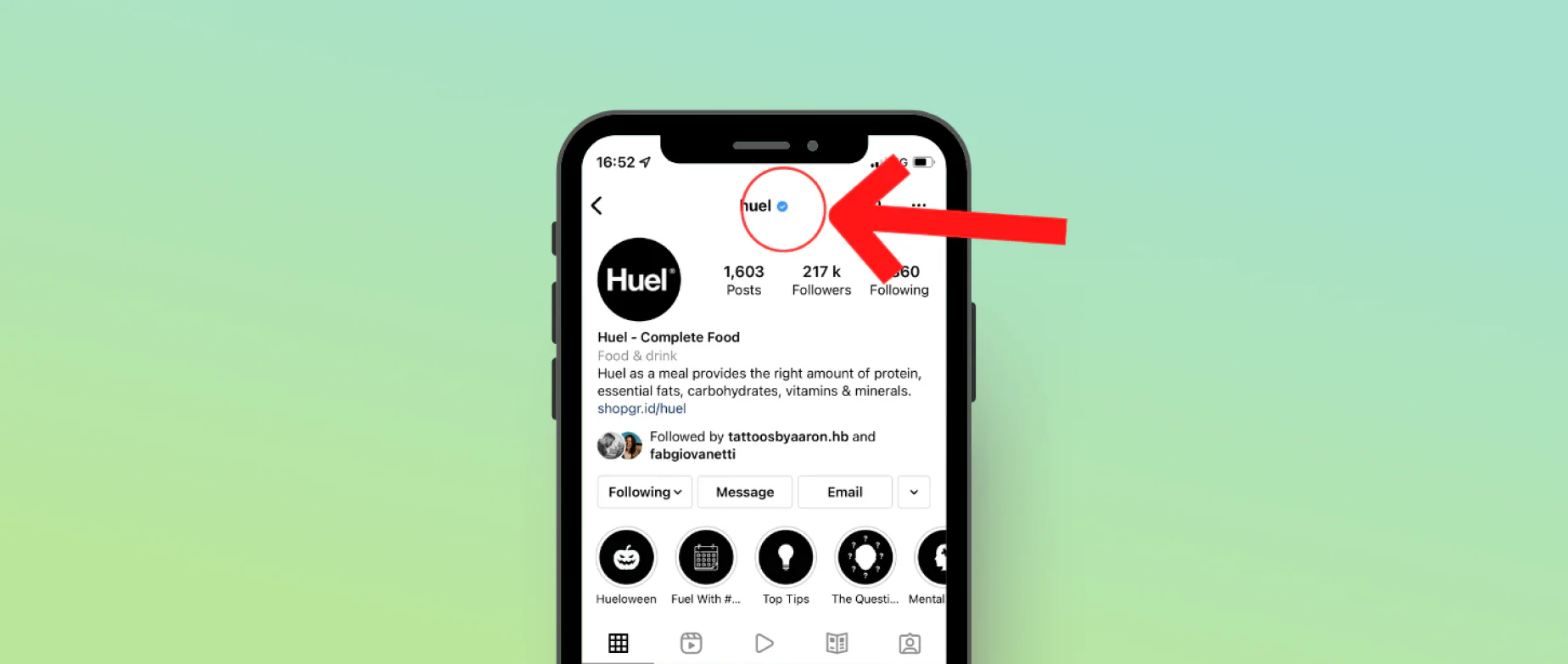
Official verification on Instagram is a badge of honor that signifies your profile has been reviewed and approved by the platform’s moderators. This badge will appear beside your name, making it easy for users to identify you as an official presence on the app.
Requirements to Get Verified
To get verified, you’ll need to meet certain requirements set by Instagram:
- Age: You must be at least 18 years old to apply for verification.
- Public Profile: Your profile must be public and not private.
- Verification Document: You’ll need to upload a valid government-issued ID, such as a passport or driver’s license.
- Two-factor Authentication: Your account must have two-factor authentication enabled.
How to Apply For Verification
Applying for verification is a straightforward process:
- Download And Install The Instagram App: Download the app on your Android device from the Play Store or iOS device.
- Access Your Profile Settings: Tap on the three horizontal lines in the top-right corner, then tap on “Settings” and select “Account.”
- Request Verification: Scroll down to the “Verification” section and tap on it.
What Happens After You Submit Your Request?
After submitting your request, Instagram’s team will review your application. If approved, you’ll receive a notification, and your profile will be verified. This process can take some time, so be patient.
Alternative Ways to Verify Your Profile
In addition to the classic verification process, there’s another way to verify your profile using Meta Verified. This service allows you to request verification through a monthly subscription. However, this option is only available to users who meet specific requirements.
How to Use Meta Verified
To use Meta Verified, follow these steps:
- Access Your Profile Settings: Tap on the three horizontal lines in the top-right corner, then tap on “Settings” and select “Account.”
- Scroll Down to The “Meta Verified” Section: If you’re eligible, you’ll see this option.
- Follow The On-screen Instructions: Complete the verification process as prompted.
Pointing a False Account on Instagram
If someone has created a fake account in your name or on behalf of your company without permission, you can report it to Instagram’s moderators.
- Access Your Profile Settings: Tap on the three horizontal lines in the top-right corner, then tap on “Settings” and select “Account.”
- Scroll Down to The “Report a Problem” Section: If you see a suspicious profile, select this option.
- Follow The On-screen Instructions: Report the issue as prompted.
Conclusion
Official verification on Instagram is an important step in establishing your credibility and authenticity on the platform. By following these steps and meeting the required criteria, you can get verified and enjoy the benefits that come with it.
Frequently Asked Questions
- What is Official Verification on Instagram?
Official verification on Instagram means that your profile has been reviewed and approved by the platform’s moderators. - How do I Apply For Verification?
You can apply for verification through the Instagram app by accessing your profile settings and following the prompts. - What Are The Requirements to Get Verified?
To get verified, you must be at least 18 years old, have a public profile, upload a valid government-issued ID, and enable two-factor authentication. - How Long Does The Verification Process Take?
The verification process can take some time, so be patient. - What is Meta Verified?
Meta Verified is an alternative way to verify your profile using a monthly subscription service offered by Meta Platforms. - Can I Point a False Account on Instagram?
Yes, you can report any suspicious or fake profiles to Instagram’s moderators through the app. - How do I Point a False Account on Instagram?
To point a false account, access your profile settings and follow the prompts to report the issue.
By following these steps and meeting the required criteria, you can establish your credibility and authenticity on Instagram and enjoy the benefits that come with it.


