
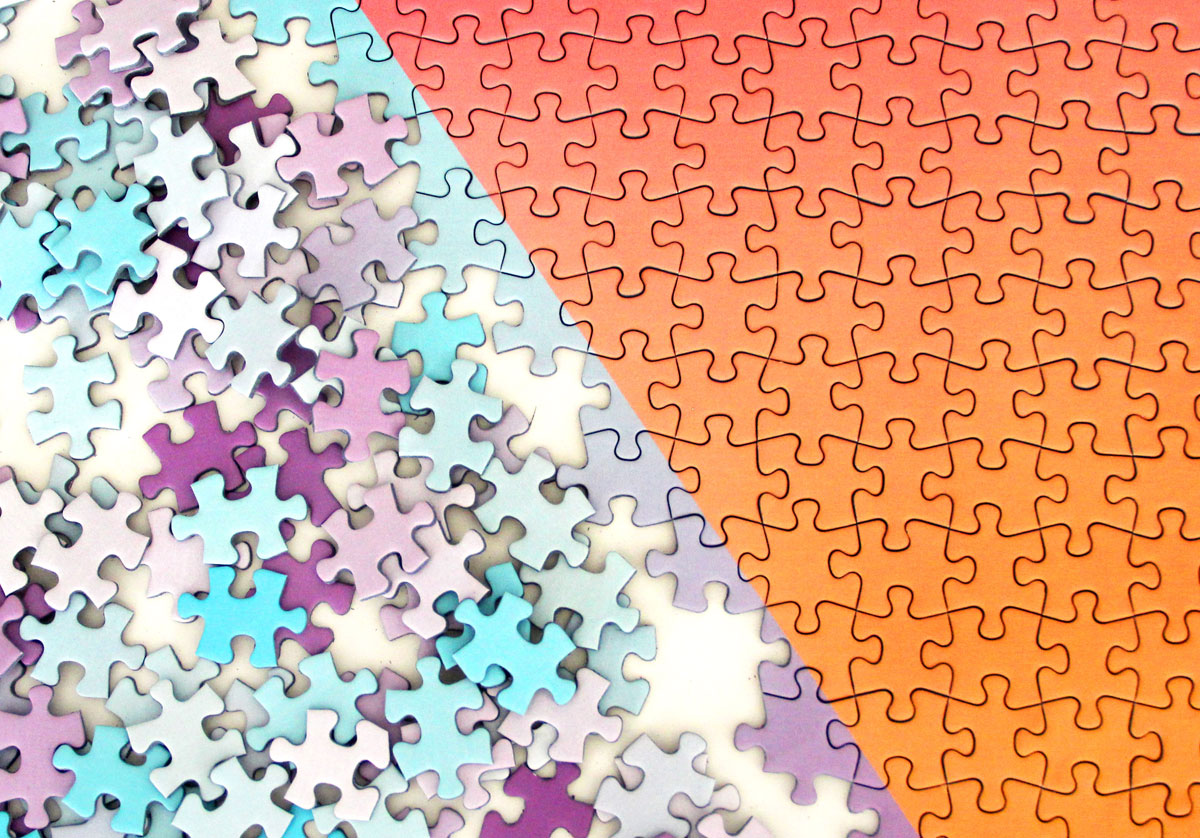
Unlocking The Fun: A Comprehensive Guide to Creating Photo Puzzles
Are you tired of simply viewing photos on your device? Do you want to add an extra layer of excitement to sharing memories with friends and family? Look no further than creating photo puzzles! In this article, we will take you through a step-by-step guide on how to create photo puzzles using various online services, software, and mobile apps.
What Are Photo Puzzles?
Photo puzzles are a fun way to transform your favorite images into interactive and challenging games. By breaking down an image into smaller pieces, you can create a puzzle that can be solved by anyone who wants to relive the memory or experience it for themselves.
Creating Photo Puzzles Online
There are several online services that allow you to create photo puzzles with ease. Here are some of the most popular ones:
Photofunia
If you want to create a photo puzzle without downloading any software, Photofunia is the way to go! This online service allows you to upload your image and transform it into a puzzle with just a few clicks.
- Sign up for a free account on Photofunia.
- Upload your image by dragging and dropping it onto the website or selecting it from your device’s gallery.
- Choose the desired puzzle template, piece count, and difficulty level.
- Share your puzzle with friends and family via email or social media.
Jigsaw Planet
Another great online service for creating photo puzzles is Jigsaw Planet. This platform allows you to create and solve puzzles using images from their library or by uploading your own photos.
- Sign up for a free account on Jigsaw Planet.
- Create an album by choosing the desired puzzle template, piece count, and difficulty level.
- Upload your image to the album by dragging and dropping it onto the website or selecting it from your device’s gallery.
- Share your puzzle with friends and family via email or social media.
Other Online Services
If you’re looking for more options, here are a few other online services that allow you to create photo puzzles:
- Funny Photo – A Free Website That Applies Effects to Your Photos, Including a Puzzle Effect!
- Fotoeffetti – Another Accessible Service That Allows You to Create And Share Puzzles With Friends And Family.
- Epuzzle – A Good Alternative For Transforming Your Photos Into Online Puzzles And Playing With Other Users Freely.
Creating Photo Puzzles on PC
If you prefer to work on your computer, here are some software options that allow you to create photo puzzles:
Gimp (Windows/MacOS)
GIMP is an open-source image editing software that’s free to use and available for Windows, MacOS, and Linux. You can easily create a photo puzzle by following these steps:
- Download GIMP from the official website.
- Install it on your computer by following the instructions provided.
- Open GIMP and select the “Image” menu.
- Choose the desired image to work with.
- Go to the “Filters” menu, then select “Render,” followed by “Reason.”
- Select the puzzle effect from the drop-down menu.
- Personalize your puzzle by adjusting the piece count, relief amplitude, light intensity, and style.
- Save your work by clicking on the “File” menu and selecting “Save As.”
Other Software Options
Here are a few other software options that allow you to create photo puzzles:
- Adobe Photoshop (Windows/MacOS) – A Professional Image Editing Software With Advanced Features For Creating Photo Puzzles!
- Krita (Windows/MacOS) – A Free, Open-source Software That Allows You to Create Graphic Designs And Photo Puzzles.
- Paint.Net (Windows) – A User-friendly Software That Combines The Simplicity of Paint With Advanced Features For Creating Photo Puzzles!
Creating Photo Puzzles on Mobile Devices
If you prefer to work on your smartphone or tablet, here are some mobile app options that allow you to create photo puzzles:
Rompicapo HD (Android/iOS/iPadOS)
This app allows you to create and play puzzle games with your photos. You can even download a premium version to remove ads and unlock extra features!
- Download Rompicapo HD from the App Store or Google Play.
- Create a new puzzle by selecting an image from your gallery.
- Choose the desired puzzle template, piece count, and difficulty level.
- Share your puzzle with friends and family via social media or messaging apps.
Puzzle: Gamblings of Rompicapo (Android)
This app offers daily puzzles, exclusive collections, and the ability to create custom puzzles using your own photos! It’s free to download, but you can upgrade to a premium version for extra features!
- Download Puzzle: Gamblings of Rompicapo from Google Play.
- Create a new puzzle by selecting an image from your gallery.
- Choose the desired puzzle template, piece count, and difficulty level.
- Share your puzzle with friends and family via social media or messaging apps.
Magic Jigsaw Puzzles (Android/iOS/iPadOS)
This popular app allows you to create and play puzzle games using images from their library or by uploading your own photos! You can even collaborate with other users on exclusive collections!
- Download Magic Jigsaw Puzzles from the App Store or Google Play.
- Create a new puzzle by selecting an image from their library or uploading your own photo.
- Choose the desired puzzle template, piece count, and difficulty level.
- Share your puzzle with friends and family via social media or messaging apps.
Gamblings of Puzzle HD (Android/iOS/iPadOS)
This app allows you to play puzzle games using images from their library or by uploading your own photos! You can even create custom puzzles and access them on multiple devices!
- Download Gamblings of Puzzle HD from the App Store or Google Play.
- Create a new puzzle by selecting an image from their library or uploading your own photo.
- Choose the desired puzzle template, piece count, and difficulty level.
- Share your puzzle with friends and family via social media or messaging apps.
Just Jigsaws (Android/iOS/iPadOS)
This app offers over 1000 puzzles to play using images from their library or by uploading your own photos! You can even create custom puzzles and access them on multiple devices!
- Download Just Jigsaws from the App Store or Google Play.
- Create a new puzzle by selecting an image from their library or uploading your own photo.
- Choose the desired puzzle template, piece count, and difficulty level.
- Share your puzzle with friends and family via social media or messaging apps.
Conclusion
Creating photo puzzles is a fun and creative way to share memories with friends and family. Whether you prefer online services, software, or mobile apps, there are plenty of options available to suit your needs. So go ahead, experiment with different tools, and see what kind of amazing photo puzzles you can create!


