
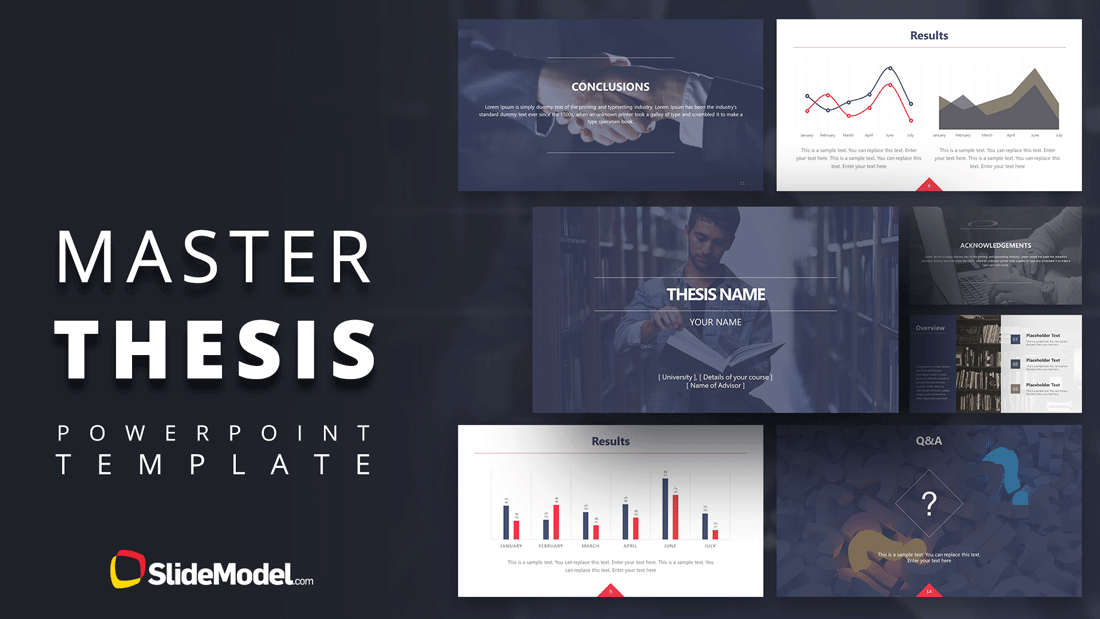
Creating an Effective Powerpoint Presentation: A Step-by-step Guide
Are you preparing to present your thesis or research findings in front of a formal audience? Creating a well-designed PowerPoint presentation is crucial to convey your message effectively and engage your listeners. In this article, we will guide you through the process of creating a professional-looking PowerPoint presentation, with tips and tricks to help you achieve success.
Choosing The Right Focus
Before starting your presentation, it’s essential to identify the key focus of your discussion. A well-defined focus will help you stay on track and avoid unnecessary details that might confuse or bore your audience. Take some time to reflect on the main points you want to convey and prioritize them accordingly.
Utilizing Slides as a Guide
Your slides should not be a summary of your thesis but rather an accompaniment to guide your discussion. Use them to highlight key concepts, statistics, or images that will help illustrate your point. Remember, your audience may not have the time or inclination to read through detailed text on each slide.
Being Concise And Brief
When creating slides, keep in mind that less is often more. Avoid lengthy texts or complicated graphics that might distract from the main message. Instead, use simple and clear language to convey your ideas. Remember, you’re not trying to win a prize for the most words on a single slide!
Inserting a Dedicated Slide For Research Aim
It’s highly recommended to dedicate a separate slide to the aim of your research or investigation. This will help guide both yourself and your audience through the presentation, making it easier to follow along.
Choosing Less Challenging Topics
When selecting topics for discussion, consider those that are less demanding on your audience’s attention span. Avoid complex or sensitive issues unless absolutely necessary.
Avoiding Automatic Animations And Effects
While animations and effects can be engaging in casual conversations, they’re often unnecessary and distracting in formal presentations. Stick to simple transitions between slides and avoid using audio effects unless absolutely essential.
Inserting Graphic And Tables
Including charts, pictures, or tables can help illustrate key points and make your presentation more engaging. Just ensure that these elements align with the main discussion and provide relevant information.
Selecting Easily Readable Characters
Use a font size of at least 25 to ensure that your text is easily readable from a distance. Choose clear and simple fonts that won’t confuse or distract your audience.
Formating Text Correctly
Format your text correctly by highlighting key words, using proper punctuation, and ensuring consistent spacing throughout the presentation.
Tips For Creating an Effective Presentation
- Limit The Number of Slides: Keep your presentation concise and focused.
- Use Clear Headings And Subheadings: Make it easy for your audience to follow along.
- Avoid Unnecessary Details: Stick to the main points and avoid getting bogged down in trivialities.
- Practice Your Delivery: Rehearse your presentation several times to ensure a smooth flow.
Conclusion
Creating an effective PowerPoint presentation requires careful planning, attention to detail, and a focus on engaging your audience. By following these tips and guidelines, you’ll be well on your way to delivering a professional-looking presentation that will impress and inform your listeners.
Frequently Asked Questions (FAQs)
- What is The Ideal Number of Slides For a 15-minute Presentation?
A: Aim for around 12-17 slides, depending on the complexity of your topic. - How Can I Ensure my Text is Easily Readable From a Distance?
A: Use a font size of at least 25 and choose clear, simple fonts that won’t confuse or distract your audience. - What Should I Include in my Presentation to Make it More Engaging?
A: Incorporate charts, pictures, or tables to illustrate key points and provide relevant information. - How Can I Avoid Distractions During my Presentation?
A: Avoid using automatic animations and effects, and keep your slides simple and concise. - What is The Best Way to Practice my Delivery?
A: Rehearse your presentation several times in front of a mirror or with friends/family members to ensure a smooth flow.
I hope you find this guide helpful!


