
How to Create a Successful Instagram Page: A Step-by-step Guide
Are you looking to enhance your online presence on social media? Do you want to reach a wider audience and grow your business? Look no further than Instagram, the popular social network photographic platform! With over 1 billion active users, Instagram is an ideal place to showcase your brand, products, or services. In this article, we will guide you through the process of creating and managing a successful Instagram page.
Understanding The Cost of Having an Instagram Page
Before we dive into the nitty-gritty of creating a page, let’s talk about the cost involved. Having an Instagram account is free, but sustaining it can come with costs, especially if you want to reach a wider audience through sponsorships. The prices for sponsorships can vary greatly, ranging from a few euros to hundreds or thousands of euros per campaign. If you’re looking to optimize your outcomes on the platform, consulting a social media manager can be beneficial. They can help you create effective strategies and provide valuable insights into the latest trends and algorithm updates.
How to Create a Successful Instagram Page
Now that we’ve covered the costs involved, let’s focus on creating a successful Instagram page. A successful page is one that has an engaging feed, uses effective hashtags, and interacts with its audience. Here are some tips to help you achieve this:
- Create an Engaging Feed: Share high-quality photos and videos that showcase your brand, products, or services.
- Use Effective Hashtags: Research relevant hashtags and use them consistently in your posts.
- Interact With Your Audience: Respond to comments and messages promptly, and engage with other users by liking and commenting on their posts.
How to Create a Page on Instagram
If you haven’t already created an Instagram page, don’t worry! It’s easy to do so. Here’s a step-by-step guide:
- Download The Official App: Download the official Instagram app on your Android or iOS device.
- Access Your Account: Access your account by logging in with your username and password.
- Tap on The Three Horizontal Lines: Tap on the three horizontal lines located at the top right corner of the screen.
- Select ‘Settings’: Select ‘Settings’ from the menu that appears.
- Choose a Category: Choose a category that best describes your account (e.G., Blogger, Creator Digital, Editor).
- Tap on ‘Create Professional Account’: Tap on ‘Create Professional Account’.
- Fill Out The Form: Fill out the form with your details and select your preferred username.
- Verify Your Email Address: Verify your email address by following the instructions sent to you via email.
Managing Your Instagram Page
Now that you have created a page, let’s talk about managing it effectively. Here are some tips:
- Use Instagram Insights: Use Instagram Insights to track your account’s performance and identify areas for improvement.
- Share New Content Regularly: Share new content regularly to keep your audience engaged.
- Sponsor Your Contents: Sponsor your contents to reach a wider audience.
How to Manage an Instagram Page From PC
If you want to manage your Instagram page from PC, there are several options available:
- Use The Web Version of Instagram: You can use the web version of Instagram to manage your account.
- Install The Application For Windows 10/11: You can install the application for Windows 10/11 to manage your account.
How to Manage an Instagram Page as a Business
If you’re managing an Instagram page as a business, here are some tips:
- Create a Professional Branding: Create a professional branding by using the same name and image across all your social media platforms.
- Share Behind-the-scenes Content: Share behind-the-scenes content to give your audience an insight into your work.
- Sponsor Your Contents: Sponsor your contents to reach a wider audience.
How to Manage Multiple Instagram Pages
If you have multiple Instagram pages, here are some tips:
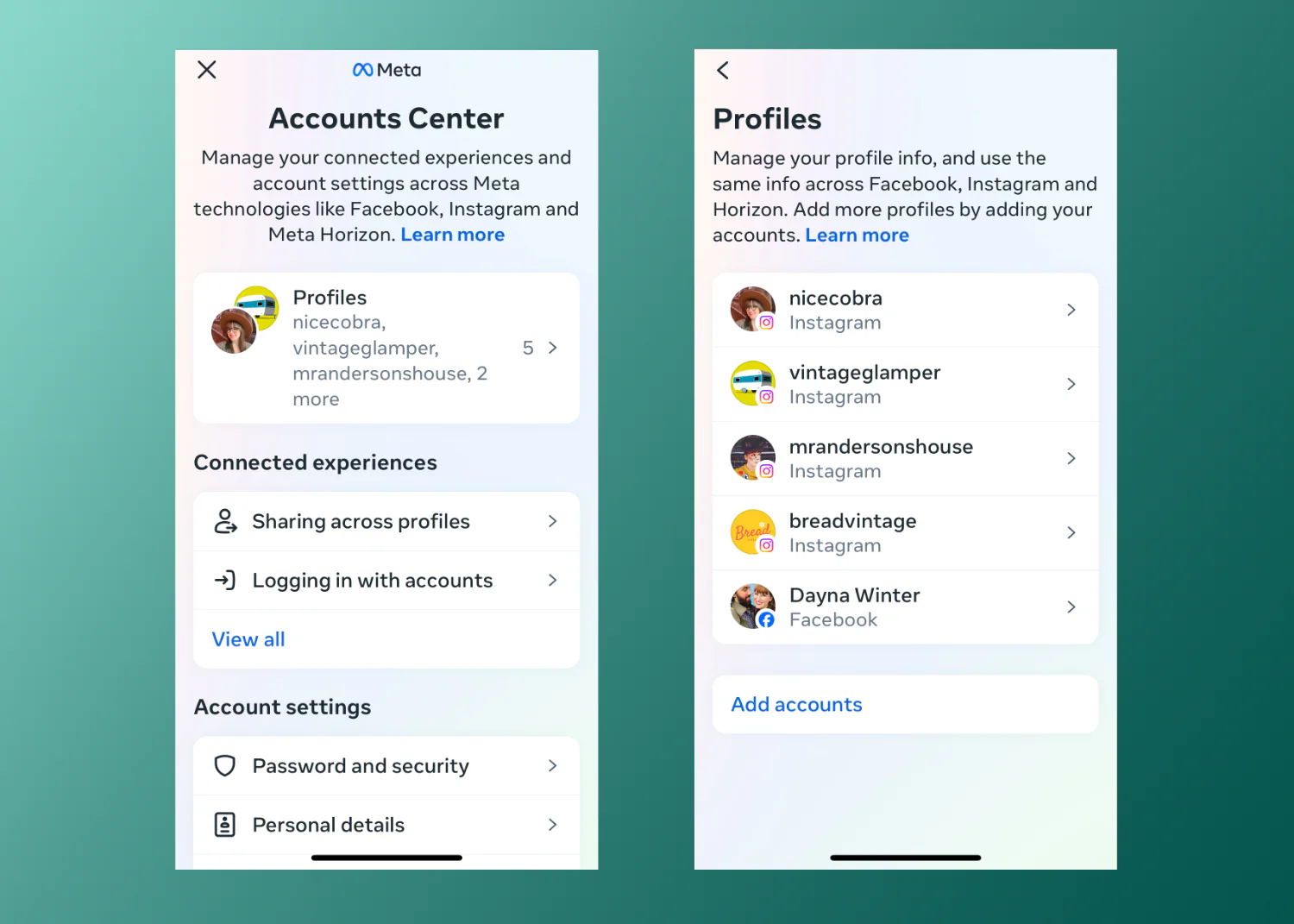
- Use The ‘Add Account’ Feature: Use the ‘Add Account’ feature to add new accounts and manage them from one place.
- Assign Roles to Users: Assign roles to users who can help you manage your accounts.
Conclusion
Managing an Instagram page requires effort, time, and patience. However, with these tips and a little creativity, you can create a successful page that showcases your brand, products, or services. Don’t forget to engage with your audience, use effective hashtags, and share high-quality content regularly. Good luck!
Frequently Asked Questions (FAQs)
Here are some frequently asked questions about managing an Instagram page:
- Q: How do I Create a Successful Instagram Page?
A: To create a successful Instagram page, you need to engage with your audience, use effective hashtags, and share high-quality content regularly. - Q: How do I Manage Multiple Instagram Pages?
A: You can use the ‘Add Account’ feature to add new accounts and manage them from one place. Assign roles to users who can help you manage your accounts. - Q: Can I Sponsor my Contents on Instagram?
A: Yes, you can sponsor your contents on Instagram by selecting a budget and duration for the campaign. - Q: How do I Access Instagram Insights?
A: You can access Instagram Insights from the ‘Settings’ menu on your profile page. - Q: Can I Manage my Instagram Page From Pc?
A: Yes, you can manage your Instagram page from PC by using the web version of Instagram or installing the application for Windows 10/11.
I hope this article has provided you with a comprehensive guide to creating and managing a successful Instagram page. Don’t forget to follow these tips and engage with your audience regularly. Good luck!


