
How to Manage Passwords: A Comprehensive Guide
Are you tired of juggling multiple passwords across various accounts? Do you want to ensure that your sensitive information remains secure? Look no further! In this article, we’ll delve into the world of password management and provide you with a comprehensive guide on how to manage your passwords effectively.
The Importance of Password Management
Password management is crucial in today’s digital age. With so many online accounts to remember, it’s easy to fall victim to weak or repeated passwords. This can compromise the security of your sensitive information, making you vulnerable to cyber threats. By using a password manager, you can store all your login credentials in one secure location, eliminating the need to remember multiple passwords.
Types of Password Managers
There are various types of password managers available, each with its own features and benefits. Some popular options include:
- Native Password Managers: These are built-in password managers that come pre-installed on operating systems like Windows, macOS, or Android.
- Third-party Password Managers: These are external programs that can be downloaded and installed on your device, such as LastPass, 1Password, or Bitwarden.
Choosing The Right Password Manager
When selecting a password manager, consider the following factors:
- Security: Look for a manager with robust encryption and two-factor authentication.
- Ease of Use: Opt for a user-friendly interface that makes it easy to generate, store, and retrieve passwords.
- Cross-platform Compatibility: Ensure the manager is available on multiple platforms, including desktop, mobile, and web browsers.
How to Use a Password Manager
Using a password manager is relatively straightforward. Here’s a step-by-step guide:
- Create an Account: Sign up for a password manager, choosing a strong master password.
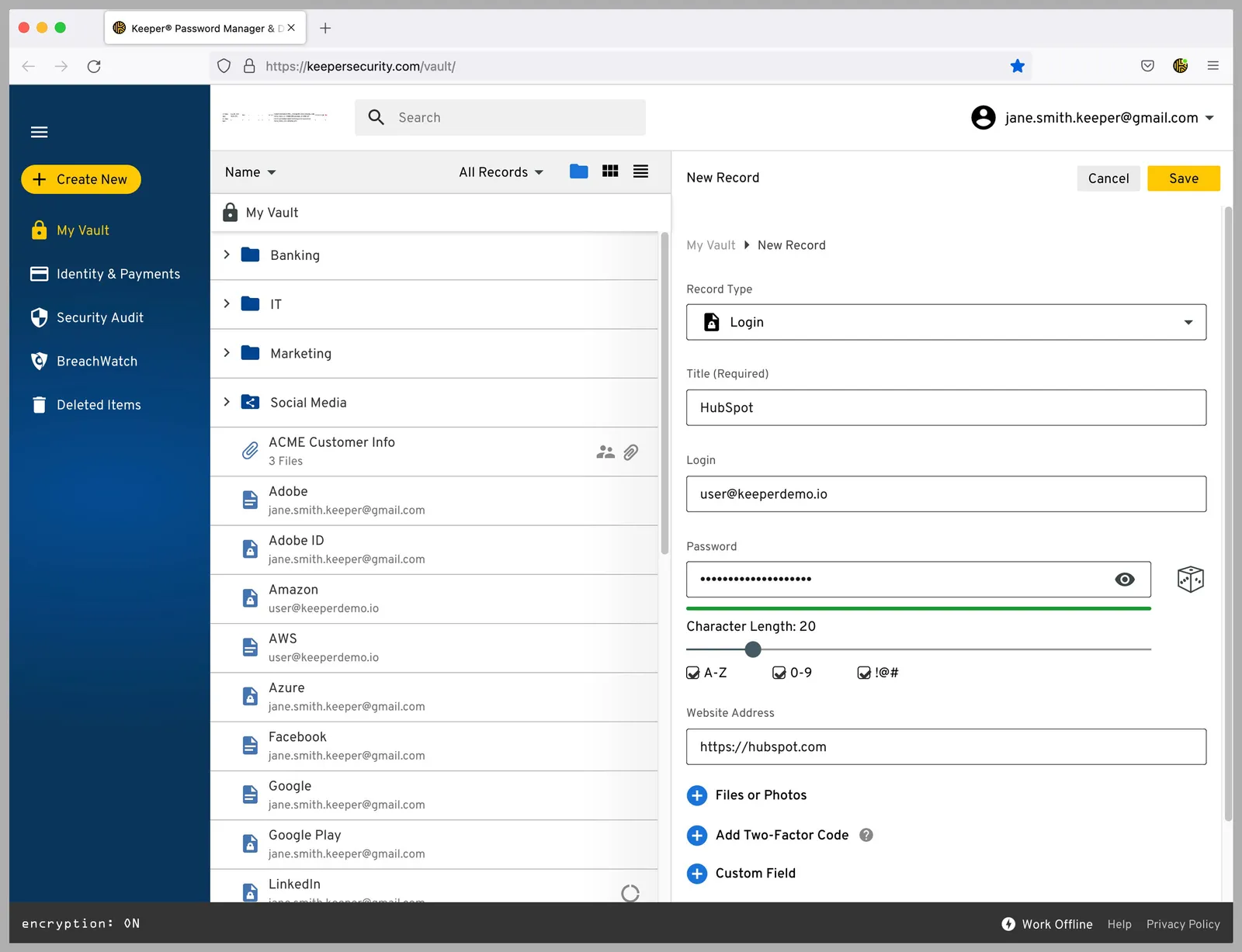
- Generate Passwords: Use the manager’s built-in generator to create unique and complex passwords for each account.
- Store Credentials: Save your login information in the manager’s secure vault.
- Access Accounts: Use the manager to log in to your accounts, eliminating the need to remember multiple passwords.
Tips For Effective Password Management
To get the most out of your password manager:
- Use a Strong Master Password: Avoid using easily guessable words or phrases.
- Enable Two-factor Authentication: Add an extra layer of security with two-step verification.
- Regularly Update Passwords: Periodically change your passwords to maintain maximum security.
Conclusion
Password management is a critical aspect of online security. By choosing the right password manager and using it effectively, you can safeguard your sensitive information from cyber threats. Remember to always use strong master passwords, enable two-factor authentication, and regularly update your passwords to maintain maximum security.


