
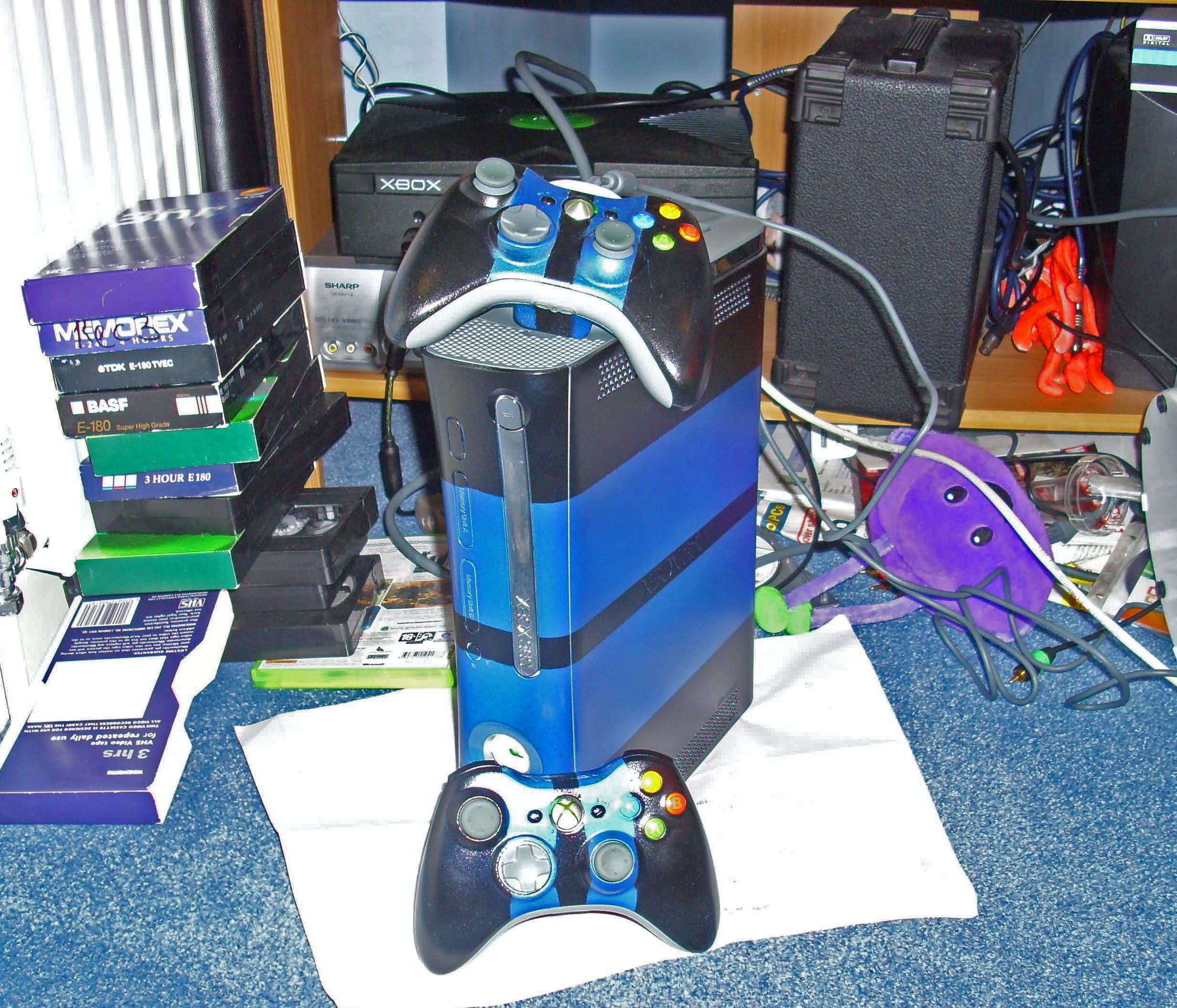
Modifying Xbox 360: A Step-by-step Guide
As a seasoned gamer, you’ve likely encountered various modifications and hacks on popular gaming consoles like the Wii. However, modifying an Xbox 360 is a completely different story, requiring a more complex approach to hardware modification. In this article, we’ll delve into the world of Xbox 360 modifications, exploring the possibilities and challenges that come with it.
Why Modify Your Xbox 360?
Before we dive into the nitty-gritty details of modifying an Xbox 360, let’s explore why you might want to do so in the first place. The main reasons include:
- Upgrading Hardware: Modifying your Xbox 360 allows you to upgrade its internal components, such as the hard drive or memory, without having to purchase a new console.
- Unlocking Features: Certain modifications can unlock features like the ability to play games on other regions’ discs or access exclusive content.
- Customizing Your Gaming Experience: Modifying your Xbox 360 enables you to personalize your gaming setup with custom skins, mods, and other visual enhancements.
The Risks Involved
Before embarking on this journey, it’s essential to understand the potential risks involved. These include:
- Voiding Your Warranty: Modifying your Xbox 360 will void its warranty, leaving you without support or protection in case something goes wrong.
- Risk of Bricking: There’s a risk that your console might become “bricked,” meaning it becomes unusable due to incorrect modification procedures.
- Damage to Components: Improper handling or modification can damage internal components, rendering them useless.
The Process of Modifying Xbox 360
So, what does the process look like? Here’s a step-by-step guide:
- Prepare Your Tools And Materials:
- Gather necessary tools, such as a screwdriver, tweezers, and wire cutters.
- Obtain the required materials, including a new hard drive or memory module.
- Disassemble The Console: Carefully disassemble the Xbox 360 to access its internal components.
- Identify The Modification Point:
- Locate the part you want to modify (e.G., The DVD reader).
- Understand how it’s connected to other components and ensure you’re prepared for potential challenges.
Step-by-step Instructions For Modifying Xbox 360
Here are some step-by-step instructions to follow:
- Remove The Top Panel: Carefully pry off the top panel of your Xbox 360 using a plastic spudger or similar tool.
- Disconnect The Dvd Reader: Disconnect the DVD reader from its original connection point, taking note of any potential cable damage.
- Install The New Hard Drive or Memory Module:
- Replace the old storage device with a new one, ensuring proper connections and cables.
- Reassemble The Console: Put everything back together in reverse order, making sure all screws are securely fastened.
Safety Precautions
Before starting this process, please take the following precautions:
- Ground Yourself: Static electricity can damage your Xbox 360’s components; touch a grounded metal object or wear an anti-static wrist strap.
- Use Proper Tools And Materials: Ensure you have the necessary tools and materials to avoid any potential risks or complications.
Conclusion
Modifying your Xbox 360 is a complex process that requires patience, attention to detail, and caution. While there are risks involved, it can be a rewarding experience for those willing to take on the challenge.


