
Unlocking The Potential of Ebay: A Comprehensive Guide to Opening a Shop
Are you looking to take your eBay experience to the next level? Do you want to increase your sales, reach a wider audience, and enjoy more features than ever before? If so, then opening an eBay shop is the perfect solution for you. In this article, we will guide you through the process of creating a professional shop on eBay, highlighting its benefits, and exploring the different types of subscriptions available.
What is an Ebay Shop?
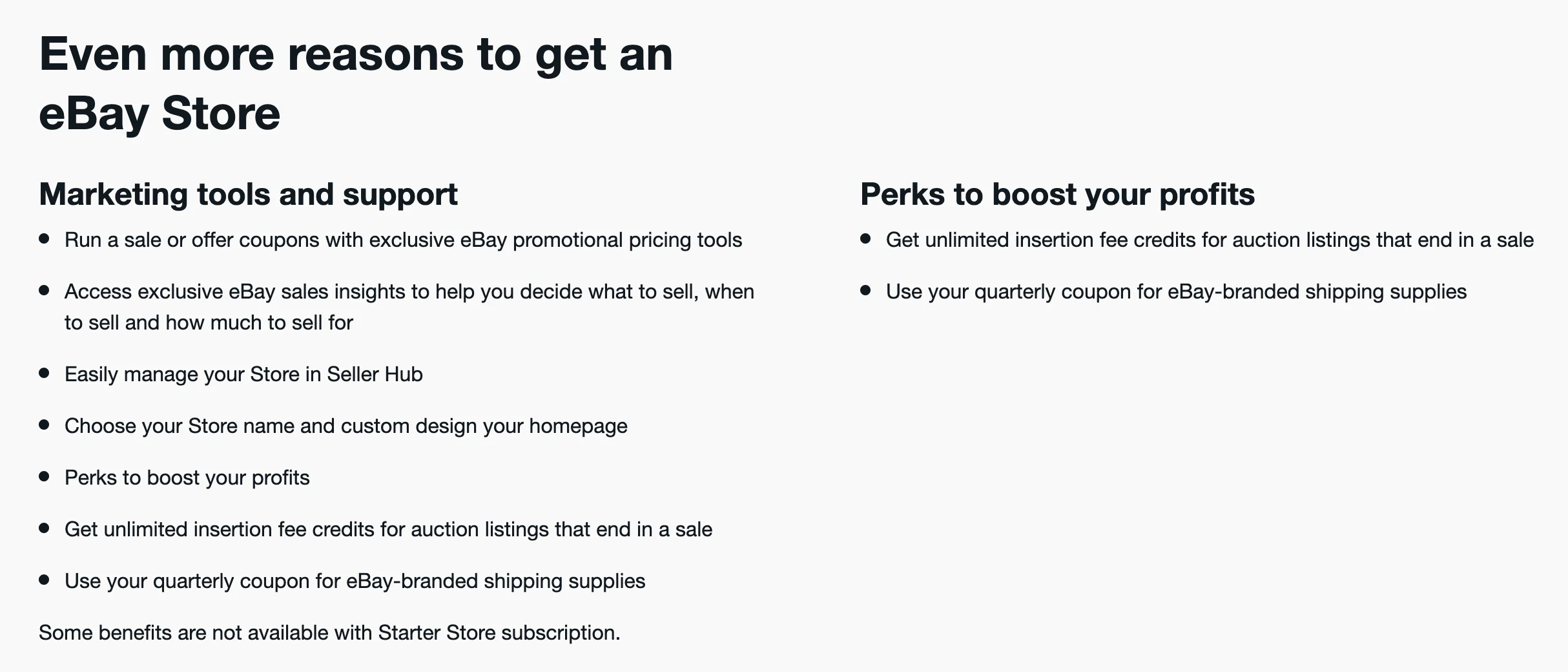
An eBay shop allows sellers to create a virtual storefront on the platform, showcasing their products, and providing customers with a seamless shopping experience. By opening an eBay shop, you can establish your brand, build trust with potential buyers, and increase your sales.
Benefits of Opening an Ebay Shop
Opening an eBay shop offers numerous benefits, including:
- Increased Visibility: A shop allows you to showcase your products in a dedicated space, making it easier for customers to find what they’re looking for.
- Professional Branding: A shop enables you to create a professional brand image, showcasing your logo, and enhancing your credibility.
- More Features: Shops offer additional features, such as custom listings, detailed product information, and easy payment processing.
Types of Ebay Shop Subscriptions
EBay offers three types of shop subscriptions: Shop Base, Shop Premium, and Shop Premium Plus. Each subscription comes with its own set of features, pricing, and requirements.
Shop Base (23.79 Euros/month)
- Ideal For Beginners: This subscription is perfect for those who are new to eBay or want to test the waters.
- 300 Free Listings: Shop Base offers 300 free “Buy it now” listings and 20 auction-style listings.
- No Fees: The first two months of registration are free, with no listing fees.
Shop Premium (48.19 Euros/month)
- Ideal For Established Sellers: This subscription is perfect for those who have a proven track record on eBay.
- 10,000 Free Listings: Shop Premium offers 10,000 free “Buy it now” listings and 50 auction-style listings.
- International Shipping: This subscription allows you to create international sales announcements.
Shop Premium Plus (182.39 Euros/month)
- Ideal For High-volume Sellers: This subscription is perfect for those who sell large quantities on eBay.
- Unlimited Free Listings: Shop Premium Plus offers unlimited “Buy it now” listings and 250 auction-style listings.
- Enhanced Analytics: This subscription provides access to advanced sales data and analytics.
How to Open an Ebay Shop
Opening an eBay shop is a straightforward process. Follow these steps:
- Sign up For an Ebay Account: If you haven’t already, create a free eBay account.
- Upgrade to a Business Account: To open a shop, you’ll need to upgrade to a business account, which requires a PayPal account and a credit card.
- Choose Your Shop Subscription: Select the type of shop subscription that suits your needs.
- Set up Your Shop Details: Add your shop name, address, phone number, and other relevant information.
- Add Payment Methods: Provide payment information to enable buyers to pay for their purchases.
Tips And Tricks
- Keep Your Listings Up-to-date: Regularly update your listings with fresh content to attract repeat customers.
- Optimize Your Titles And Descriptions: Use relevant keywords to improve search visibility and encourage sales.
- Respond Promptly to Customer Inquiries: Provide excellent customer service by responding quickly to buyer questions and concerns.
Conclusion
Opening an eBay shop is a fantastic way to boost your sales, enhance your brand, and enjoy more features than ever before. By choosing the right subscription for your needs, you can unlock the full potential of eBay and take your selling experience to new heights.
Frequently Asked Questions (FAQs)
- Q: What is The Cost of Opening an Ebay Shop?
A: The cost varies depending on the type of subscription chosen. - Q: Do I Need a Paypal Account to Open a Shop?
A: Yes, you’ll need a PayPal account and credit card for business purposes. - Q: Can I Change my Shop Subscription Later?
A: Yes, you can upgrade or downgrade your shop subscription at any time. - Q: How do I Add Products to my Shop?
A: Simply create new listings using the “Add a listing” feature in your shop dashboard. - Q: What Happens if I Cancel my Shop Registration?
A: Canceling your shop will also cancel any active listings and subscriptions. - Q: Can I Use Ebay’s Shipping Labels Service For International Shipments?
A: Yes, this subscription allows you to create international sales announcements with shipping options. - Q: Do I Need to Have a Verified Paypal Account to Sell on Ebay?
A: Yes, having a verified PayPal account is required for all sellers. - Q: Can I Use Multiple Payment Methods in my Shop?
A: Yes, you can add multiple payment methods to your shop to cater to different customer preferences.
Recommended Reading
- “How to Sell on eBay without Opening a Shop”
- “EBay Selling Fees and Commissions Explained”


