
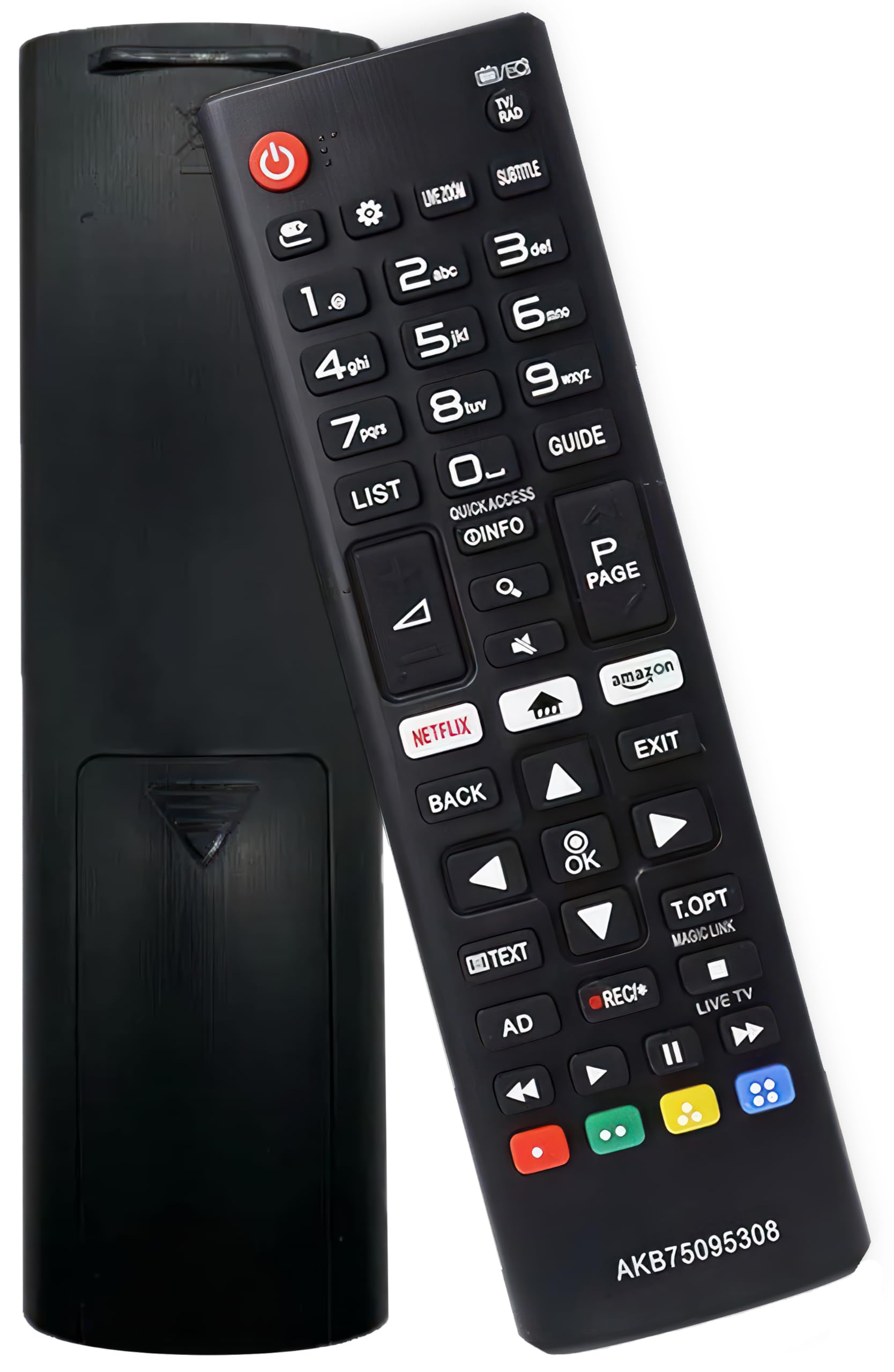
How to Open a LG Remote Control: A Step-by-step Guide
Are you tired of dealing with a malfunctioning LG remote control? Look no further! In this article, we will guide you through the process of opening a LG remote control, step by step.
Why Do You Need to Open Your LG Remote Control?
Sometimes, your LG remote control may require maintenance or repair. Whether it’s due to a technical issue or just a dirty battery compartment, knowing how to open and clean your remote control can save you time and frustration.
What Tools Do You Need to Open a LG Remote Control?
Before we dive into the instructions, let’s take a look at the tools you’ll need:
- A screwdriver (preferably a precision one)
- A plastic lever or spatula
- A spray for electrical contacts
- A soldering iron and tin (optional)
Step 1: Gather Your Tools And Prepare Your Remote Control
Before opening your remote control, make sure you have all the necessary tools. If you don’t have a screwdriver or a plastic lever, you can purchase them online or at a local electronics store.
Next, prepare your remote control by removing any batteries or other accessories.
How to Open a Classic LG Remote Control
Here’s a step-by-step guide on how to open a classic LG remote control:
- Remove The Batteries: Start by removing the batteries from the remote control. This will give you access to the inner components.
- Stir Up The Vines: Use your screwdriver to stir up the vines that hold the shell of the remote control in place. Be careful not to damage any of the internal components.
- Open The Shell: Once the vines are removed, use your plastic lever or spatula to gently pry open the shell of the remote control.
- Inspect And Clean The Components: Use a soft cloth or brush to clean any dirt or dust from the internal components.
How to Open an LG Magic Remote
The process for opening an LG magic remote is slightly different:
- Use a Plettro: To open an LG magic remote, you’ll need a specialized tool called a plettro. This will help you carefully pry open the shell of the remote control.
- Separate The Scocche: Once the shell is open, use your plastic lever or spatula to separate the scocche (the plastic clips that hold the components in place).
- Clean And Inspect The Components: Use a soft cloth or brush to clean any dirt or dust from the internal components.
Tips And Precautions
When opening your LG remote control, be careful not to damage any of the internal components. If you’re unsure about any part of the process, it’s always best to consult a professional.
Also, keep in mind that some models may have specific requirements or precautions that need to be taken into account.
Conclusion
Opening a LG remote control can seem daunting at first, but with the right tools and knowledge, it’s a relatively straightforward process. By following these steps and tips, you’ll be able to maintain and repair your remote control with confidence.
Frequently Asked Questions (FAQs)
Q: What if I’m not comfortable opening my LG remote control myself?
A: If you’re unsure about any part of the process, it’s always best to consult a professional.
Q: Can I use other tools besides a screwdriver and plastic lever?
A: Yes, there are other tools available for specific tasks. For example, if your remote control has damaged contacts, you may need to use a soldering iron to repair them.
Q: How often should I clean my LG remote control?
A: It’s recommended to clean your remote control every 3-6 months to prevent dirt and dust from building up.
Q: Can I open other types of LG remotes besides the classic and magic models?
A: Yes, the process for opening other types of LG remotes may vary slightly. Be sure to consult a professional or online resources specific to your model.
Q: What if my remote control has water damage?
A: If your remote control has been exposed to water, it’s best to have it professionally repaired or replaced.
Q: Can I repair damaged contacts on my LG remote control myself?
A: Yes, you can use a soldering iron and tin to repair damaged contacts. However, be careful not to overheat the components.
Additional Resources
For more information on opening and maintaining your LG remote control, check out these additional resources:
- YouTube tutorials on specific models
- Online forums and communities for electronics enthusiasts
- Manufacturer’s support pages and guides


