
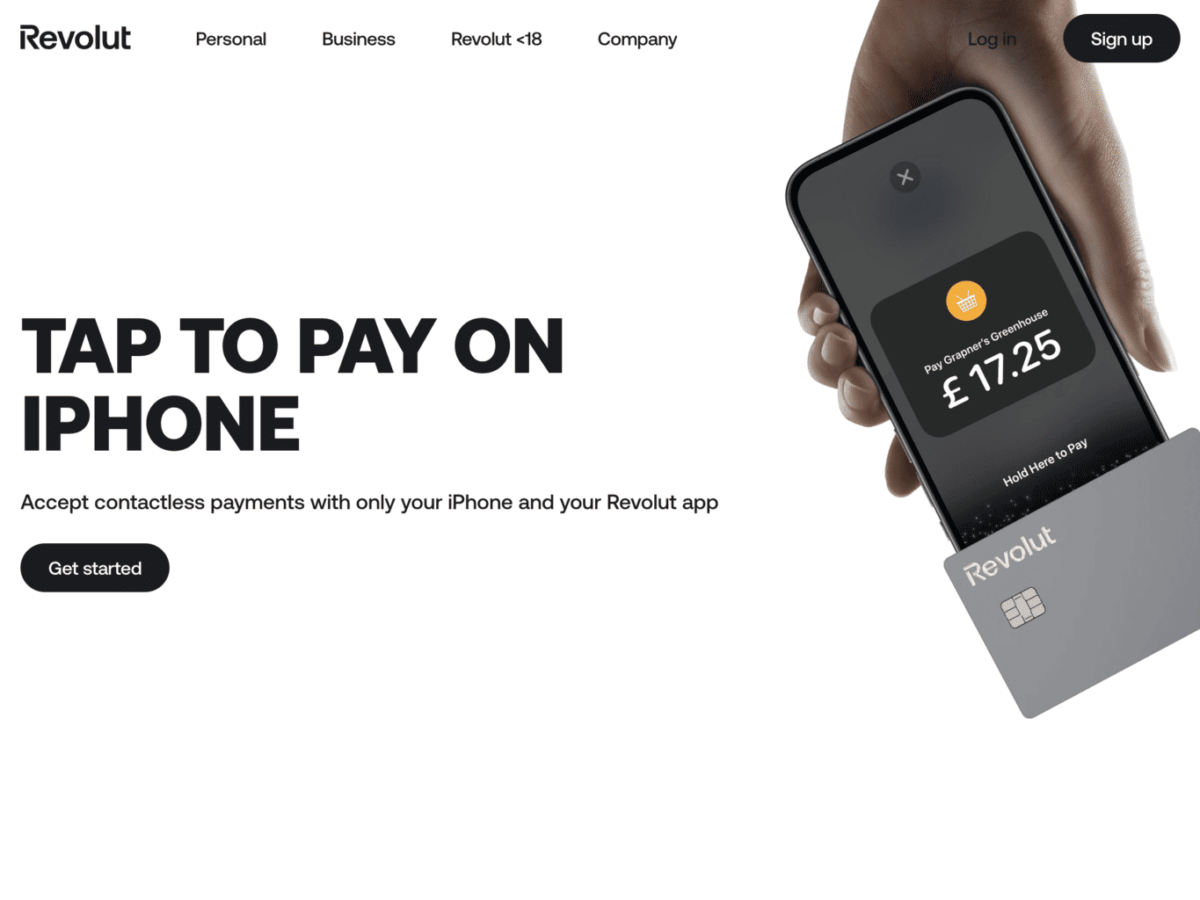
How to Pay With Revolut: A Comprehensive Guide
Are you looking for a convenient and cost-effective way to make payments? Look no further than Revolut, the innovative financial platform that allows users to manage their finances effortlessly using their smartphones. In this article, we’ll explore how to pay with Revolut online, in-app, and in-store, as well as some additional features and benefits.
Table of Contents
- Introduction
- Paying Online
- Paying via App
- Paying Via Pagopa With Revolut (see below)
- Paying in-Store with Revolut
- Paying without a Physical Card
- Paying Abroad with Revolut
- Pay with Revolut 18: Managing Your Teen’s Finances
- Conclusion
Introduction
Revolut is a digital bank that allows users to manage their finances in real-time using their smartphones. With Revolut, you can make payments online, via app, or in-store, and even pay for purchases with your phone. In this article, we’ll explore how to use Revolut to make payments easily and efficiently.
Paying Online
To pay online using Revolut, simply follow these steps:
- Log in to your Revolut account and navigate to the “Payments” section.
- Select the payment method you wish to use (e.G., Credit/debit card or bank transfer).
- Enter the recipient’s details and the amount you wish to pay.
- Review and confirm the transaction.
Paying Via App
To pay using the Revolut app, follow these steps:
- Open the Revolut app on your smartphone.
- Navigate to the “Payments” section.
- Select the payment method you wish to use (e.G., Credit/debit card or bank transfer).
- Enter the recipient’s details and the amount you wish to pay.
- Review and confirm the transaction.
Paying Via Pagopa With Revolut
To pay using PagoPA with Revolut, follow these steps:
- Log in to your Revolut account and navigate to the “Payments” section.
- Select the option to use PagoPA.
- Choose whether to scan the QR code or enter the payment details manually.
- Enter the recipient’s details and the amount you wish to pay.
- Review and confirm the transaction.
Paying In-store With Revolut
To pay using Revolut in-store, follow these steps:
- Have a sufficient balance on your Revolut account.
- Select the payment method you wish to use (e.G., Credit/debit card or bank transfer).
- Present your phone to the cashier and confirm the transaction.
Paying Without a Physical Card
To pay using Revolut without a physical card, follow these steps:
- Have a compatible smartphone that supports NFC technology.
- Activate the Google Pay or Apple Wallet service on your phone.
- Select the payment method you wish to use (e.G., Credit/debit card or bank transfer).
- Present your phone to the cashier and confirm the transaction.
Paying Abroad With Revolut
To pay using Revolut abroad, follow these steps:
- Ensure you have a sufficient balance on your Revolut account in the currency of the country you are visiting.
- Select the payment method you wish to use (e.G., Credit/debit card or bank transfer).
- Enter the recipient’s details and the amount you wish to pay.
- Review and confirm the transaction.
Pay With Revolut 18: Managing Your Teen’s Finances
Revolut offers a dedicated app for managing your teen’s finances, allowing them to save, control expenses, and budget their money. As a parent or guardian, you can also use this app to monitor their activity and set limits on their spending.
Conclusion
In conclusion, Revolut is an innovative financial platform that allows users to make payments online, via app, or in-store with ease and efficiency. With its user-friendly interface and various payment options, Revolut makes it simple to manage your finances on-the-go. Whether you’re paying for everyday expenses or making a larger transaction, Revolut has got you covered.
Frequently Asked Questions (FAQs)
- What Are The Fees Associated With Using Revolut?
Revolut charges minimal fees for its services, including a small commission on certain transactions.
2. Can I Use Revult to Pay Bills Online?
Yes, Revolut allows users to pay bills online using their account or credit/debit card.
3. How do I Cancel a Payment Made With Revolut?
To cancel a payment made with Revolut, please contact our customer support team immediately.
4. Can I Use Revolut in Multiple Currencies?
Yes, Revolut supports multiple currencies and allows users to manage their finances in real-time across different currencies.
5. How do I Add Funds to my Revolut Account?
To add funds to your Revolut account, please follow the instructions on our website or contact our customer support team.
6. Can I Use Revolut Without a Smartphone?
Yes, Revolut can be used without a smartphone by accessing their website and using their online platform.
7. How do I Report a Lost or Stolen Card With Revolut?
To report a lost or stolen card with Revolut, please contact our customer support team immediately.
8. Can I Use Revolut In-store For Large Purchases?
Yes, Revolut allows users to make larger transactions in-store using their physical card or virtual card.
We hope this article has provided you with a comprehensive understanding of how to pay with Revolut online, via app, and in-store. If you have any further questions or concerns, please don’t hesitate to contact us!


