
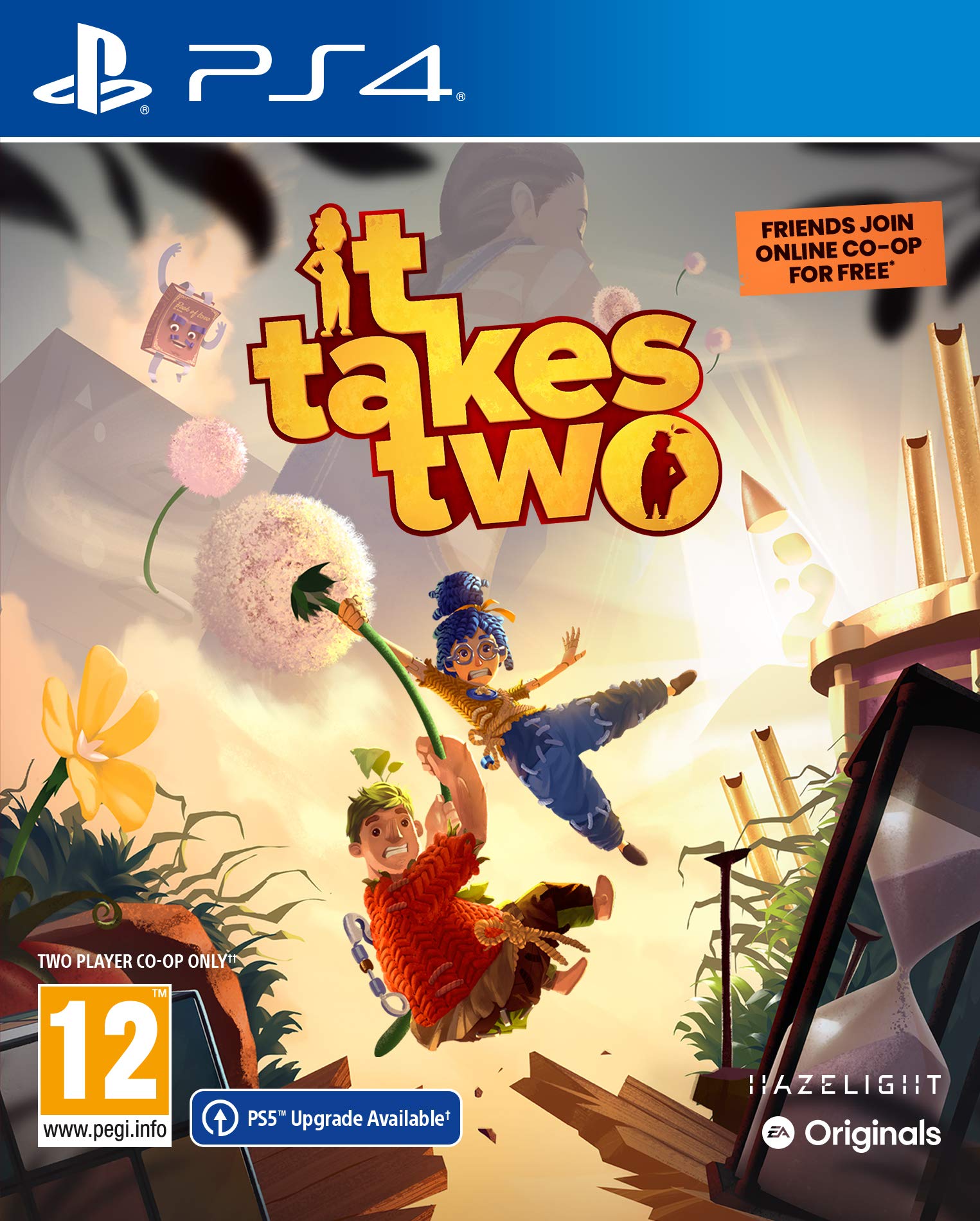
How to Play Multiplayer Games on Ps4: A Step-by-step Guide
Are you tired of playing solo games on your PlayStation 4? Do you want to experience the thrill of multiplayer gaming with your friends? Look no further! In this article, we will guide you through the process of setting up and playing multiplayer games on your PS4.
System Requirements
Before we dive into the details, make sure that your PS4 meets the following requirements:
- The console is connected to the internet.
- You have a PlayStation Network (PSN) account set up.
- Your friend also has a PSN account set up.
Step 1: Connect Your Ps4 to The Internet
To play online multiplayer games, you need to connect your PS4 to the internet. This may seem like a straightforward process, but it’s essential to get it right.
- Go to the Settings menu on your PS4.
- Select Network > Configure Connection Internet.
- Choose whether you want to use Wi-Fi or Ethernet.
- Follow the on-screen instructions to complete the setup process.
Step 2: Set Up Your Psn Account
If you haven’t already, create a PSN account. This will allow you to access online multiplayer features and download games from the PlayStation Store.
- Go to Settings > Management Account.
- Select Access to PlayStation Network.
- Choose the option to create a new user account.
- Follow the on-screen instructions to complete the setup process.
Step 3: Add Your Friend as a Friend
To play online with your friend, you need to add them as a friend on your PSN account.
- Go to the Friends menu on your PS4.
- Select Search to find your friend’s profile.
- Invite your friend by pressing the + symbol next to their name.
- Follow the on-screen instructions to complete the request process.
Step 4: Choose Your Game
Now that you and your friend are online, it’s time to choose a game to play together. Make sure that both of you have the same game downloaded and updated.
- Go to the Games menu on your PS4.
- Select the game you want to play.
- Follow the on-screen instructions to initiate an online multiplayer session.
Step 5: Play Together
Congratulations! You and your friend are now online and ready to play together. Make sure that both of you have a stable internet connection and follow the in-game instructions to complete the multiplayer experience.
Alternative Option: Playing Local Multiplayer
If you don’t want to play online, you can also play local multiplayer games on your PS4 with a second controller. This is a great option if you have friends over or want to play with family members.
- Go to the Games menu on your PS4.
- Select the game you want to play.
- Use a second controller to join the game as a player.
- Follow the in-game instructions to complete the local multiplayer experience.
Tips And Tricks
Here are some additional tips and tricks to help you get started with online multiplayer gaming on your PS4:
- Make sure that both of you have stable internet connections to avoid disconnections during gameplay.
- Use a headset or controller with a built-in microphone to communicate with each other during gameplay.
- Choose games that support local co-op or split-screen modes for an immersive experience.
Common Issues And Solutions
Here are some common issues you may encounter when playing online multiplayer games on your PS4:
- Disconnections: Check your internet connection and try restarting the game.
- Lag: Make sure that both of you have stable internet connections and consider upgrading to a faster connection.
- Unable to join an online session: Check that your friend’s profile is set to public and try joining again.
Conclusion
Playing multiplayer games on your PS4 can be an exhilarating experience with friends. By following these steps, you’ll be able to connect with your friends online, choose games to play together, and enjoy a seamless gaming experience. Remember to troubleshoot common issues and have fun!
Frequently Asked Questions (FAQs)
- What Are The System Requirements For Playing Online Multiplayer Games on Ps4?
The console must be connected to the internet, and both players must have a PlayStation Network (PSN) account set up.
- How do I Connect my Ps4 to The Internet?
Go to Settings > Network > Configure Connection Internet and follow the on-screen instructions.
- What if I Don’t Have a Psn Account?
Create a new user account by going to Settings > Management Account > Access to PlayStation Network.
- How do I Add my Friend as a Friend on my Psn Account?
Go to Friends > Search and invite your friend by pressing the + symbol next to their name.
- What Games Can I Play With my Friend Online?
Choose games that support online multiplayer modes, such as Fortnite or Call of Duty: Warzone.
- Can we Play Local Multiplayer Games on Ps4 Without Internet?
Yes, you can use a second controller to join the game as a player and play together in local co-op mode.
- What if I Encounter Disconnections During Gameplay?
Check your internet connection, try restarting the game, or consider upgrading to a faster connection.
- How do I Troubleshoot Common Issues With Online Multiplayer Games on Ps4?
Check that both of you have stable internet connections and follow the in-game instructions to resolve any issues.


