
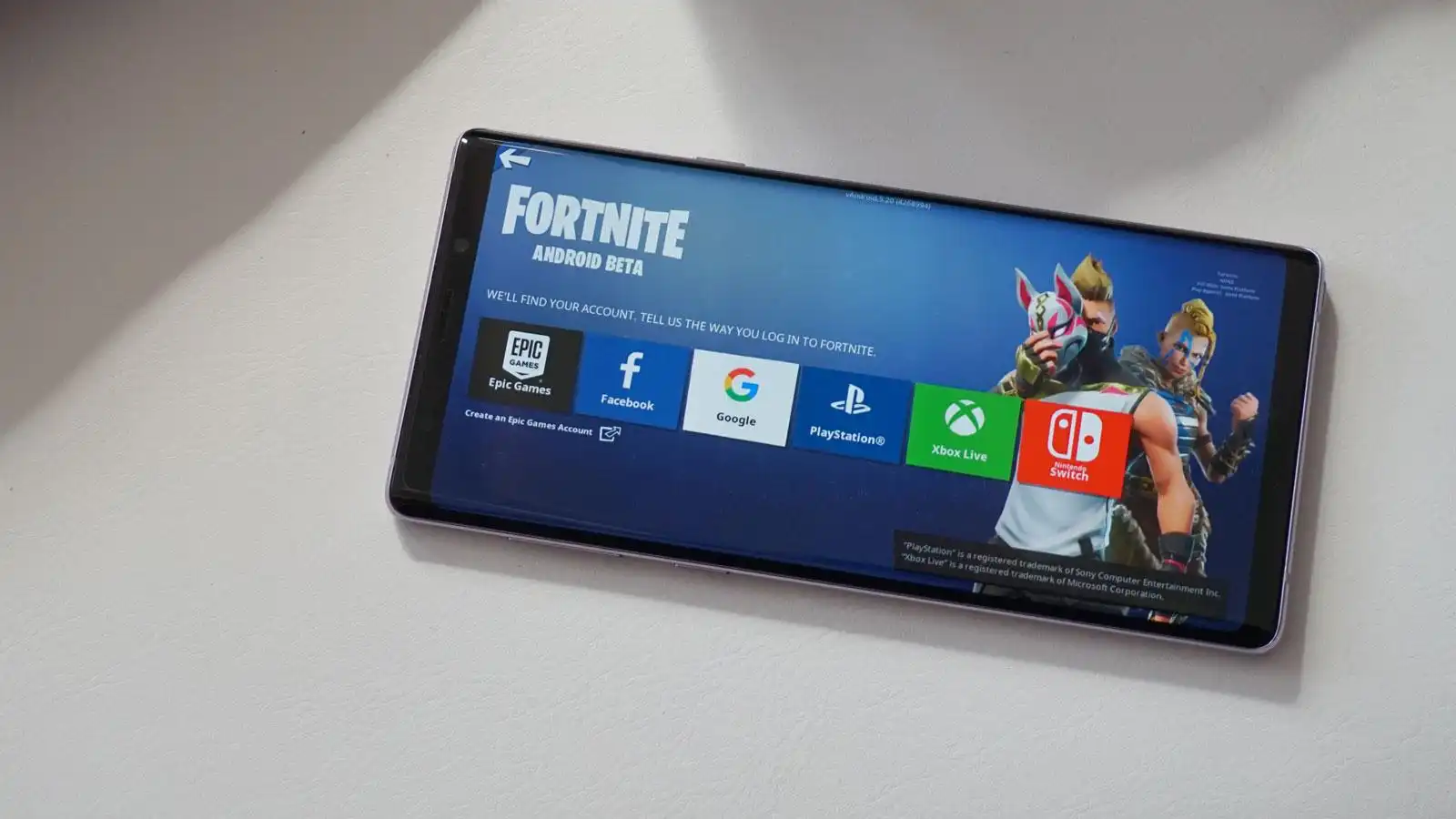
How to Play Fortnite on Android: A Step-by-step Guide
As a gamer, you’re always on the lookout for new ways to enjoy your favorite games. And if you’re like me, you’ve probably heard of Fortnite by now! But what if I told you that you can play Fortnite on your Android device? Sounds too good to be true, right? Well, let me tell you – it’s not!
Fortnite on Android: What You Need to Know
First things first, before we dive into the nitty-gritty of how to play Fortnite on Android, let’s talk about what you need to know. Unfortunately, due to some “divergences” (that’s tech-speak for “some stuff didn’t quite work out”), Fortnite is no longer available on the Play Store, Galaxy Store, or App Store. But don’t worry, we’ve got a solution for that!
Requisites And Devices Compatible With Android
Before you can start playing Fortnite on your Android device, you need to make sure it meets the minimum requirements. Here’s what you need:
- Operating System: Android 10 64-bit (ARM64) or later
- RAM: 4GB or more
- Graphics Card: Adreno 530 or higher
Don’t worry if you’re not tech-savvy; just check your device’s specifications, and you’ll be good to go!
Create an Epic Games Account
Now that you’ve got the necessary specs, it’s time to create an Epic Games account. You can either log in with an existing account or sign up for a new one. Don’t worry; it’s easy peasy! Just head over to the official Fortnite website and follow the prompts.
Download Fortnite on Android
Once you have your Epic Games account set up, it’s time to download Fortnite. Now, I know what you’re thinking – “But where do I get it from?” Don’t worry; we’ve got that covered too! Since Fortnite is no longer available on the Play Store, we’ll be using the APK file directly from Epic Games’ official website.
How to Download Fortnite on Android
Here’s how to download Fortnite:
- Open a browser on your Android device and head over to the Epic Games website.
- Tap on the “Download” button for Fortnite (APK).
- Confirm that you want to install the app by tapping on the “Install” button.
Playing Fortnite on Android: A Step-by-step Guide
Now that you’ve downloaded Fortnite, it’s time to get started! Here’s a step-by-step guide to playing Fortnite on your Android device:
- Open Fortnite and log in with your Epic Games account.
- Choose the mode you want to play (Royal Battle or Creative).
- Select the game mode (solo, duo, or squad) and start playing!
- Explore the map, collect resources, build structures, and fight off other players.
- Be careful; the storm will get closer and closer, forcing you to move around the map.
Tips For Playing Fortnite on Android
Here are some additional tips to keep in mind:
- Make sure your device is connected to a stable internet connection to ensure smooth gameplay.
- Use the right controls to play comfortably (auto-focus or manual aiming).
- Don’t be afraid to get creative and build structures to help you survive!
Conclusion
And there you have it – a step-by-step guide on how to play Fortnite on your Android device! It’s easy, fun, and totally worth trying out. So what are you waiting for? Head over to the Epic Games website, download Fortnite, and start playing today!
Frequently Asked Questions (FAQs)
Here are some frequently asked questions about playing Fortnite on Android:
- Q: Can I Play Fortnite on Any Android Device?
A: No, Fortnite requires specific hardware specifications to run smoothly. - Q: Do I Need a Computer or Console to Play Fortnite?
A: Nope! You can play Fortnite directly on your Android device with an Epic Games account. - Q: Is it Safe to Download Fortnite From The Apk File?
A: Yes, it’s perfectly safe; just make sure you’re downloading it from the official Epic Games website. - Q: Can I Play Fortnite in Creative Mode?
A: Absolutely! You can choose between Royal Battle and Creative modes when starting a game. - Q: How do I Get Better at Playing Fortnite on Android?
A: Practice makes perfect! Try experimenting with different strategies, building techniques, and control methods to improve your gameplay.
Bonus Tip: If you’re not satisfied with the performance of Fortnite on your Android device, consider using a cloud gaming service like Google Stadia or NVIDIA GeForce Now. These services allow you to play high-quality games directly in your browser without requiring any downloads or installations!


