
How to Play Pokémon on Iphone: A Comprehensive Guide
Are you a passionate Pokémon fan looking to explore new adventures on your iPhone? You’ve come to the right place! In this article, we’ll guide you through the world of Pokémon games available on iOS devices.
Introduction to Pokémon Games on Iphone
Pokémon has been a beloved franchise for decades, and its mobile presence is no exception. With a wide range of games available on the App Store, you can experience the thrill of catching ’em all from anywhere. But which game should you start with?
Table 1: Available Pokémon Games on Ios
| Game Title | Description |
|---|---|
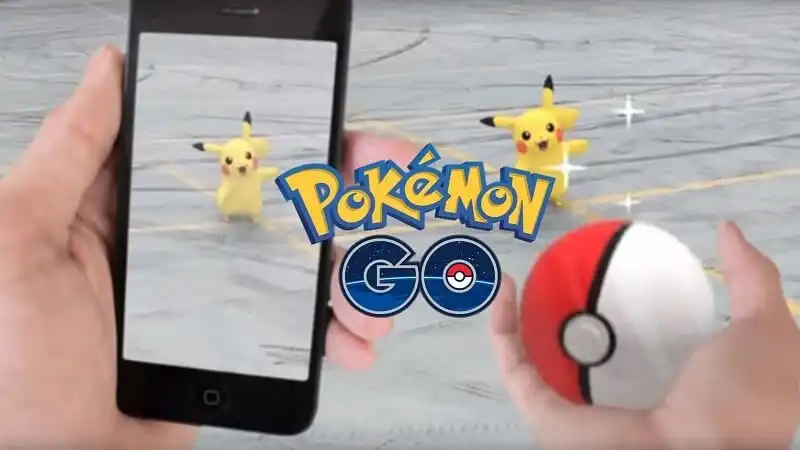
| Pokémon GO | A location-based augmented reality game where you catch and battle Pokémon in the real world. |
| Pokémon Joined | A free-to-play MOBA (Multiplayer Online Battle Arena) game that allows you to team up with friends and battle against other trainers. |
| Pokémon Masters EX | A card-collecting game where you build a team of Pokémon and compete in battles. |
How to Play Pokémon GO on Iphone
If you’re new to the world of Pokémon games, we recommend starting with Pokémon GO. This game is an excellent way to experience the thrill of catching ’em all while exploring your surroundings.
To get started:
- Open the App Store and search for “Pokémon GO.”
- Tap the icon to download and install the game.
- Create a Pokémon Trainer Club account or log in with an existing account.
- Grant the app permission to access your location.
- Start exploring your area, catch Pokémon, and battle against other trainers.
How to Play Pokémon Joined on Iphone
Pokémon JOINED is another excellent option for those looking for a more strategic gameplay experience.
To get started:
- Open the App Store and search for “Pokémon JOINED.”
- Tap the icon to download and install the game.
- Create an account or log in with an existing one.
- Familiarize yourself with the game’s mechanics, including character selection, battling, and team management.
How to Play Pokémon Masters EX on Iphone
Pokémon Masters EX is a card-collecting game that requires strategy and teamwork.
To get started:
- Open the App Store and search for “Pokémon Masters EX.”
- Tap the icon to download and install the game.
- Create an account or log in with an existing one.
- Build your team, collect cards, and compete in battles against other trainers.
Other Pokémon Games on Iphone
While the above games are excellent choices, there are more options available on the App Store. Some notable mentions include:
- Pokémon Sleep: A gamification app that makes sleep a fun experience.
- Pokémon Quest: A Minecraft-style game where you explore and collect treasures with your Pokémon.
- Pokémon Shuffle Mobile: A puzzle game where you match Pokémon to clear levels.
How to Play Pokémon on Ipad
If you’re an iPad user, don’t worry – most Pokémon games are compatible with iPads. To get started:
- Open the App Store and search for your desired game.
- Tap the icon to download and install the game.
- Follow the same steps as above to create an account or log in with an existing one.
Using Altstore And Delta
If you’re interested in playing classic Pokémon games like Emerald or Gold, you can use AltStore and Delta to emulate these experiences on your iPhone.
To get started:
- Download and install AltStore and Delta from the App Store.
- Follow the manual installation guide to set up your emulated environment.
- Access the store and emulatore to play classic Pokémon games.
Conclusion
Playing Pokémon on iPhone is a breeze, with a wide range of options available on the App Store. Whether you’re a casual fan or an avid player, there’s something for everyone in this world of adventure and excitement. So go ahead, download your favorite game, and start catching ’em all!
Frequently Asked Questions (FAQs)
- What is Pokémon Go?
Pokémon GO is a location-based augmented reality game where you catch and battle Pokémon in the real world. - How do I Play Pokémon Joined on Iphone?
To get started, download and install the game from the App Store, create an account or log in with an existing one, and familiarize yourself with the game’s mechanics. - What is Pokémon Masters Ex?
Pokémon Masters EX is a card-collecting game where you build a team of Pokémon and compete in battles against other trainers. - Can I Play Classic Pokémon Games on my Iphone?
Yes, using AltStore and Delta, you can emulate classic Pokémon games like Emerald or Gold on your iPhone. - What Are The System Requirements For Playing Pokémon Games on Iphone?
Your iPhone must be running iOS 17.4 Or later to download and install most Pokémon games from the App Store. - Can I Play Pokémon Games on Ipad?
Yes, most Pokémon games are compatible with iPads, and you can follow the same steps as above to get started. - What is Altstore And Delta?
AltStore and Delta are a digital shop and emulatore that allow you to emulate classic Pokémon games like Emerald or Gold on your iPhone. - Are There Any Other Pokémon Games Available on Ios?
Yes, there are more options available on the App Store, including Pokémon Sleep, Quest, Shuffle Mobile, and Magikarp Jump!


