
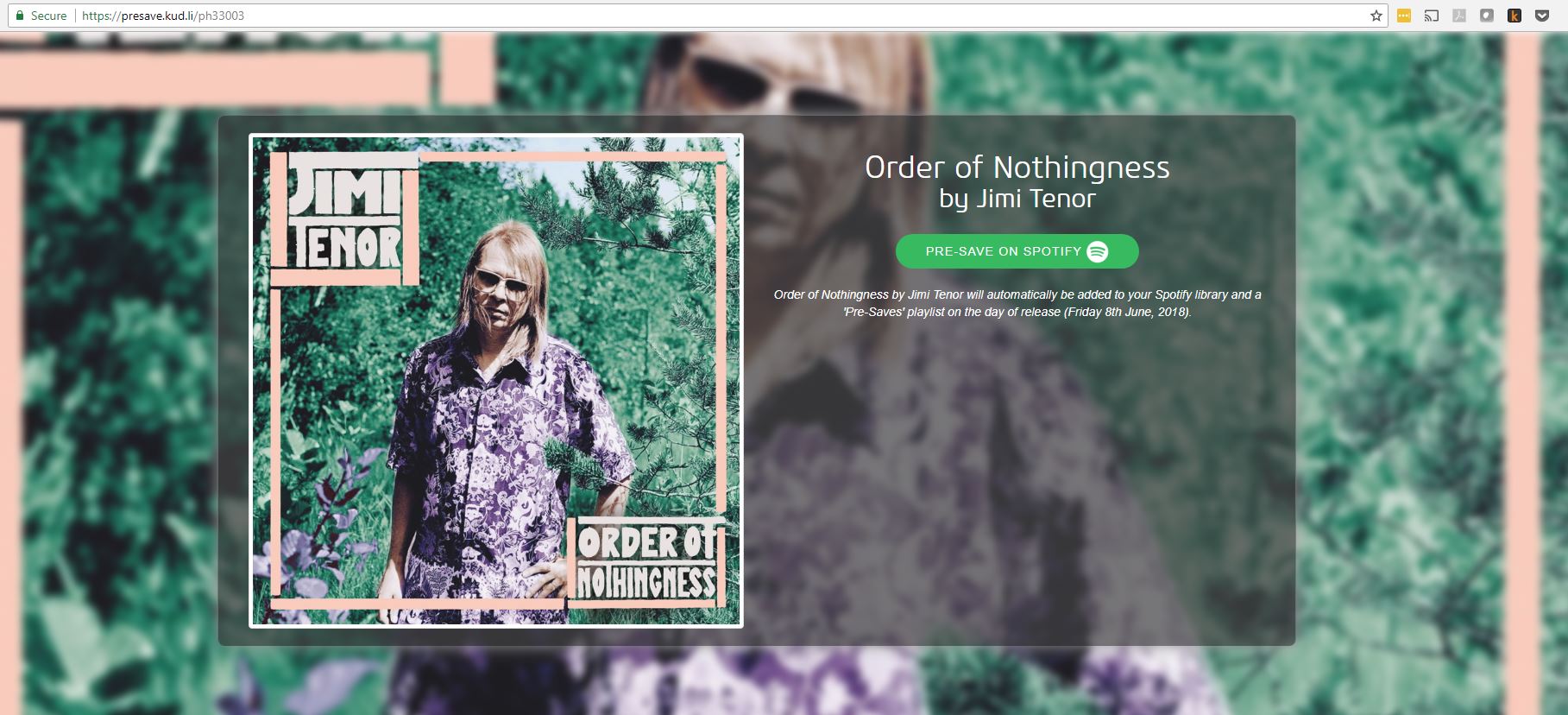
How to Presave on Spotify: A Step-by-step Guide
Are you excited about a new song or album from your favorite artist, but want to make sure you get notified as soon as it’s released? Look no further! In this article, we’ll show you how to presave on Spotify and get ready for the music release.
What is Presaving on Spotify?
Before we dive into the step-by-step guide, let’s quickly explain what presaving on Spotify means. Presaving a song or album allows you to add it to your playlist before it’s released, so you can be one of the first to listen to it when it comes out.
How to Presave on Spotify
Presaving a song or album is a simple process that can be completed in just a few steps. Here’s how to do it:
Step 1: Find The Presave Link
The first step is to find the presave link for the song or album you’re interested in. This link is usually shared by the artist on their social media channels or website.
Example: If your favorite artist shares a post on Instagram with a link that says “Presave now!”, you can click on that link to start the process.
Step 2: Click on The Presave Link
Once you’ve found the presave link, simply click on it. This will take you to the Spotify page where you can add the song or album to your playlist.
Important: Make sure you’re logged in to your Spotify account before clicking on the presave link.
Step 3: Authorize The Addition
When you click on the presave link, you’ll be asked to authorize the addition of the song or album to your playlist. Simply click “Accept” to confirm.
What’s Happening: By authorizing the addition, you’re allowing Spotify to add the song or album to your playlist before it’s released.
Step 4: Add to Your Playlist
After you’ve authorized the addition, you’ll be taken back to your Spotify page. Here, you can add the song or album to your playlist by clicking on the “Add to playlist” button.
Tips: You can also add the song or album to your Bookshelf, which is a list of songs and albums you’re interested in but haven’t added to your playlist yet.
Step 5: Get Notified
Once you’ve presaved the song or album, you’ll get notified as soon as it’s released. You can find the notification in the Spotify app on your smartphone or tablet.
What Happens Next: When the song or album is released, you’ll receive a notification with a link to listen to it. Simply tap on the notification to start listening!
How to Save Pieces on Spotify
If you’re interested in saving individual songs or albums to your playlist after they’ve been released, here’s how to do it:
Step 1: Find The Song or Album
First, find the song or album you want to save. You can search for it using the Spotify search bar.
Tips: Make sure you’re logged in to your Spotify account before searching for songs or albums.
Step 2: Add to Your Playlist
Once you’ve found the song or album, click on it and then click on the “+” icon or the heart icon to add it to your playlist.
What’s Happening: By adding the song or album to your playlist, you’re creating a list of your favorite songs and albums.
Step 3: Add to Your Bookshelf
If you want to save the song or album without adding it to your playlist just yet, you can add it to your Bookshelf. This is a list of songs and albums you’re interested in but haven’t added to your playlist yet.
Tips: You can find your Bookshelf by clicking on the “…” Icon next to the playlist tab.
Step 4: Create a New Playlist
If you want to create a new playlist specifically for the song or album, simply click on the “New playlist” button and add it to your playlist.
What’s Happening: By creating a new playlist, you’re creating a dedicated space for songs and albums that are important to you.
Step 5: Listen to Your Playlist
Finally, listen to your playlist whenever you want. You can find your playlist by clicking on the “…” Icon next to the playlist tab.
Tips: You can also share your playlist with friends or family members by clicking on the “Share” button.
And that’s it! With these simple steps, you can presave and save songs and albums on Spotify like a pro.


