
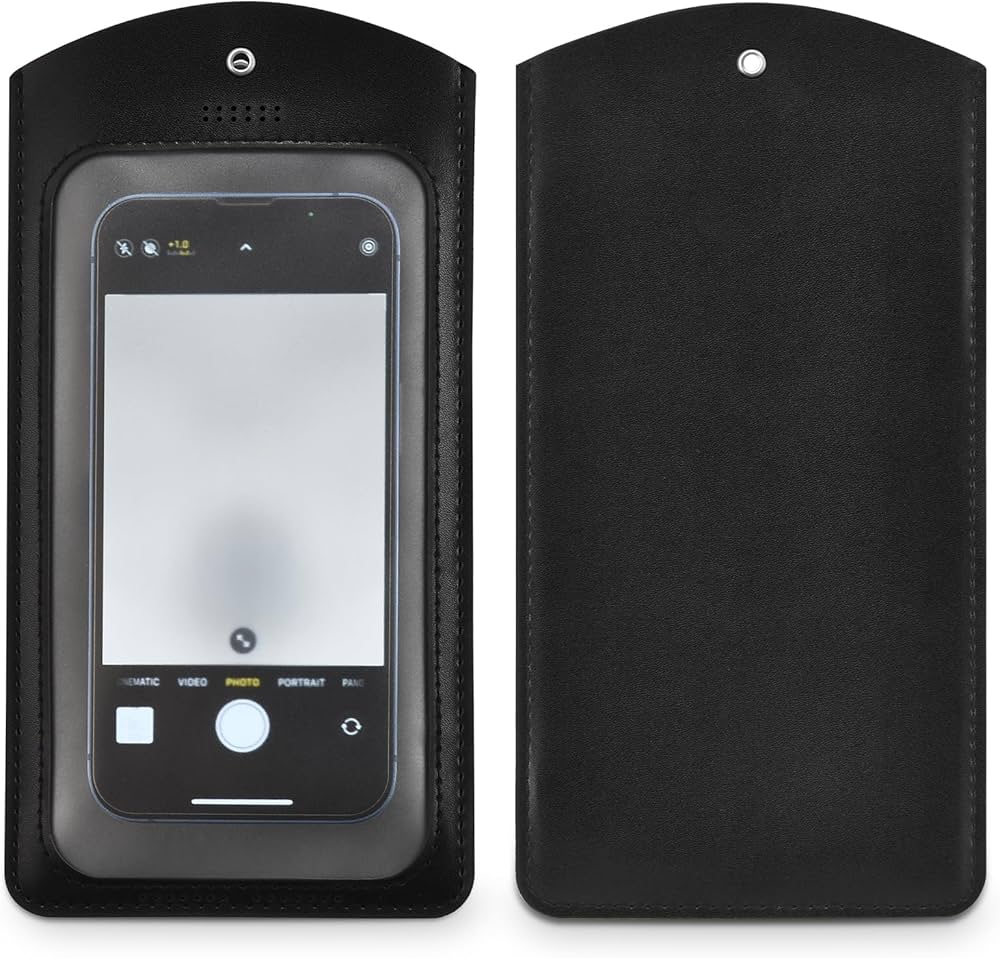
Protecting Your Mobile Privacy: Tips And Best Practices
In today’s digital age, our smartphones have become an essential part of our daily lives. We use them to communicate with friends and family, access the internet, and store sensitive information. However, this increased reliance on mobile devices has also made us more vulnerable to privacy threats. In this article, we will explore the importance of protecting your mobile privacy and provide you with tips and best practices to safeguard your personal data.
The Risks of Mobile Privacy Threats
With the rise of smartphones, our mode of communication and routine have undergone a significant transformation. On one hand, technological progress has made it easier for us to stay connected and access information. However, this increased connectivity has also created new risks to our privacy. Hackers and cybercriminals are continually seeking ways to exploit vulnerabilities in mobile devices, putting our sensitive data at risk.
Protecting Your Mobile Privacy: The First Step
The first step in protecting your mobile privacy is to be aware of the potential threats. You need to understand how your personal data can be compromised and what measures you can take to prevent it. In this section, we will explore some of the most common mobile privacy risks and provide tips on how to mitigate them.
Using a Secure Unblocking System
One of the simplest ways to protect your mobile privacy is to use a secure unblocking system. This ensures that only authorized individuals can access your device’s sensitive information. To set up a secure unblocking system, follow these steps:
- If you have an Android device, go to Settings > Security > Screen lock > PIN.
- Enter a strong and unique PIN to prevent unauthorized access.
- Make sure to disable any biometric authentication options, such as fingerprint or facial recognition.
Concealing Notifications on The Lock Screen
The lock screen of your smartphone can reveal sensitive information. To conceal notifications, follow these steps:
- If you have an Android device, go to Settings > Security > Block monitor > PIN.
- Enter a strong and unique PIN to prevent unauthorized access.
- Select the option to hide only sensitive content.
Not Accessing Public Wi-fi
Public Wi-Fi networks are notoriously vulnerable to cyber attacks. To protect your mobile privacy, avoid accessing public Wi-Fi whenever possible. Instead, use cellular data or a secure VPN connection.
Downloading Apps From Official Stores
Only download apps from official stores like the Google Play Store or Apple App Store. These platforms have strict security protocols in place to ensure that apps are safe and don’t compromise user data.
Not Rooting or Jailbreaking Your Device
Rooting or jailbreaking your device can expose it to serious security risks, including malware and unauthorized access. Avoid these practices to protect your mobile privacy.
Reading App Privacy Policies
Before downloading an app, read its privacy policy carefully. This will help you understand how your data is collected and used.
Not Lending Your Phone to Strangers
Never lend your phone to strangers or individuals you don’t trust. They may try to access your sensitive information or install malware on your device.
Using a Vpn
A Virtual Private Network (VPN) can protect your mobile privacy by encrypting your internet traffic and masking your IP address. Consider using a reputable VPN service, such as NordVPN or Surfshark.
Installing an Antivirus App
An antivirus app can scan your device for malware and other security threats. Look for apps that offer comprehensive protection, including virus scans and real-time threat detection.
Concealing or Blocking Apps
Finally, consider concealing or blocking apps that store sensitive information, such as banking data or personal health records. This will add an extra layer of protection to your mobile privacy.
Conclusion
Protecting your mobile privacy requires vigilance and attention to detail. By following the tips outlined in this article, you can significantly reduce the risk of cyber threats and safeguard your personal data. Remember, a secure mobile device is not just about protecting yourself but also about maintaining trust with others who rely on you for sensitive information.
Frequently Asked Questions
Here are some frequently asked questions related to mobile privacy:
- Q: What Are Some Common Mobile Privacy Risks?
A: Common mobile privacy risks include unauthorized access, malware, and data breaches. - Q: How Can I Protect my Mobile Privacy From Hackers And Cybercriminals?
A: You can protect your mobile privacy by using a secure unblocking system, concealing notifications on the lock screen, not accessing public Wi-Fi, downloading apps from official stores, not rooting or jailbreaking your device, reading app privacy policies, not lending your phone to strangers, using a VPN, installing an antivirus app, and concealing or blocking sensitive apps. - Q: What is The Difference Between a Root And Jailbreak?
A: Rooting and jailbreaking refer to modifying your device’s operating system to gain more control over it. However, these practices can expose your device to serious security risks, including malware and unauthorized access. - Q: How do I Read an App’s Privacy Policy?
A: To read an app’s privacy policy, download the app from a reputable store and follow the in-app instructions to view the policy. - Q: Can I Trust Public Wi-fi Networks?
A: Public Wi-Fi networks are vulnerable to cyber attacks. Avoid accessing them whenever possible and use cellular data or a secure VPN connection instead.
By following these tips, you can enjoy a safer and more private mobile experience.


