
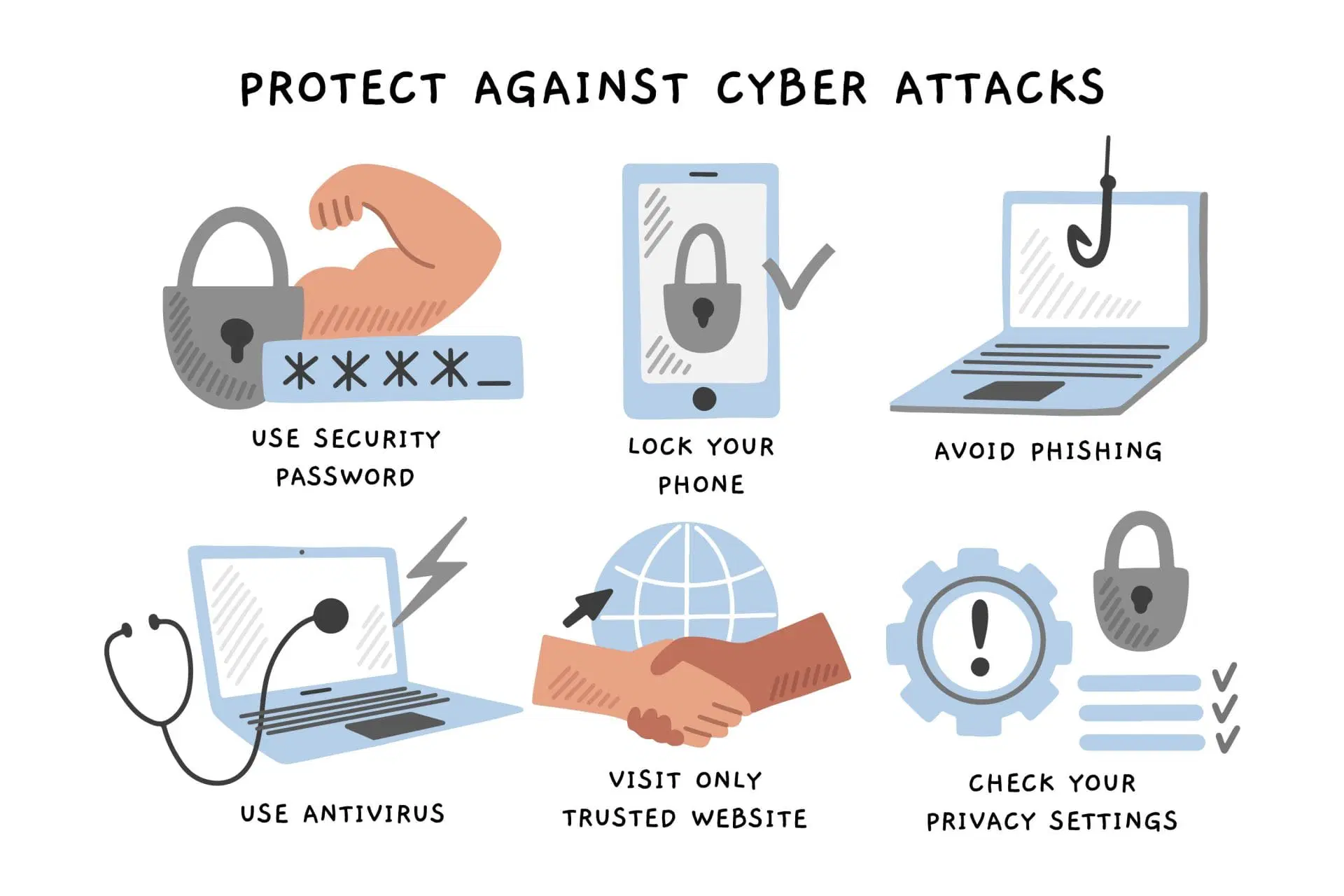
Protecting Your Digital Life: The Importance of Antivirus Software
In today’s digital age, protecting our devices from viruses and malware is no longer an option, but a necessity. With the increasing number of online threats, it’s essential to take proactive measures to safeguard our personal data and devices.
The Threats We Face
Viruses and malware are becoming increasingly sophisticated, compromising not only our device’s safety but also putting our sensitive information at risk. In extreme cases, these threats can render our operating system unusable, leading to significant consequences such as data loss or financial implications.
Protecting Your Device
Fortunately, there are effective forms of protection that we can adopt to safeguard our devices. The key lies in being proactive and taking conscious steps to prevent attacks and combat infections.
The First Line of Defense: Antivirus Software
Installing a good antivirus is the first step towards guaranteeing the safety of your device. This software represents the primary line of defense against viruses and malware, capable of neutralizing threats before they cause harm.
Beyond Just an Antivirus
While relying solely on antivirus software can provide some level of protection, it’s equally essential to keep your operating system and all programs up-to-date. Adopting a series of other strategies is also crucial in minimizing the risk of falling victim to malicious software.
Additional Safety Measures
- Using a Vpn: Utilizing a virtual private network (VPN) can significantly enhance safety during online navigation by concealing IP addresses and encrypting data.
- Regular Backups: Creating regular backups of personal data is essential, especially when it comes to critical information.
- Safe Internet Practices: Adopting good internet practices, such as avoiding suspicious emails or websites, serves as an additional layer of protection.
Choosing The Right Antivirus
Not all antivirus software is created equal. Some may offer advanced functionalities but can slow down your system, while others might be free but lack necessary features. A practical example is the antivirus integrated freely in Windows, which offers a good starting point but falls short on advanced functions like identity online protection.
A More Comprehensive Solution: Surfshark Antivirus
For those seeking more comprehensive protection, consider Surfshark Antivirus. This software, developed by the same creators of the renowned VPN service, boasts reliability and ease of use. It can automatically protect your system from various threats, including uncataloged dangers, thanks to its Cloud Protect feature.
Key Features of Surfshark Antivirus
- Interface in Italian: The interface is fully in Italian, ensuring a seamless user experience.
- Seal of Quality by Virus Bulletin: Surfshark Antivirus has received the seal of quality from Virus Bulletin, a testament to its reliability and effectiveness.
- Participation in Microsoft’s Virus Initiative (MVI): It participates in Microsoft’s Virus Initiative, ensuring solutions are reliable, safe, and compliant with Microsoft policies.
Protecting Multiple Devices
Surfshark Antivirus is not limited to just Windows devices. It also covers Macs and Android devices without requiring separate licenses. The latter, although less frequently targeted by malware compared to Windows PCs, still face threats that need addressing.
A Safer Future For Your Iphone And Ipad
While iPhones and iPads are generally more secure due to their closed operating system, it’s essential to remain informed about potential threats. For deeper understanding on identifying viruses in your iPhone, refer to the tutorial provided.
The Surfshark One Bundle
Surfshark Antivirus is part of the Surfshark One bundle, which also includes:
- Vpn Service: A VPN service that offers swift and secure connections.
- Alerts For Data Breaches: Alerts that notify you of potential data breaches.
- Safe Search: A feature that helps you search the internet without invasive ads.
Pricing Options
The pricing options are quite favorable:
- 2-Year Plan: The least expensive option, priced at just €3/month with a biennial turnover.
- 1-Year Plan: Costs €4/month with an annual turnover.
- Monthly Plan: Offers the best value for those who prefer monthly payments, starting at just €16/month.
Additional Features
The Surfshark One bundle comes with additional features:
- Incogni Service: Adds an extra layer of protection by concealing your data in a broker database.
- 30-Day Money-back Guarantee: Offers assurance that you can cancel and receive a refund if not satisfied within the first 30 days.
Protecting Your Computer From Virus
To protect your computer from viruses, follow these steps:
- Install Surfshark Antivirus: Start by installing Surfshark Antivirus on your Windows or Mac device.
- Register For an Account: Register for a Surfshark account to access the software’s full functionality.
- Download And Install: Download and install Surfshark Antivirus from the Microsoft Store (for Windows) or App Store (for macOS).
- Launch And Activate: Launch the client, register your account, and activate the antivirus.
Other Solutions
In addition to antivirus software, consider other solutions for protecting your computer:
- Update Your Operating System And Programs: Regularly update your operating system and installed programs to prevent vulnerabilities.
- Practice Safe Internet Habits: Avoid suspicious emails or websites to prevent potential threats.
- Secure Wi-fi Access: Protect your device with secure passwords.
Protecting Multiple Devices
Don’t forget that other devices, like Android phones, Macs, and iPhones, also need protection:
- Android Phones: Regularly scan your Android phone for malware.
- Macs: Update your macOS regularly to prevent vulnerabilities.
- Iphones And Ipads: Be cautious when downloading apps or clicking on suspicious links.
Protecting Your Computer With Surfshark Antivirus
Surfshark Antivirus is a reliable solution for protecting your device from various threats:
- Cloud Protect: This feature scans files and blocks potential attacks.
- Advanced Malware Protection: Identifies and neutralizes malware before they cause harm.
Using a Vpn to Enhance Safety
Utilizing a VPN can significantly enhance safety during online navigation by concealing IP addresses and encrypting data:
- 256-Bit Advanced Cryptography: Provides top-notch security against potential threats.
- Blocking Malware on Websites, Emails, And Downloads: Prevents malware from spreading through your device.
Conclusion
Protecting your digital life is a shared responsibility. By being proactive and adopting good practices, you can significantly reduce the risk of falling victim to online threats:
- Install Antivirus Software: Protect your device with reliable antivirus software.
- Keep Your Operating System Up-to-date: Regularly update your operating system to prevent vulnerabilities.
- Practice Safe Internet Habits: Avoid suspicious emails or websites to maintain safety.
Protecting Multiple Devices
Don’t forget that other devices, like Android phones, Macs, and iPhones, also need protection:
- Regular Scans For Malware: Scan your Android phone regularly to prevent potential threats.
- Updating Macos: Regularly update your macOS to prevent vulnerabilities.
- Cautious App Downloads: Be cautious when downloading apps or clicking on suspicious links.
Protecting Your Computer With Surfshark Antivirus
Surfshark Antivirus is a reliable solution for protecting your device from various threats:
- Cloud Protect: Scans files and blocks potential attacks.
- Advanced Malware Protection: Identifies and neutralizes malware before they cause harm.
Using a Vpn to Enhance Safety
Utilizing a VPN can significantly enhance safety during online navigation by concealing IP addresses and encrypting data:
- 256-Bit Advanced Cryptography: Provides top-notch security against potential threats.
- Blocking Malware on Websites, Emails, And Downloads: Prevents malware from spreading through your device.
Conclusion
Protecting your digital life is a shared responsibility. By being proactive and adopting good practices, you can significantly reduce the risk of falling victim to online threats:
- Install Antivirus Software: Protect your device with reliable antivirus software.
- Keep Your Operating System Up-to-date: Regularly update your operating system to prevent vulnerabilities.
- Practice Safe Internet Habits: Avoid suspicious emails or websites to maintain safety.
Protecting multiple devices, like Android phones, Macs, and iPhones, also requires attention:
- Regular Scans For Malware: Scan your Android phone regularly to prevent potential threats.
- Updating Macos: Regularly update your macOS to prevent vulnerabilities.
- Cautious App Downloads: Be cautious when downloading apps or clicking on suspicious links.
By taking these steps, you can ensure a safer digital life and minimize the risk of falling victim to online threats.


