
Issuing an Ebook: A Comprehensive Guide
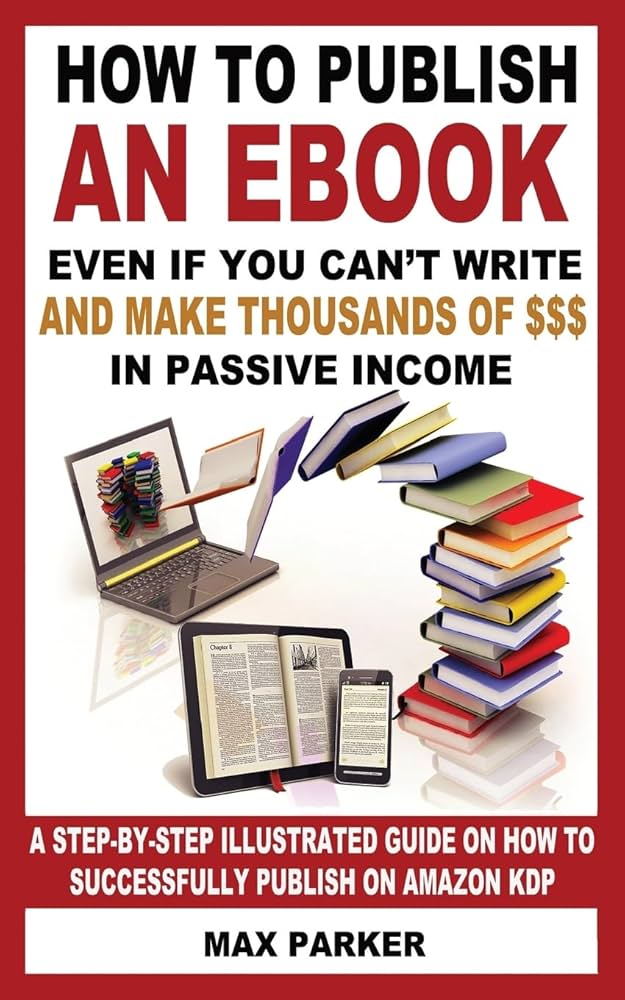
In today’s digital age, publishing an eBook has become a more accessible and cost-effective option than ever before. With the rise of online platforms like Amazon Kindle Direct Publishing (KDP), Apple Books, and Google Play Books, authors can now easily self-publish their work without the need for traditional publishing houses.
The Benefits of Self-publishing
Self-publishing offers numerous benefits to writers, including:
- Creative Control: As a self-published author, you have complete control over your work, from editing to cover design.
- Higher Royalties: Self-publishing platforms often offer higher royalty rates compared to traditional publishing houses.
- Faster Time-to-market: Your eBook can be live on online stores within days or even hours of completion.
- Global Reach: Your work can reach a global audience, with minimal marketing effort required.
Understanding The Self-publishing Process
While self-publishing is relatively straightforward, there are still steps to follow:
- Write And Edit Your Ebook: Ensure your manuscript is polished and error-free.
- Design an Eye-catching Cover: Create a cover that captures the essence of your book and appeals to your target audience.
- Format Your Ebook: Format your eBook in accordance with the self-publishing platform’s guidelines.
- Publish on Online Platforms: Upload your eBook to platforms like Amazon KDP, Apple Books, or Google Play Books.
Step-by-Step Guide to Publishing an Ebook on Amazon Kdp
To publish an eBook on Amazon KDP:
- Create a Kdp Account: Sign up for a KDP account and verify your email address.
- Upload Your Ebook File: Upload your formatted eBook file, along with cover design and book description.
- Set Your Book Details: Fill in the required information, including title, author name, and categories.
- Choose Your Royalty Rate: Select your desired royalty rate (35% or 70%) and agree to Amazon’s terms of service.
- Publish Your Ebook: Click “Publish” to make your eBook live on Amazon.
Publishing an Ebook on Apple Books
To publish an eBook on Apple Books:
- Create a Smashwords Account: Sign up for a Smashwords account, which allows you to reach Apple Books and other online platforms.
- Format Your Ebook: Format your eBook according to Smashwords’ guidelines.
- Publish on Smashwords: Upload your eBook to Smashwords, ensuring it meets their quality standards.
- Reach Apple Books: If your book meets Apple Books’ requirements, it will be automatically published.
Publishing an Ebook on Google Play Books
To publish an eBook on Google Play Books:
- Create a Partner Center Account: Sign up for a Partner Center account and follow the onboarding process.
- Format Your Ebook: Format your eBook according to Google Play Books’ guidelines.
- Publish on Google Play Books: Upload your eBook, along with cover design and book description.
Frequently Asked Questions
- What is self-publishing?
Self-publishing refers to the process of publishing a book without the assistance of a traditional publisher. - How do I publish an eBook on Amazon KDP?
Follow our step-by-step guide to publishing an eBook on Amazon KDP. - Can I publish my eBook on multiple platforms?
Yes, you can publish your eBook on multiple platforms, such as Amazon KDP, Apple Books, and Google Play Books.
Conclusion
Publishing an eBook has become a more accessible and cost-effective option than ever before. With the right guidance and preparation, you can successfully self-publish your work and reach a global audience.


