
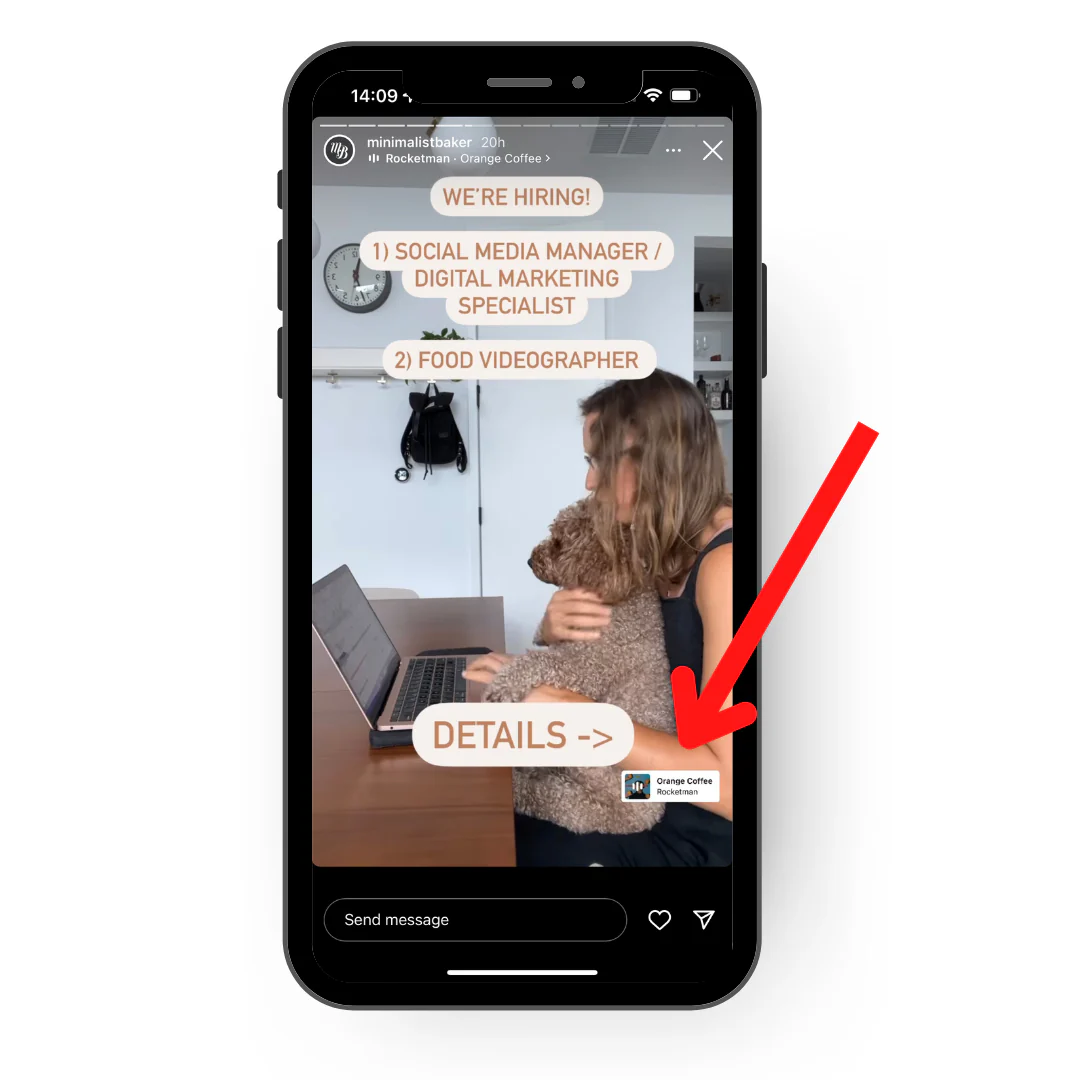
How to Add a Personalized Sticker on Instagram: A Step-by-step Guide
Are you looking for a fun way to personalize your Instagram stories? Adding a sticker with your name, initials, or favorite image can be a great way to add some personality to your posts. In this article, we will guide you through the process of adding a personalized sticker on Instagram using both Android and iPhone devices.
What is a Personalized Sticker on Instagram?
A personalized sticker on Instagram is a customized sticker that features an image or text of your choice. You can use it to decorate your stories, add context to your posts, or simply have fun with it. With the help of third-party apps like Bitmoji and Memoji, you can create stickers that reflect your personality and style.
How to Create a Sticker on Instagram: A Step-by-step Guide
To create a sticker on Instagram, follow these steps:
Using Android Devices:
- Open Instagram: Access the official Instagram app on your Android device.
- Tap on The Plus (+) Button: Located at the bottom of the screen, tap on the plus button to start creating a new story.
- Select The Photo or Video Option: Choose whether you want to take a photo or record a video for your story.
- Access The Sticker Menu: Tap on the smiley face icon (located at the top-right corner of the screen) to access the sticker menu.
- Search For The Avatar Sticker: Type in “Avatar” in the search bar to find the avatar sticker option.
- Create Your Avatar: Follow the prompts to create your personalized avatar, which can be used as a sticker.
Using Iphone Devices:
- Open Instagram: Access the official Instagram app on your iPhone device.
- Tap on The Plus (+) Button: Located at the bottom of the screen, tap on the plus button to start creating a new story.
- Select The Photo or Video Option: Choose whether you want to take a photo or record a video for your story.
- Access The Sticker Menu: Tap on the smiley face icon (located at the top-right corner of the screen) to access the sticker menu.
- Search For The Avatar Sticker: Type in “Avatar” in the search bar to find the avatar sticker option.
- Create Your Memoji: Use the Memoji feature to create a personalized sticker with your image.
How to Add a Personalized Sticker on Instagram: A Step-by-step Guide
Now that you have created your personalized sticker, here’s how to add it to your Instagram story:
Using Android Devices:
- Open Instagram: Access the official Instagram app on your Android device.
- Tap on The Plus (+) Button: Located at the bottom of the screen, tap on the plus button to start creating a new story.
- Select The Photo or Video Option: Choose whether you want to take a photo or record a video for your story.
- Access The Sticker Menu: Tap on the smiley face icon (located at the top-right corner of the screen) to access the sticker menu.
- Search For Your Avatar Sticker: Type in “Avatar” in the search bar to find your personalized avatar sticker.
- Add The Sticker to Your Story: Drag and drop the sticker onto the story you are creating.
Using Iphone Devices:
- Open Instagram: Access the official Instagram app on your iPhone device.
- Tap on The Plus (+) Button: Located at the bottom of the screen, tap on the plus button to start creating a new story.
- Select The Photo or Video Option: Choose whether you want to take a photo or record a video for your story.
- Access The Sticker Menu: Tap on the smiley face icon (located at the top-right corner of the screen) to access the sticker menu.
- Search For Your Memoji: Type in “Memoji” in the search bar to find your personalized Memoji sticker.
- Add The Sticker to Your Story: Drag and drop the sticker onto the story you are creating.
Tips And Variations:
- You can use third-party apps like Bitmoji and Memoji to create more elaborate stickers.
- Experiment with different designs, colors, and fonts to make your sticker stand out.
- Use your personalized sticker to add context or humor to your stories.
- Share your creativity with others by using a unique or funny sticker.
Conclusion:
Adding a personalized sticker on Instagram is a fun way to express yourself and add some personality to your posts. With the steps outlined in this article, you can easily create and add a customized sticker to your story using both Android and iPhone devices. Don’t be afraid to get creative and experiment with different designs, colors, and fonts to make your sticker truly unique!


