
How to Reactivate Your Instagram Account: A Step-by-step Guide
Are you among the millions of users who have deactivated their Instagram account, only to regret it later? Don’t worry, we’ve got you covered! In this article, we’ll show you how to reactivate your Instagram account in just a few simple steps.
Why Did You Deactivate Your Account?
Before we dive into the instructions, let’s take a moment to reflect on why you might have deactivated your account in the first place. Was it due to a temporary lapse of interest? Were you experiencing technical issues or feeling overwhelmed by the platform? Whatever the reason, we’re here to help you get back on track.
Step 1: Check if Your Account is Still Deactivated
The first step is to check if your account has been deactivated for less than 30 days. If it has, you can simply reactivate it using the same login credentials as before. Log in to Instagram using the app or through the website, and see if your account reappears.
How to Reactivate a Deactivated Account
If your account has been deactivated for more than 30 days, don’t worry! You can still reactivate it by following these simple steps:
- Access Instagram Using Your Smartphone: Download and install the official Instagram app on your smartphone. Tap on the icon to open it.
- Log In With Your Credentials: Enter your login credentials (username and password) in the required fields. If you’re using Facebook, tap on “Login with Facebook” instead.
- Confirm Access: A confirmation message will appear asking if you’d like to continue using your account. Tap on “Keep Account” to reactivate it.
What if My Account is Suspended?
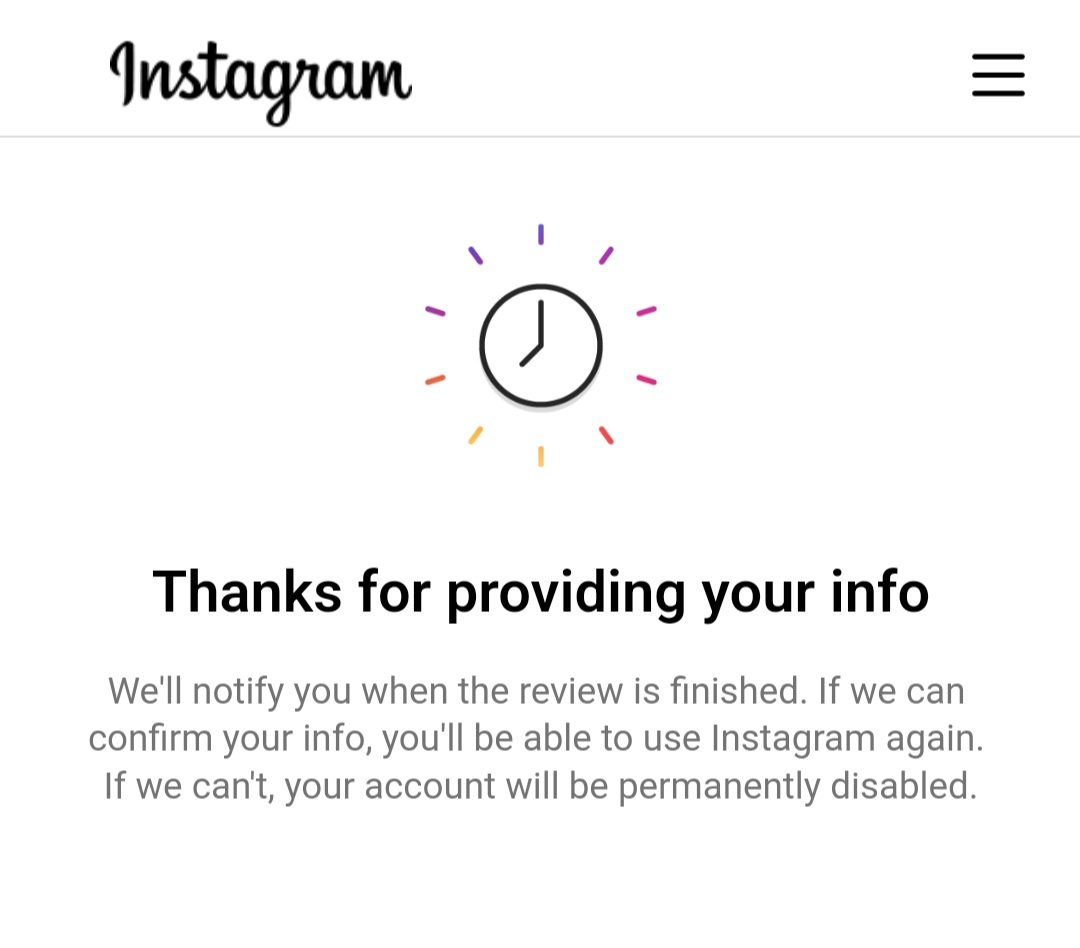
If your account has been suspended by Instagram due to a policy violation, don’t worry! You can appeal the decision and have your account reinstated.
- Access Your Account: Log in to Instagram using the app or through the website.
- Explain Yourself: In the notification message, explain why you believe your account was suspended unfairly.
- Submit Appeal: Submit your appeal, and wait for Instagram’s response.
How to Reactivate a Deleted Account
If you’ve deleted your account entirely, it may be possible to reactivate it within 30 days of deletion. If you’re unable to recover your account, consider creating a new one or requesting an exception from Instagram.
- Delete Your Old Account: Go ahead and delete your old account.
- Create a New One: Create a new Instagram account using the same email address and password as before.
- Recover Your Data: You may be able to recover some of your data, such as photos and followers.
What if I’ve Decided Not to Reactivate My Account?
No worries! If you’ve decided not to reactivate your account, there are plenty of other social media platforms where you can share your thoughts and experiences.
- Switch to Another Platform: Consider switching to another platform, such as TikTok or Snapchat.
- Focus on Personal Projects: Use this opportunity to focus on personal projects or hobbies that bring you joy.
Conclusion
Reactivating an Instagram account is a relatively simple process that can be completed in just a few minutes. Remember to check if your account has been deactivated for less than 30 days, and follow the instructions above to get back online. If you’re unable to recover your account, consider creating a new one or requesting an exception from Instagram.
Frequently Asked Questions
Here are some frequently asked questions to help clarify things:
- Q: Can I Reactivate my Instagram Account if It’s Been Deactivated For More Than 30 Days?
A: No, unfortunately not. - Q: What Happens if I Delete my Instagram Account And Try to Reactivate it Later?
A: If you’ve deleted your account entirely, it may be possible to reactivate it within 30 days of deletion. After that, consider creating a new account or requesting an exception from Instagram. - Q: Can I Switch to Another Social Media Platform if I’m Unhappy With Instagram?
A: Yes! There are plenty of other platforms where you can share your thoughts and experiences. - Q: How Long Does it Take For my Appeal to be Processed by Instagram?
A: Unfortunately, we can’t provide a specific timeframe for processing appeals. However, please allow up to 30 days for Instagram’s response. - Q: Can I Reactivate an Account That Has Been Suspended Due to a Policy Violation?
A: Yes, you can appeal the decision and have your account reinstated.
Hope This Helps!
If you’re still unsure about how to reactivate your Instagram account or need further assistance, feel free to reach out to us. We’ll be happy to help!


