
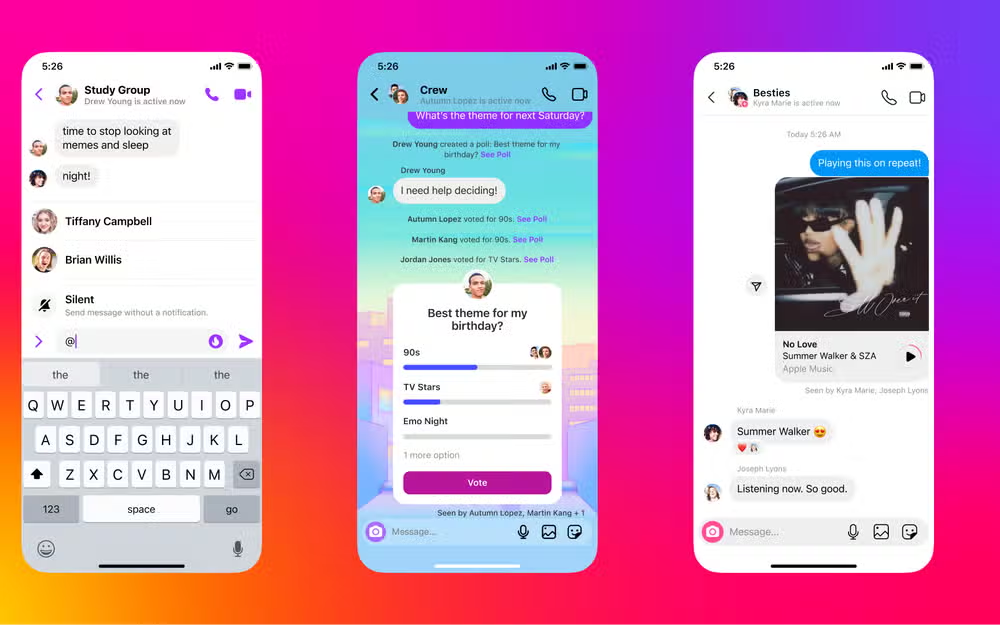
Are you tired of feeling pressured to respond immediately to messages on Instagram? Do you want to keep your online interactions private? Look no further! In this article, we’ll show you how to read messages on Instagram without visualizing them.
Understanding The Problem
With the rise of social media, it’s become increasingly important to maintain a healthy work-life balance. However, with so many notifications and messages coming in throughout the day, it can be overwhelming to keep up. This is especially true for business owners or individuals who need to manage multiple conversations at once.
The Benefits of Reading Messages Without Visualizing Them
By reading messages on Instagram without visualizing them, you can:
- Avoid feeling pressured to respond immediately
- Keep your online interactions private
- Manage multiple conversations more efficiently
- Focus on other important tasks
Option 1: Filtering Out Messages From Specific Users or Groups
One way to read messages on Instagram without visualizing them is by filtering out messages from specific users or groups. This feature allows you to filter out messages from certain accounts, so they don’t show up in your main feed.
To set this up:
- Open the Instagram app and go to Settings
- Tap “Messages” and then tap “Requests”
- Select the option to “Filter messages from specific users or groups”
Option 2: Limiting Access to Your Profile And Messages
Another way to read messages on Instagram without visualizing them is by limiting access to your profile and messages. This feature allows you to restrict certain users’ access to your profile and messages.
To set this up:
- Open the Instagram app and go to Settings
- Tap “Account” and then tap “Privacy”
- Select the option to “Limit who can see my posts and stories”
Option 3: Conceding Notifications For Direct Messages
A third way to read messages on Instagram without visualizing them is by conceding notifications for direct messages. This feature allows you to receive notifications for direct messages, but they won’t show up in your main feed.
To set this up:
- Open the Instagram app and go to Settings
- Tap “Notifications” and then tap “Direct Messages”
- Select the option to “Receive notifications for direct messages”
Option 4: Disabling Active Status
Finally, you can disable active status on Instagram. This feature allows you to hide your online status from specific users or groups.
To set this up:
- Open the Instagram app and go to Settings
- Tap “Messages” and then tap “Requests”
- Select the option to “Hide my online status from specific users or groups”
Conclusion
In conclusion, reading messages on Instagram without visualizing them is a great way to maintain your online privacy and manage multiple conversations more efficiently. By using one or more of these options, you can avoid feeling pressured to respond immediately and focus on other important tasks.
Frequently Asked Questions (FAQs)
- Q: How do I Know Which Option is Best For Me?
A: It depends on your specific needs and preferences. - Q: Can I Use Multiple Options at Once?
A: Yes, you can! - Q: Will These Options Affect my Online Interactions With Friends And Family?
A: No, they won’t affect your online interactions with friends and family. - Q: Can I Undo These Changes if I Need To?
A: Yes, you can! - Q: Are There Any Other Ways to Read Messages on Instagram Without Visualizing Them?
A: Yes, there are! While the options listed above are some of the most popular, there may be others that work better for your specific situation.


