
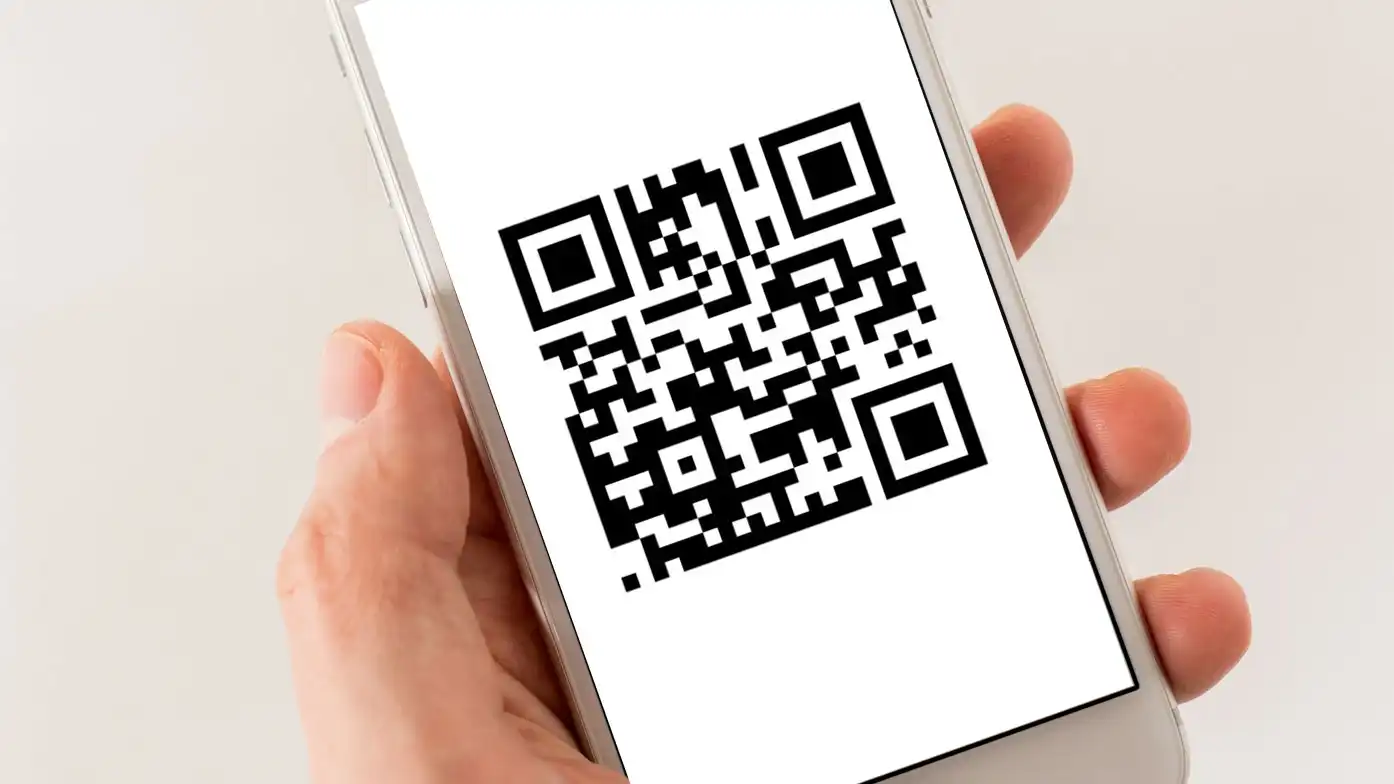
How to Read QR Codes With Iphone: A Step-by-step Guide
Are you wondering how to read QR codes with your iPhone? Look no further! In this article, we will guide you through the process of scanning QR codes using your iPhone’s camera app and other useful apps.
Introduction
QR codes (Quick Response codes) are a type of barcode that can store information such as URLs, phone numbers, or text messages. They have become increasingly popular in recent years due to their ease of use and versatility. In this article, we will explore the different ways to read QR codes with your iPhone.
How to Read QR Codes With Iphone’s Camera App
One of the easiest ways to read QR codes with your iPhone is by using the camera app. Here’s how:
- Open The Camera App: Open the camera app on your iPhone.
- Point The Camera at The QR Code: Point the camera at the QR code you want to scan.
- Tap The Shutter Button: Tap the shutter button to take a photo of the QR code.
- Scan The QR Code: The camera will automatically detect and scan the QR code.
- View The Content: Once scanned, the content of the QR code will be displayed on your screen.
Using Third-party Apps to Read QR Codes
If you want more control over the scanning process or need to scan QR codes in low-light conditions, consider using third-party apps such as:
- Swiftscan: SwiftScan is a popular app that allows you to scan QR codes and also digitalize documents.
- Qrafter: Qrafter is another useful app that not only scans QR codes but also creates them.
Step-by-step Guide to Using Swiftscan
Here’s how to use SwiftScan:
- Download And Install Swiftscan: Download and install SwiftScan from the App Store.
- Open Swiftscan: Open SwiftScan on your iPhone.
- Tap The “QR” Button: Tap the “QR” button to start scanning QR codes.
- Point The Camera at The QR Code: Point the camera at the QR code you want to scan.
- View The Content: Once scanned, the content of the QR code will be displayed on your screen.
Other Apps to Read QR Codes
There are several other apps available that can help you read QR codes with your iPhone. Some of these include:
- Webqr: WebQR is a web-based tool that allows you to scan and create QR codes.
- QR Tails Scan: QR Tails Scan is another useful app that scans QR codes without requiring any additional software.
How to Read Green Pass QR Codes With Iphone
If you’re looking for a way to read the Green Pass QR code on your iPhone, consider using VerificaC19, an app developed by the Italian Ministry of Health. Here’s how:
- Download And Install Verificac19: Download and install VerificaC19 from the App Store.
- Open Verificac19: Open VerificaC19 on your iPhone.
- Scan The Green Pass QR Code: Scan the Green Pass QR code using the app.
Conclusion
In conclusion, reading QR codes with your iPhone is a straightforward process that can be done using the camera app or third-party apps such as SwiftScan and Qrafter. With these guides, you should be able to scan QR codes easily and efficiently.
Faqs
Here are some frequently asked questions about reading QR codes with your iPhone:
- Q: Can I Read QR Codes in Low-light Conditions?
A: Yes, most apps allow you to read QR codes even in low-light conditions. - Q: Do I Need to Install Additional Software to Read QR Codes?
A: No, the camera app and many third-party apps come pre-installed on your iPhone. - Q: How do I Know if a QR Code is Valid or Not?
A: Most apps will indicate whether a QR code is valid or not.
Additional Resources
If you want to learn more about QR codes and how to use them effectively, consider checking out the following resources:
- QR Code Generator: This online tool allows you to create your own QR codes.
- QR Code Scanner: This app scans QR codes quickly and efficiently.
By following this guide, you should be able to read QR codes with your iPhone easily and efficiently.


