
How to Record a Free Call: A Step-by-step Guide
Are you looking for ways to record your phone calls without incurring any additional costs? Look no further! In this article, we will guide you through the process of recording free calls on both Android and iPhone devices.
What is Recording a Phone Call?
Recording a phone call involves capturing and saving a conversation between two or more people. This can be useful for various purposes such as:
- Verifying conversations
- Keeping track of important discussions
- Providing evidence in case of disputes
Why Can’t I Record My Calls on My Phone?
Unfortunately, most smartphones do not come with a built-in feature to record phone calls. However, there are third-party apps that can help you achieve this functionality.
How Do I Record My Call on Android?
To record your call on Android, follow these steps:
- Install The Google Phone App: The Google Phone app is pre-installed on many Android devices. If it’s not available on your device, you can download it from the Play Store.
- Open The Google Phone App: Launch the Google Phone app and navigate to the “Settings” section.
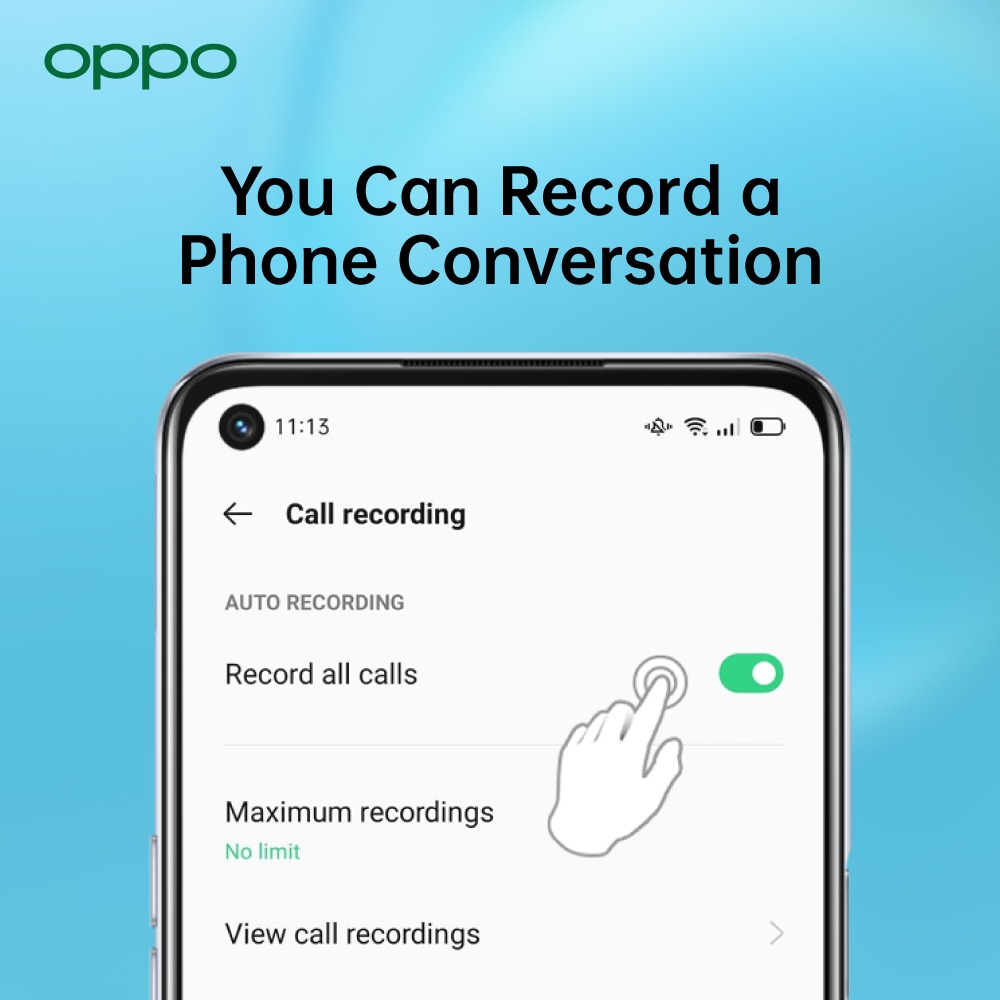
- Enable Call Recording: Toggle the switch next to “Call recording” to enable this feature.
- Start Your Call: Initiate your call as you normally would.
- Press The Record Button: Once your speaker has answered, press the record button to start capturing the conversation.
How Do I Record My Call on Iphone?
To record your call on iPhone, follow these steps:
- Download The Call Recorder App: Search for “Call Recorder” in the App Store and download the app.
- Open The App: Launch the Call Recorder app and navigate to the “Settings” section.
- Enable Call Recording: Toggle the switch next to “Call recording” to enable this feature.
- Start Your Call: Initiate your call as you normally would.
- Press The Record Button: Once your speaker has answered, press the record button to start capturing the conversation.
What Are Some Other Apps I Can Use?
There are several other apps available for both Android and iPhone that can help you record your calls:
- Call Recorder Pro (Android)
- Cube ACR (Android)
- Call Recorder Lite (iPhone)
These apps may have additional features such as video recording, transcription, or storage on cloud services.
Conclusion
Recording free calls is a useful feature that can be achieved through third-party apps. By following the steps outlined in this article, you can easily record your calls on both Android and iPhone devices.
Frequently Asked Questions (FAQs)
-
What Are Some Popular Call Recording Apps?
Some popular call recording apps include Google Phone, Call Recorder Pro, Cube ACR, and Call Recorder Lite.
* Can I Use These Apps to Record Video Calls?While some apps may offer video recording capabilities, this is not a standard feature in most call recording apps.


