
Recovering a Page on Facebook: A Step-by-step Guide
Are you worried about losing access to your Facebook page? Maybe it’s been deactivated or deleted, and you’re not sure how to get it back. Don’t worry, we’ve got you covered! In this article, we’ll walk you through the steps to recover a page on Facebook, including instructions for smartphones, tablets, and PCs.
Why Can’t I Access My Facebook Page?
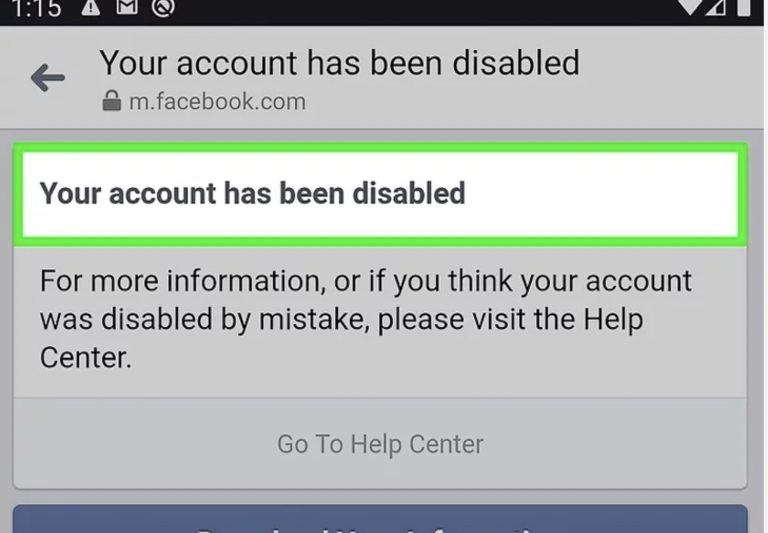
Before we dive into the solution, let’s explore why you might be having trouble accessing your Facebook page. Has it been deleted, deactivated, or stolen? Are you no longer an administrator? These are all common issues that can arise when trying to access a Facebook page.
Recovering a Deactivated Page on Smartphone And Tablet
If you’ve temporarily disabled your Facebook page, don’t worry! You can easily reactivate it using the Facebook app. Here’s how:
- Open the Facebook app on your smartphone or tablet.
- Tap on the menu icon (three horizontal lines) and select “Settings.”
- Scroll down to the “Account” section and tap on “Access and control.”
- Tap on “Reactivation” and follow the prompts to reactivate your page.
That’s it! Your page should now be back online, and you can continue managing it as usual.
Recovering a Deactivated Page on PC
If you’re trying to recover your Facebook page using a PC, here’s what you need to do:
- Log in to your Facebook account.
- Click on the “Pages” tab.
- Scroll down to the “Disabled Pages” section and find your page.
- Click on the “Activate” button next to your page.
Your page should now be active again, and you can continue managing it as usual.
Recovering a Deleted Page
Sorry to say, but if your Facebook page has been deleted for more than 30 days, it’s gone forever! However, if it was deleted within the past 30 days, you might still have a chance to recover it. Try following the steps outlined above to see if you can reactivate it.
Recovering a Stolen Page
Oh no, your Facebook page has been stolen? Don’t panic! While recovering a stolen page can be complicated, it’s not impossible. Here are some steps you can take:
- Check if someone else is managing your page. If they are, try to contact them and ask them to relinquish control.
- If the thief has changed the password or added new administrators, follow our tutorial on how to recover your Facebook account.
- Contact Facebook’s support team using this special form. They’ll guide you through the process of recovering your page.
Recovering a Page Without Administrator Access
Are you no longer an administrator of your Facebook page? Don’t worry! You can still try to recover it, but be aware that the outcome is uncertain.
- Contact one of the current administrators and ask them to add you back as an administrator.
- If the administrators have changed or deleted their account, follow our tutorial on how to recover a stolen Facebook page.
Conclusion
Recovering a page on Facebook can be a daunting task, but we hope this guide has made it easier for you. Remember to act quickly if your page is deactivated or deleted, and don’t hesitate to contact Facebook’s support team if you need help recovering it.


