
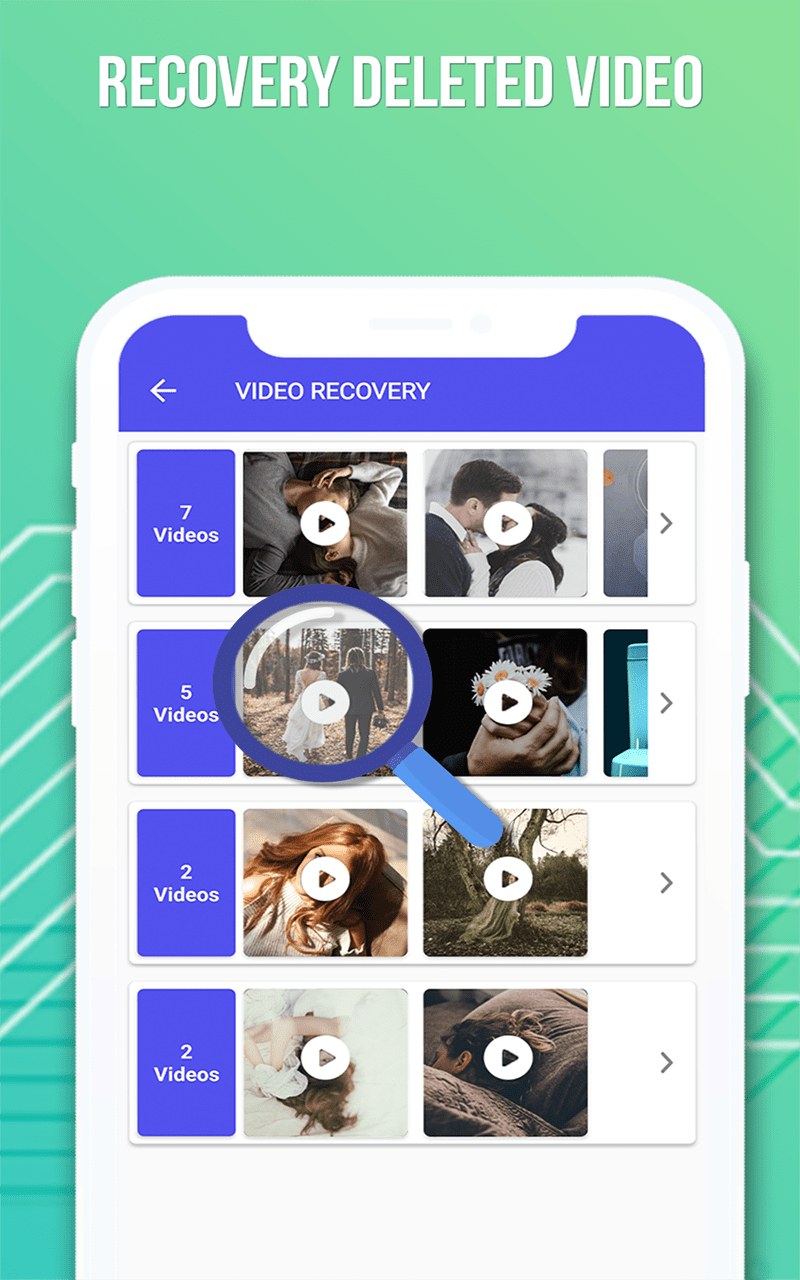
How to Recover Deleted Videos: A Step-by-step Guide
Have you accidentally erased a video from your smartphone, tablet, or PC? Don’t worry! You might be able to recover it using the methods outlined in this article.
Table 1: Methods For Recovering Deleted Videos on Android Devices
| Method | Description |
|---|---|
| Google Photos/Gallery | Use the built-in Gallery app to recover deleted videos. |
| EaseUS MobiSaver | A third-party app that can recover deleted videos from your Android device. |
Table 2: Methods For Recovering Deleted Videos on Iphone And Ipad Devices
| Method | Description |
|---|---|
| Photos App | Use the built-in Photos app to recover deleted videos. |
| EaseUS MobiSaver | A third-party app that can recover deleted videos from your iPhone or iPad device. |
How to Recover Deleted Videos: A Step-by-step Guide
If you’ve accidentally erased a video from your smartphone, tablet, or PC, don’t worry! You might be able to recover it using the methods outlined in this article.
Informazioni Preliminari (Preliminary Information)
Before we dive into the nitty-gritty of recovering deleted videos, let’s clarify some things. If you’re lucky and didn’t really erase your videos, but merely moved them to the “Recycle Bin” or a cloud storage service, you might be able to recover them without any issues.
However, if you’ve actually erased your videos by deleting them from their original location, the chances of recovering them are lower. This is because when you delete a file, the operating system frees up the space it occupied on your device’s memory. If you act before this “overwrite” happens, you might be able to recover your deleted video.
Come Recover Video Deleted on Android (Recovering Deleted Videos on Android)
There are several solutions you can use to recover deleted videos on Android devices:
- Google Photos/gallery: If you use the Google Photos app for photo and video management, there’s a section called “Trash” where you can find deleted files. Unfortunately, this term is limited to 60 days, so act fast!
- Easeus Mobisaver: This third-party app can recover deleted videos from your Android device. You can install it from the Play Store and follow the on-screen instructions.
Come Recover Video Deleted on Iphone And Ipad (Recovering Deleted Videos on Iphone And Ipad)
To recover deleted videos on an iPhone or iPad, you can use:
- Photos App: If you’ve stored your photos and videos in the Photos app, you might be able to recover deleted files by accessing the “Albums” section.
- Easeus Mobisaver: This third-party app can also help you recover deleted videos from your iPhone or iPad device.
Come Recover Video Deleted on PC (Recovering Deleted Videos on Pc)
If you’ve accidentally erased a video from your PC, don’t panic! Here are some methods to try:
- Recycle Bin: Check if the deleted video is still in the Recycle Bin. If it is, you can easily recover it by right-clicking and selecting “Restore.”
- Cloud Storage Services: If you’ve stored your files in cloud storage services like Google Drive, Dropbox, or OneDrive, check if the deleted video is still there.
- Photorec (Windows/macOS/Linux): This free software can help you recover deleted videos from your device’s memory. Download and run PhotoRec to scan for lost files.
- Recuva (Windows): Another free tool that can help you recover deleted videos from your Windows device. Download, install, and follow the on-screen instructions.
- Disk Drill (Windows/macOS): This software offers a free version that allows you to recover up to 500MB of data. You can also upgrade to the Pro version for more features.
Come Recover Video Deleted From SD Card (Recovering Deleted Videos From SD Card)
If you’ve accidentally erased a video from an SD card, here are some methods to try:
- Easeus Mobisaver: This app can help you recover deleted videos from your Android device or external storage devices like SD cards.
- Photorec (Windows/macOS/Linux): This software can scan for lost files on your SD card and other storage devices.
- Recuva (Windows): This tool can also help you recover deleted videos from your Windows device, including external storage devices.
Come Recover Video Deleted From Whatsapp (Recovering Deleted Videos From Whatsapp)
If you’ve accidentally erased a video from WhatsApp, here are some methods to try:
- Easeus Mobisaver: This app can help you recover deleted videos from your Android device or external storage devices.
- Google Photos/gallery: If you’ve stored your photos and videos in Google Photos, check if the deleted video is still there.
Come Recover Video Deleted From Youtube (Recovering Deleted Videos From Youtube)
Unfortunately, it’s not possible to recover deleted videos from YouTube once they’re erased. However, if you’ve stored a copy of the video on your device or external storage devices, you might be able to recover it using the methods outlined above.
Come Recover Video Deleted From Facebook (Recovering Deleted Videos From Facebook)
It’s also not possible to recover deleted videos from Facebook once they’re erased. However, if you’ve stored a copy of the video on your device or external storage devices, you might be able to recover it using the methods outlined above.
Conclusion
Accidentally deleting a video can be frustrating, but there are many solutions available to help you recover lost files. By following the steps outlined in this article, you should be able to retrieve your deleted videos and avoid losing precious memories.
Faqs
- What if I’ve already erased my video and it’s no longer in the Recycle Bin?
- In such cases, you might need to use specialized software like PhotoRec or Recuva to scan for lost files.
- Can I recover deleted videos from external storage devices like SD cards?
- Yes, some apps like EaseUS MobiSaver and PhotoRec can help you recover deleted videos from your device’s memory or external storage devices.
- How do I prevent accidental video deletions in the future?
- Regularly backing up your files to cloud storage services like Google Drive or Dropbox can help you avoid losing important data.


