
How to Recover a Gmail Account: A Step-by-step Guide
Have you lost access to your Gmail account? Don’t worry, it’s a common problem! Google has made recovery processes easier than ever, and with this guide, you’ll be able to regain access to your email in no time.
Understanding The Problem
Before we dive into the solution, let’s understand why you might have lost access to your Gmail account. It could be due to:
- Forgetting your password or username
- Losing access to your phone number or recovery email
- Your account being suspended or deleted
Step 1: Check Your Recovery Information
The first step is to check if you’ve saved any recovery information on your device, such as passwords or login credentials. If you have, try logging in with that information.
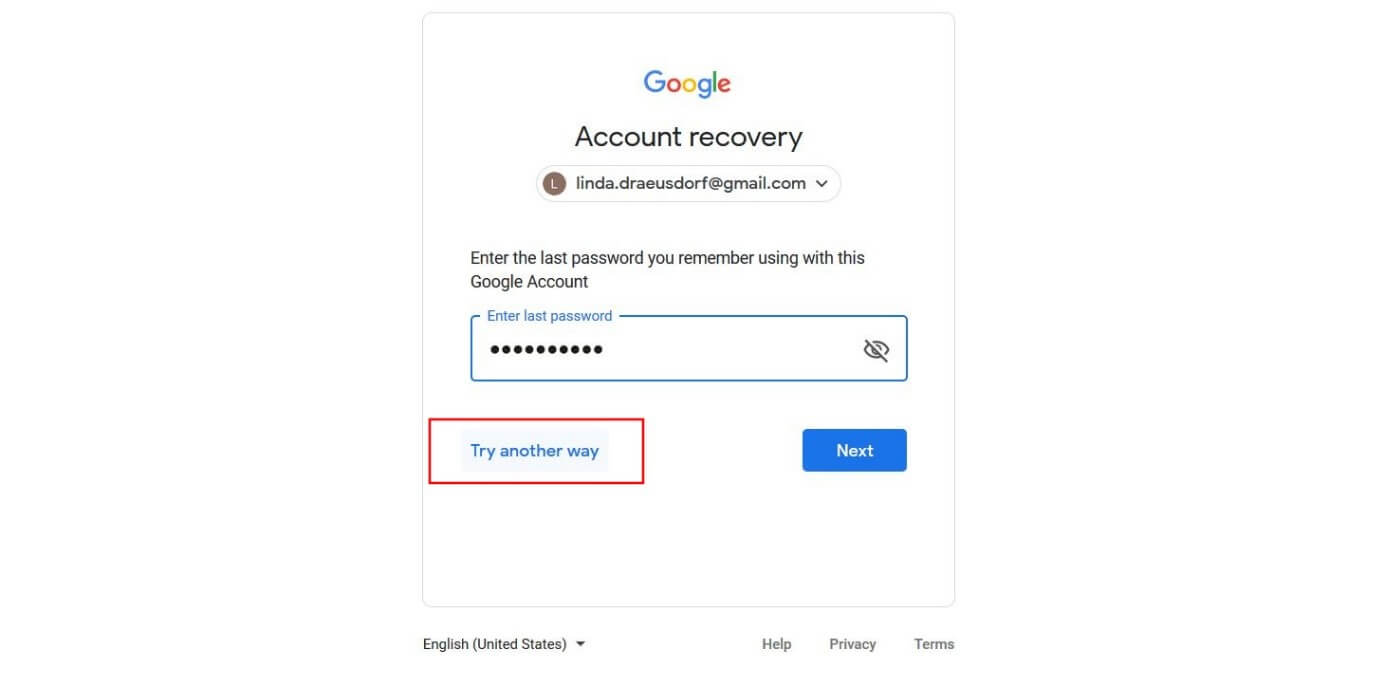
Step 2: Use The Recovery Form
If the above step doesn’t work, it’s time to use Google’s recovery form. You can access this form by going to the Google account recovery page and following the instructions.
Recovering Your Gmail Account Without a Password
Have you forgotten your password? Don’t worry! You can recover your account without one using Google’s recovery process.
- Go to the Google account recovery page.
- Enter your email address or phone number.
- Click on “Next” and follow the instructions.
Recovering Your Gmail Account Without a Phone Number
If you’ve lost access to your phone number, don’t worry! You can still recover your account using other methods, such as:
- Recovery emails
- Security questions
To do this, go to the Google account recovery page and follow the instructions.
Recovering a Deleted Gmail Account
Have you deleted your Gmail account by mistake? Don’t panic! You can recover it within a certain time frame.
- Go to the Google account recovery page.
- Enter your email address or phone number.
- Click on “Next” and follow the instructions.
Recovering a Suspended or Blocked Gmail Account
If your account has been suspended or blocked, you can still recover it by following these steps:
- Go to the Google account recovery page.
- Enter your email address or phone number.
- Click on “Next” and follow the instructions.
Recovering a Stolen Gmail Account
Has your account been stolen? Don’t worry! You can recover it by following these steps:
- Change your password immediately
- Check for any suspicious activity
- Report the incident to Google
Conclusion
Recovering a Gmail account is easier than ever, thanks to Google’s recovery processes. By following these steps, you’ll be able to regain access to your email in no time.
Frequently Asked Questions (FAQs)
- Q: How do I recover my Gmail account if I’ve forgotten my password?
A: You can use Google’s recovery form to reset your password. - Q: What if I don’t have access to my phone number or recovery email?
A: You can try using other methods, such as security questions or a backup email address. - Q: Can I recover my Gmail account if it has been deleted?
A: Yes, you can recover your account within a certain time frame by following the recovery process. - Q: How do I report a stolen Gmail account?
A: You should immediately change your password and report the incident to Google.


