
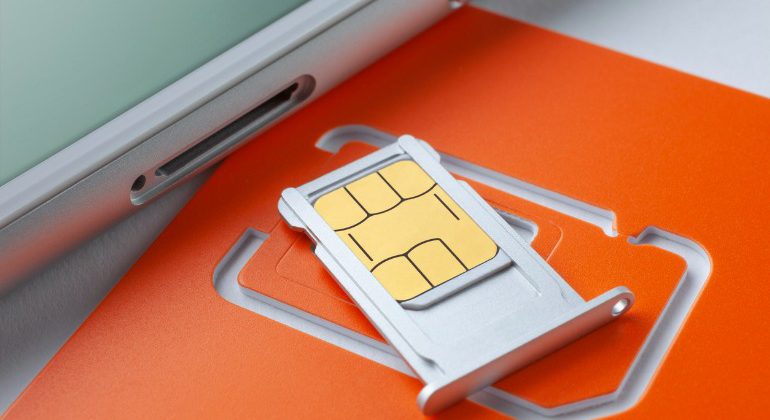
How to Recover Your Puk Code Vodafone: A Step-by-step Guide
Are you tired of dealing with a blocked SIM card on your Vodafone smartphone? Look no further! In this article, we will guide you through the process of recovering your PUK code Vodafone in a few simple steps.
What is a Puk Code?
Before we dive into the recovery process, let’s first understand what a PUK code is. A PUK (Personal Unblocking Key) code is an eight-digit code provided by your mobile network operator that allows you to unblock your SIM card after entering the wrong PIN three times.
Why Do I Need to Recover My Puk Code?
If you’ve entered the wrong PIN three times, your SIM card will be blocked, and you’ll need to recover your PUK code to unblock it. This process is relatively straightforward, but we’ll walk you through each step to ensure you’re comfortable with the process.
How to Recover Your Puk Code Vodafone Online
Recovering your PUK code Vodafone online is a quick and easy process. Here’s how:
- Access The Vodafone Website: Open your web browser and navigate to the Vodafone website.
- Login to Your Account: Enter your login credentials to access your account dashboard.
- Select Your Sim Card: Click on the “SIM” tab and select the SIM card you want to recover the PUK code for.
- Click on “Details”: Click on the “Details” button next to your SIM card.
- View Your Puk Code: Your PUK code will be displayed on this page.
How to Recover Your Puk Code Vodafone With My Vodafone App
Alternatively, you can use the My Vodafone app to recover your PUK code. Here’s how:
- Download And Install The App: Download and install the My Vodafone app from the Play Store (Android) or App Store (iOS).
- Login to Your Account: Enter your login credentials to access your account dashboard.
- Select Your Sim Card: Click on the “SIM” tab and select the SIM card you want to recover the PUK code for.
- Click on “Info”: Click on the “Info” button next to your SIM card.
- View Your Puk Code: Your PUK code will be displayed on this page.
Other Solutions to Recover Your Puk Code Vodafone
If you’re unable to recover your PUK code online or through the My Vodafone app, there are other solutions available:
- Check Your Package of Sale: If you have a physical SIM card, check the package of sale for the PUK code.
- Contact Customer Service: Reach out to Vodafone customer service via phone (190) or social media.
What to Do After Recovering Your Puk Code
After recovering your PUK code, simply enter it along with a new PIN code when prompted. You’ll be able to continue using your SIM card as normal.
What to Do in Case of Problems
If you encounter any issues while trying to recover your PUK code, don’t panic! Simply visit a Vodafone store and ask them to replace your SIM card. This will give you a new SIM card with the same number and credit residue.
Conclusion
Recovering your PUK code Vodafone is a straightforward process that can be completed online or through the My Vodafone app. If you encounter any issues, don’t hesitate to contact customer service or visit a Vodafone store for assistance.
Faqs
- What is a Puk Code?
A PUK code is an eight-digit code provided by your mobile network operator that allows you to unblock your SIM card after entering the wrong PIN three times. - Why do I Need to Recover my Puk Code?
You’ll need to recover your PUK code if you’ve entered the wrong PIN three times, blocking your SIM card. - How Can I Recover my Puk Code Vodafone Online?
To recover your PUK code Vodafone online, access the Vodafone website, login to your account, select your SIM card, and click on “Details” to view your PUK code. - Can I Recover my Puk Code Using The My Vodafone App?
Yes, you can use the My Vodafone app to recover your PUK code. Simply download and install the app, login to your account, select your SIM card, and click on “Info” to view your PUK code. - What Should I do After Recovering my Puk Code?
After recovering your PUK code, enter it along with a new PIN code when prompted to unblock your SIM card. - What if I Encounter Problems While Trying to Recover my Puk Code?
If you encounter issues while trying to recover your PUK code, visit a Vodafone store and ask them to replace your SIM card. - How Much Will it Cost to Replace my Sim Card?
Replacing your SIM card typically costs 10 euros. - Can I Recover my Puk Code Using Sms?
Unfortunately, no. Vodafone has suspended the service of sending PUK codes via SMS.
We hope this guide has been helpful in resolving any issues you may have encountered while trying to recover your PUK code Vodafone!


