
Recovering Your Online Account: A Step-by-step Guide
Are you tired of trying to recover your online account, only to be met with frustration and disappointment? Look no further! In this comprehensive guide, we will walk you through the process of recovering your account on various social media platforms, email services, and gaming websites.
Recovering Your Social Media Account
With so many social media platforms out there, it’s easy to get lost in the shuffle. But fear not, dear reader, for we have got you covered. Here are some tips on how to recover your social media account:
- Instagram: If you’ve forgotten your password, simply click on “Forgot Password” and follow the prompts. You can also use your email address or phone number to reset your password.
- Facebook: To recover your Facebook account, go to the login page and click on “Forgot Account?” Then, enter your email address or phone number associated with your account to receive a code for verification.
- Tiktok: If you’ve forgotten your password or want to recover an old account, simply log in using your email address, phone number, or username. You can also use the “Forgot Password” feature to reset your password.
Recovering Your Email Account
Have you lost access to your email account? Don’t worry! Here are some tips on how to recover it:
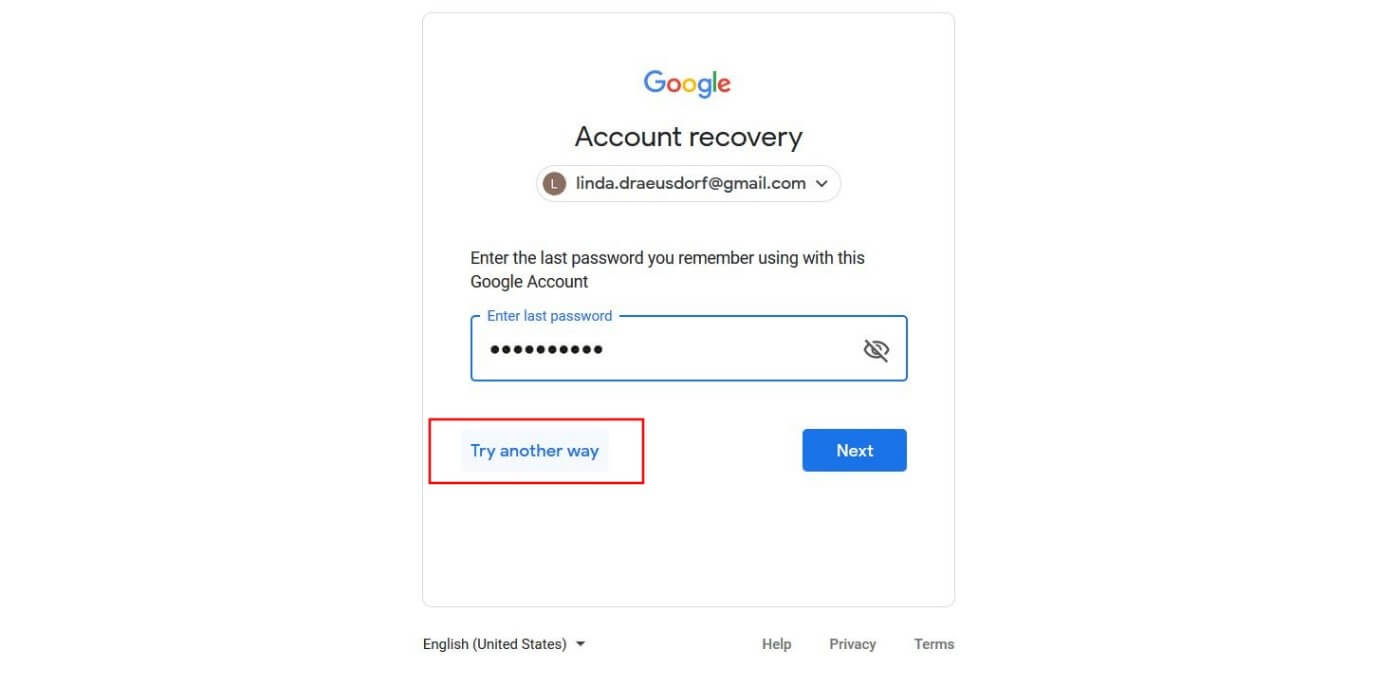
- Google: If you’ve forgotten your password, click on “Forgot Password” and follow the prompts. You can also use your alternative email address or phone number to reset your password.
- Microsoft: To recover your Microsoft account, go to the login page and click on “Forgot Password.” Enter your email address, phone number, or Skype ID to receive a code for verification.
Recovering Your Gaming Account
Get ready to level up! Here are some tips on how to recover your gaming account:
- Clash Royale: To recover your Clash Royale account, log in using your Supercell ID. If you don’t have one, you can use your Google Play Gamings or Apple ID.
- Brawl Stars: Similarly, to recover your Brawl Stars account, use your Supercell ID, Google Play Gamings, or Apple ID.
Recovering Your Other Online Accounts
Still having trouble? Don’t worry! Here are some general tips on how to recover other online accounts:
- If you’ve forgotten your password, try using the “Forgot Password” feature.
- If you can’t remember your username, check your email address or phone number associated with your account.
- If you’re still having trouble, contact the customer support team for assistance.
Conclusion
Recovering your online account can be a daunting task, but with these tips and tricks, you’ll be back up and running in no time. Remember to always keep your login information safe and secure, and don’t hesitate to reach out if you need help. Happy recovering!
Frequently Asked Questions (FAQs)
- Q: I’ve forgotten my password on multiple social media platforms. What do I do?
A: Try using the “Forgot Password” feature on each platform. - Q: How do I recover a deleted social media account?
A: Unfortunately, there’s no guarantee that you can recover a deleted account. However, if it’s been less than 30 days since deletion, you might be able to recover it by following the platform’s guidelines. - Q: Can I use my email address or phone number to reset my password on all platforms?
A: Yes, but make sure you have access to that email address or phone number associated with your account.


