
How to Create a Paypal Account: A Step-by-step Guide
Are you interested in creating a PayPal account but don’t know where to start? Look no further! In this article, we will guide you through the process of creating a PayPal account and explain how it can benefit your online transactions.
What is Paypal?
PayPal is an online payment service that allows users to send and receive payments online. It’s a secure way to make purchases on websites, pay bills, and even transfer money to friends and family. With a PayPal account, you can enjoy the convenience of not having to enter your credit card details every time you want to make a purchase.
Why Create a Paypal Account?
Creating a PayPal account offers several benefits, including:
- Convenience: You don’t have to enter your credit card details every time you want to make a purchase.
- Security: Your financial information is protected by PayPal’s secure servers.
- Flexibility: You can use PayPal to pay bills, transfer money to friends and family, or even send payments to freelancers.
How to Create a Paypal Account
Creating a PayPal account is easy and straightforward. Here are the steps you need to follow:
- Visit The Paypal Website: Go to the PayPal website (www.Paypal.Com) and click on “Sign Up” in the top right corner.
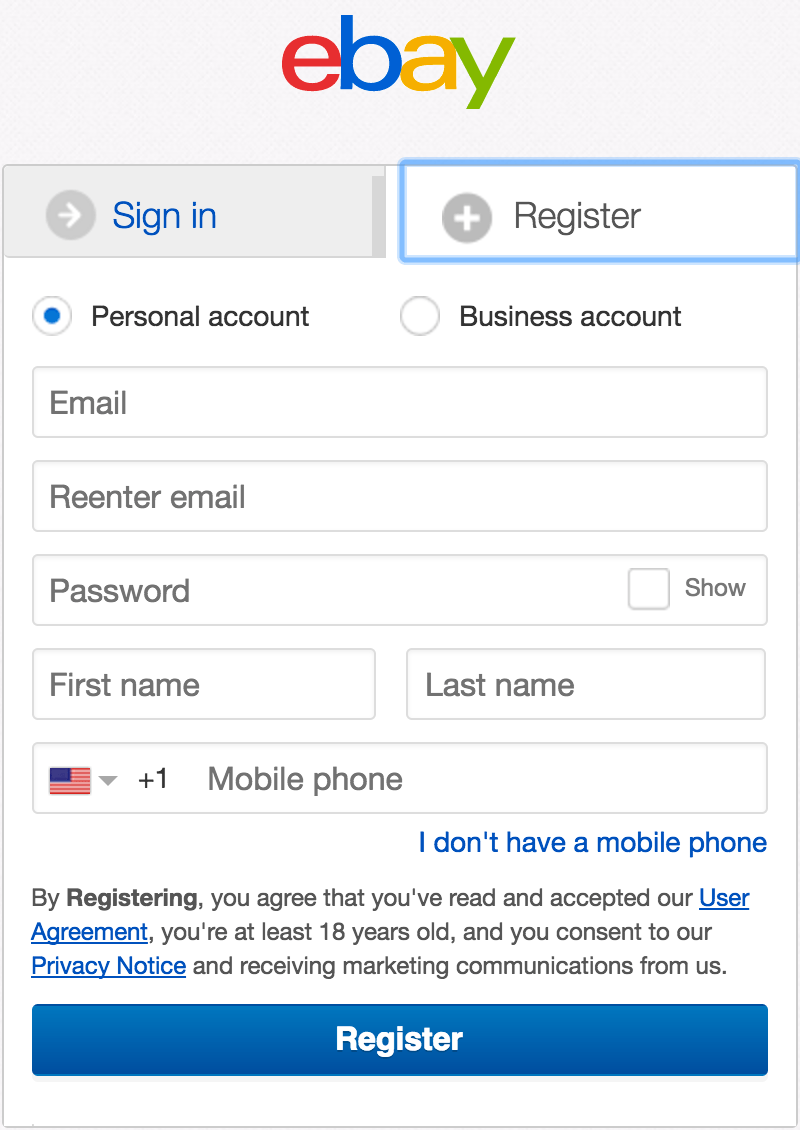
- Choose Your Account Type: Select whether you want to create a personal or business account. Personal accounts are for individuals, while business accounts are for companies.
- Enter Your Details: Fill out your name, email address, password, and other required details.
- Link Your Bank Account: Link your bank account to your PayPal account so that you can fund your transactions.
- Verify Your Account: PayPal will send a verification code to your email address or phone number. Enter the code to verify your account.
How to Use Paypal
Once you have created a PayPal account, here’s how you can use it:
- Make Purchases: You can use PayPal to make purchases on websites that accept PayPal payments.
- Pay Bills: You can use PayPal to pay bills online, eliminating the need for checks or bank transfers.
- Transfer Money: You can use PayPal to transfer money to friends and family, or even send payments to freelancers.
Tips And Precautions
Here are some tips and precautions to keep in mind when using PayPal:
- Keep Your Account Secure: Make sure to keep your account details secure by using a strong password and enabling two-factor authentication.
- Monitor Your Transactions: Keep an eye on your transactions to ensure that everything is in order.
- Avoid Suspicious Emails: Be cautious of emails from PayPal that ask you to provide sensitive information. If you’re unsure, contact PayPal’s customer support directly.
Conclusion
Creating a PayPal account is easy and convenient way to make online payments securely. By following the steps outlined above, you can create your own PayPal account and start enjoying the benefits it offers.
Frequently Asked Questions (FAQs)
- Q: What is Paypal?
A: PayPal is an online payment service that allows users to send and receive payments online. - Q: Why Create a Paypal Account?
A: Creating a PayPal account offers several benefits, including convenience, security, and flexibility. - Q: How Do I Create a Paypal Account?
A: To create a PayPal account, visit the PayPal website, choose your account type (personal or business), enter your details, link your bank account, and verify your account. - Q: How Do I Use Paypal?
A: You can use PayPal to make purchases on websites that accept PayPal payments, pay bills online, transfer money to friends and family, or even send payments to freelancers. - Q: What Should I Keep in Mind When Using Paypal?
A: Make sure to keep your account secure by using a strong password and enabling two-factor authentication. Monitor your transactions and be cautious of suspicious emails from PayPal.
Contact Information
If you have any questions or concerns about creating a PayPal account, feel free to contact our customer support team. We’re here to help!


