
How to Record on Tiktok: A Step-by-step Guide
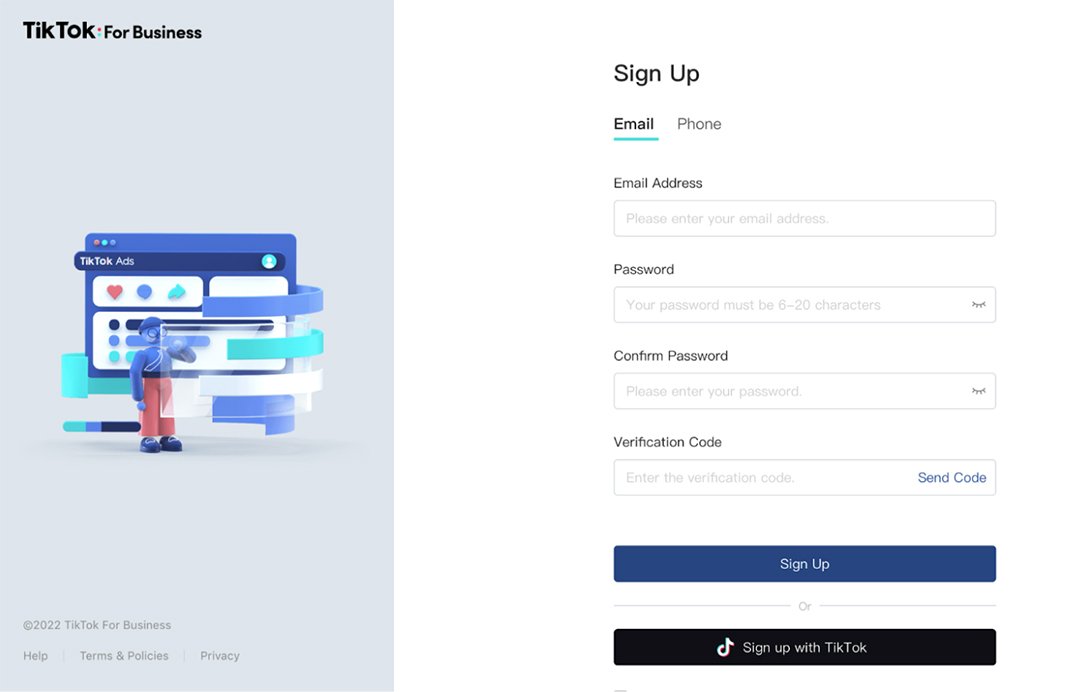
Are you tired of missing out on the fun? Do you want to join the millions of users who are already creating and sharing their favorite moments on TikTok? Look no further! In this article, we will guide you through the process of recording on TikTok, covering all the necessary steps and options for creating a new account using your email or phone number, as well as using your Facebook, Google, or Twitter account.
Why Create an Account on Tiktok?
Before we dive into the nitty-gritty details, let’s take a step back and understand why creating an account on TikTok is worth your while. With over a billion active users, TikTok has become one of the most popular social media platforms, offering a unique experience that combines creativity, entertainment, and community.
Recording on Tiktok With Email or Phone Number
To get started, follow these steps:
Step 1: Download And Install The App
First things first, you need to download and install the TikTok app on your smartphone. You can find it in the App Store for iOS devices or the Google Play Store for Android devices.
Step 2: Open The App And Tap on “Recorded”
Once installed, open the app and tap on the “Recorded” button at the bottom of the screen. This will take you to a new page where you can choose how to create your account.
Step 3: Choose Your Registration Option
You have two options:
- Tap on “Use phone or email” and enter your email address or phone number.
- Tap on “Facebook,” “Google,” or “Twitter” and log in with your existing account.
Step 4: Verify Your Account
If you choose the email option, TikTok will send a verification link to your email address. Click on this link to confirm your account.
Recording on Tiktok With Facebook
To create an account using Facebook, follow these steps:
- Open the TikTok app and tap on the “Recorded” button.
- Choose the “Continuous with Facebook” option.
- Enter your Facebook login credentials.
- Confirm your date of birth and choose a username.
- Tap on the “Confirm” button to complete the registration process.
Recording on Tiktok With Google
To create an account using Google, follow these steps:
- Open the TikTok app and tap on the “Recorded” button.
- Choose the “Continuous with Google” option.
- Enter your Google login credentials.
- Confirm your date of birth and choose a username.
- Tap on the “Confirm” button to complete the registration process.
Recording on Tiktok With Twitter
To create an account using Twitter, follow these steps:
- Open the TikTok app and tap on the “Recorded” button.
- Choose the “Continuous with Twitter” option.
- Enter your Twitter login credentials.
- Confirm your date of birth and choose a username.
- Tap on the “Confirm” button to complete the registration process.
Recording on Tiktok Without an Account
If you don’t want to create an account, you can still access TikTok by using their guest mode feature. However, this will limit your ability to create content and interact with other users.
How to Access Tiktok Without an Account
To access TikTok without creating an account:
- Open the TikTok app.
- Tap on the “Access” button at the bottom of the screen.
- Choose the “Guest mode” option.
- Enter your birthdate and choose a username (optional).
Conclusion
Creating an account on TikTok is easy peasy! With these step-by-step instructions, you can now join the millions of users who are already having fun on this popular social media platform. Whether you want to create content, interact with others, or simply enjoy the entertainment value, TikTok has something for everyone.
Frequently Asked Questions
- Q: What is the minimum age requirement to use TikTok?
A: The minimum age requirement to use TikTok is 13 years old. - Q: Can I access TikTok without creating an account?
A: Yes, you can access TikTok in guest mode, but this will limit your ability to create content and interact with other users. - Q: How do I verify my email address for TikTok?
A: If you choose the email option during registration, TikTok will send a verification link to your email address. Click on this link to confirm your account. - Q: Can I use multiple social media accounts to log in to TikTok?
A: Yes, you can use multiple social media accounts (e.G., Facebook, Google, Twitter) to log in to TikTok.
Stay Connected
Join the conversation and follow us on social media for more updates, tips, and fun content!


