
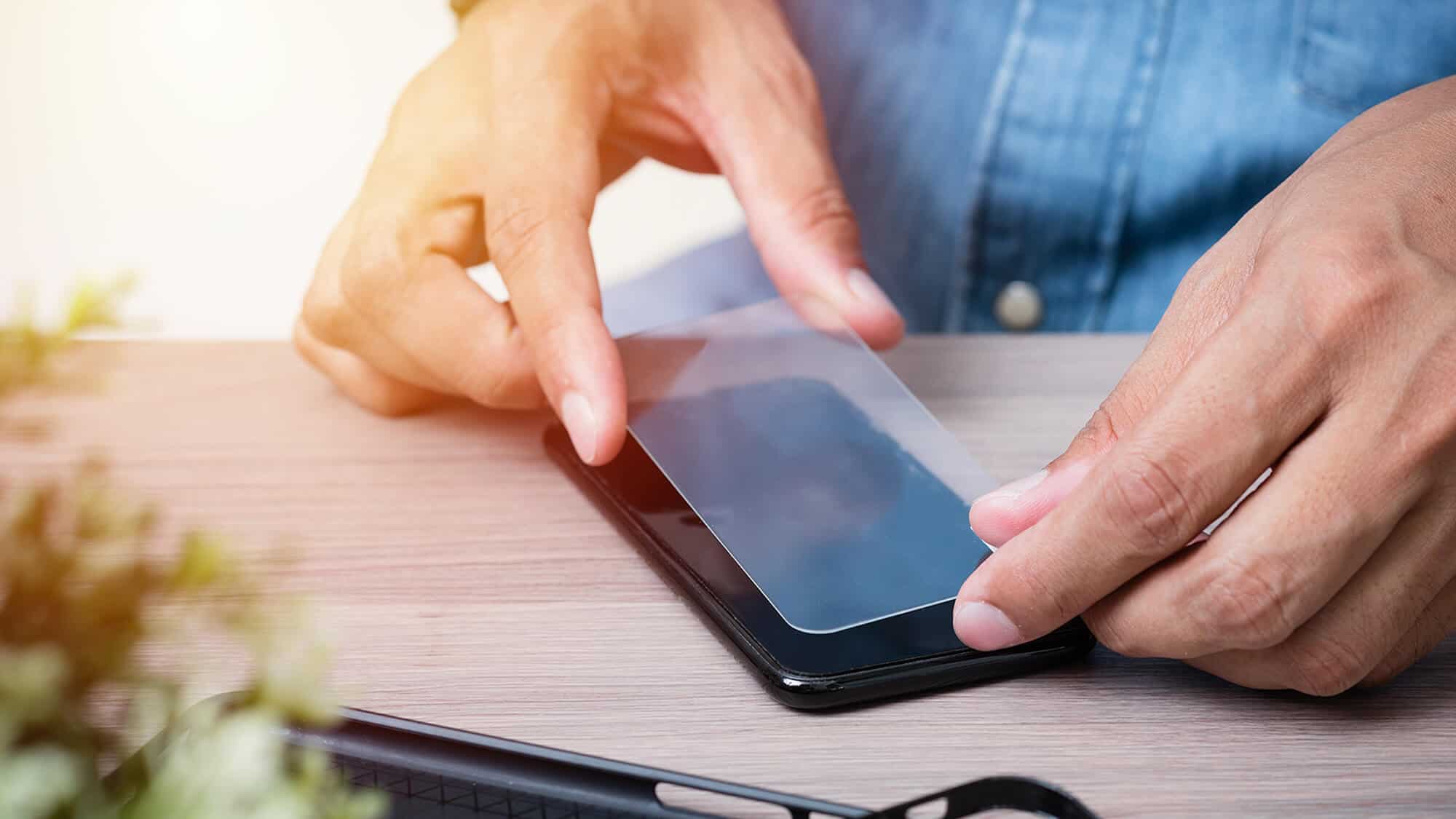
Removing Bubbles From a Smartphone Screen Protector: A Step-by-step Guide
Are you frustrated with bubbles forming on your smartphone screen protector? Don’t worry, we’ve got the solution for you! In this article, we’ll show you how to remove bubbles from your phone’s screen protector using a simple and effective method.
Understanding The Problem
Before we dive into the solution, let’s understand why bubbles form on screen protectors in the first place. Bubbles occur when air gets trapped between the screen protector and the phone’s display during application. This can happen if the screen protector is not applied correctly or if there are any imperfections on the phone’s surface.
The Occorrente Necessary to Remove Bubbles
To remove bubbles from your smartphone screen protector, you’ll need a few basic tools:
- A credit card (or another plastic card)
- A microfiber cloth
- A soft cloth or a paper towel
Step 1: Prepare The Area
Before applying the screen protector, make sure to clean the phone’s display thoroughly with a soft cloth and a gentle cleaning solution. This will ensure that there are no dust particles or other debris that could interfere with the application process.
Step 2: Apply The Screen Protector
Follow the manufacturer’s instructions for applying the screen protector. Make sure to apply it slowly and carefully, starting from one corner of the phone’s display. As you apply the protector, use a credit card to smooth out any air bubbles that form.
Step 3: Remove Bubbles With a Credit Card
Once you’ve applied the screen protector, use a credit card to gently press down on any areas where bubbles have formed. Hold the card at an angle and press down slowly and carefully, working from the center of the bubble outward. Repeat this process for each bubble that forms.
Step 4: Remove Excess Air
If you find that there are still some air bubbles remaining after using a credit card, try using a microfiber cloth to gently pat them away. You can also use a soft cloth or a paper towel to help absorb any excess air.
Tips For Avoiding Bubbles in The First Place
To avoid creating bubbles on your phone’s screen protector in the first place, make sure to:
- Clean the phone’s display thoroughly before applying the screen protector
- Apply the screen protector slowly and carefully, starting from one corner of the display
- Use a credit card or another smooth-edged tool to smooth out any air bubbles that form
Common Mistakes to Avoid
Here are some common mistakes to avoid when trying to remove bubbles from your phone’s screen protector:
- Applying too much pressure with the credit card, which can cause the screen protector to lift off the display
- Not cleaning the phone’s display thoroughly before applying the screen protector, which can leave behind dust particles or other debris that can interfere with the application process
Conclusion
Removing bubbles from a smartphone screen protector is a simple and effective process that requires just a few basic tools. By following the steps outlined in this article, you should be able to remove any air bubbles that form on your phone’s screen protector.
Frequently Asked Questions (FAQs)
Here are some frequently asked questions about removing bubbles from a smartphone screen protector:
- Q: How do I Prevent Bubbles From Forming on my Phone’s Screen Protector in The First Place?
A: To prevent bubbles from forming, make sure to clean the phone’s display thoroughly before applying the screen protector and apply it slowly and carefully. - Q: Can I Use a Hair Dryer or Other Heat Source to Remove Bubbles From my Phone’s Screen Protector?
A: No, do not use a hair dryer or other heat source to remove bubbles from your phone’s screen protector, as this can cause damage to the screen protector or the display. - Q: How Long Does it Take to Remove Bubbles From a Smartphone Screen Protector?
A: The time it takes to remove bubbles from a smartphone screen protector will vary depending on the size of the bubbles and how many there are. However, in most cases, you should be able to remove them within 10-15 minutes. - Q: Can I Use Any Type of Card or Tool to Remove Bubbles From my Phone’s Screen Protector?
A: No, it’s best to use a credit card or another smooth-edged tool specifically designed for this purpose. - Q: Will Removing Bubbles From my Phone’s Screen Protector Damage The Display?
A: If done correctly, removing bubbles from your phone’s screen protector should not cause any damage to the display.
Additional Resources
If you’re still having trouble removing bubbles from your phone’s screen protector, there are several online resources available that can provide more detailed instructions and troubleshooting tips. Some popular options include:
- YouTube tutorials
- Online forums and discussion boards
- Manufacturer’s websites and support pages


