
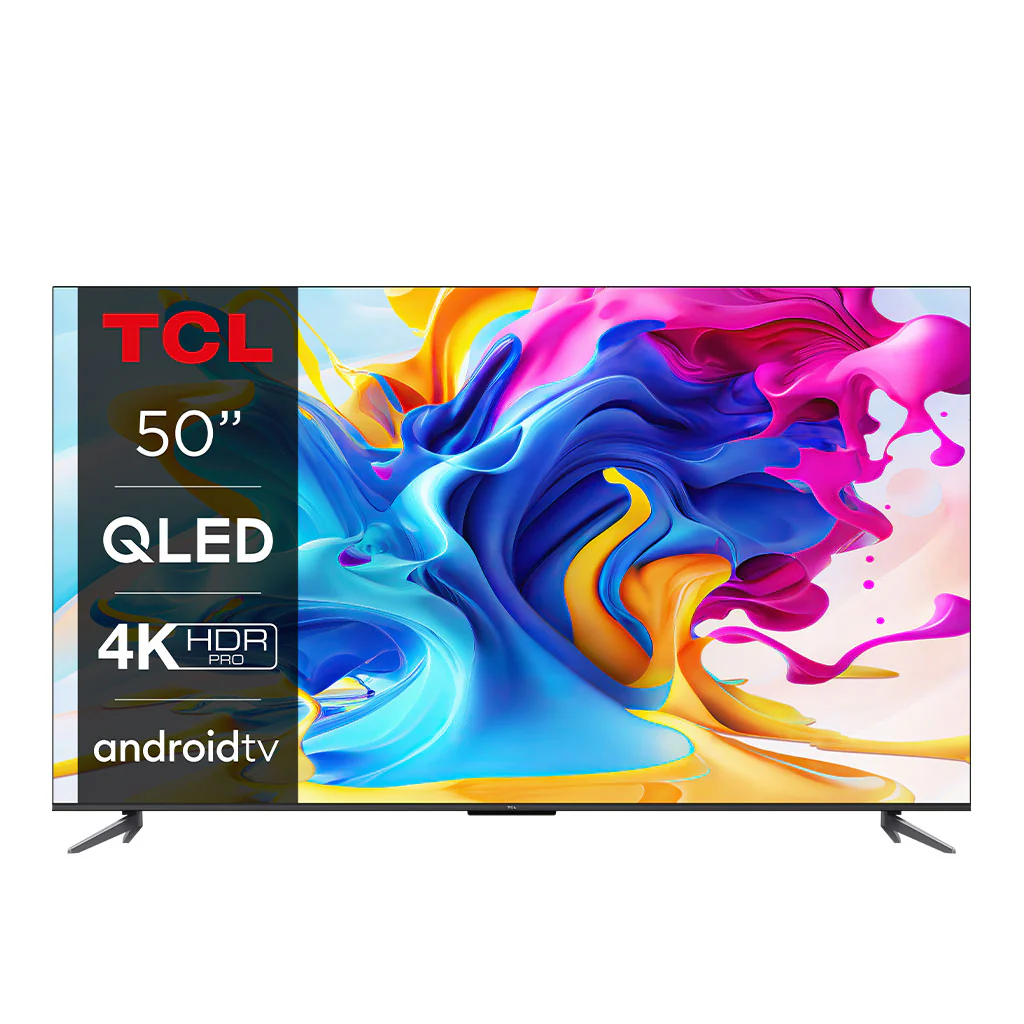
How to Remove Modality Shop TV Tcl: A Step-by-step Guide
Are you tired of having a modality shop TV mode on your TCL smart TV? Do you want to change it back to the normal home screen? Look no further! In this article, we will guide you through a step-by-step process on how to remove modality shop TV TCL and get back to your usual viewing experience.
Understanding Modality Shop TV Tcl
Before we dive into the solution, let’s first understand what modality shop TV mode is. This mode is designed to showcase the TV’s features in a retail environment, with standard settings that highlight the product’s capabilities. However, this can sometimes be confusing for users who are looking for a more personalized experience.
Removing Modality Shop TV Tcl: A Step-by-step Guide
If you’re ready to get rid of modality shop TV mode on your TCL smart TV, here’s what you need to do:
Method 1: For Android Tvs And Google Tvs
- Access The Settings Menu: Press the menu button on your remote control, then select “Settings.”
- Select System Preferences: Scroll down and choose “System” or “Preferences” (depending on your TV’s operating system).
- Look For Modality Shop Option: Search for the modality shop option in the settings menu. This may be labeled as “Modality Retail,” “Store,” or something similar.
- Change Modality Shop to Home Mode: Select the modality shop option and change it to “Home” mode.
Method 2: For Older Tcl Tvs With Proprietary Operating System
- Access The Settings Menu: Press the menu button on your remote control, then select “Settings.”
- Select Advanced Settings: Scroll down and choose “Advanced Settings.”
- Look For Modality Shop Option: Search for the modality shop option in the advanced settings menu.
- Change Modality Shop to Home Mode: Select the modality shop option and change it to “Home” mode.
Additional Tips And Variations
If you’re still having trouble finding or changing the modality shop option, here are some additional tips:
- Make sure you have the latest firmware update installed on your TV.
- Try accessing the settings menu by pressing the home button on your remote control and selecting “Settings.”
- If you have an older TCL TV with a proprietary operating system, try searching for the modality shop option in the “Menu” or “Home” section.
Troubleshooting And Support
If you’re still having trouble removing modality shop TV mode on your TCL smart TV, here are some troubleshooting tips:
- Check your TV’s user manual or online documentation for specific instructions.
- Contact TCL customer support via phone or email for assistance.
- Visit the TCL website to download a PDF manual or access online support resources.
Conclusion
Removing modality shop TV mode on your TCL smart TV is a straightforward process that can be completed in just a few steps. By following the step-by-step guide above, you should be able to change it back to the normal home screen and enjoy your favorite shows and movies without any distractions.
Frequently Asked Questions (FAQs)
- What is Modality Shop TV Mode?
Modality shop TV mode is a feature on TCL smart TVs that showcases the TV’s features in a retail environment. - How do I Remove Modality Shop TV Mode?
To remove modality shop TV mode, follow the step-by-step guide above or visit your TV’s settings menu to change it back to home mode. - Why is my Tcl TV Stuck on Modality Shop Mode?
If your TCL TV is stuck on modality shop mode, try restarting it or checking for firmware updates. - Can I Customize my Tv’s Home Screen?
Yes, you can customize your TV’s home screen by changing the wallpaper, adding apps, and adjusting other settings. - How do I Contact Tcl Customer Support?
You can contact TCL customer support via phone, email, or online chat on their official website.
I hope this article has been helpful in resolving any issues with modality shop TV mode on your TCL smart TV!


