
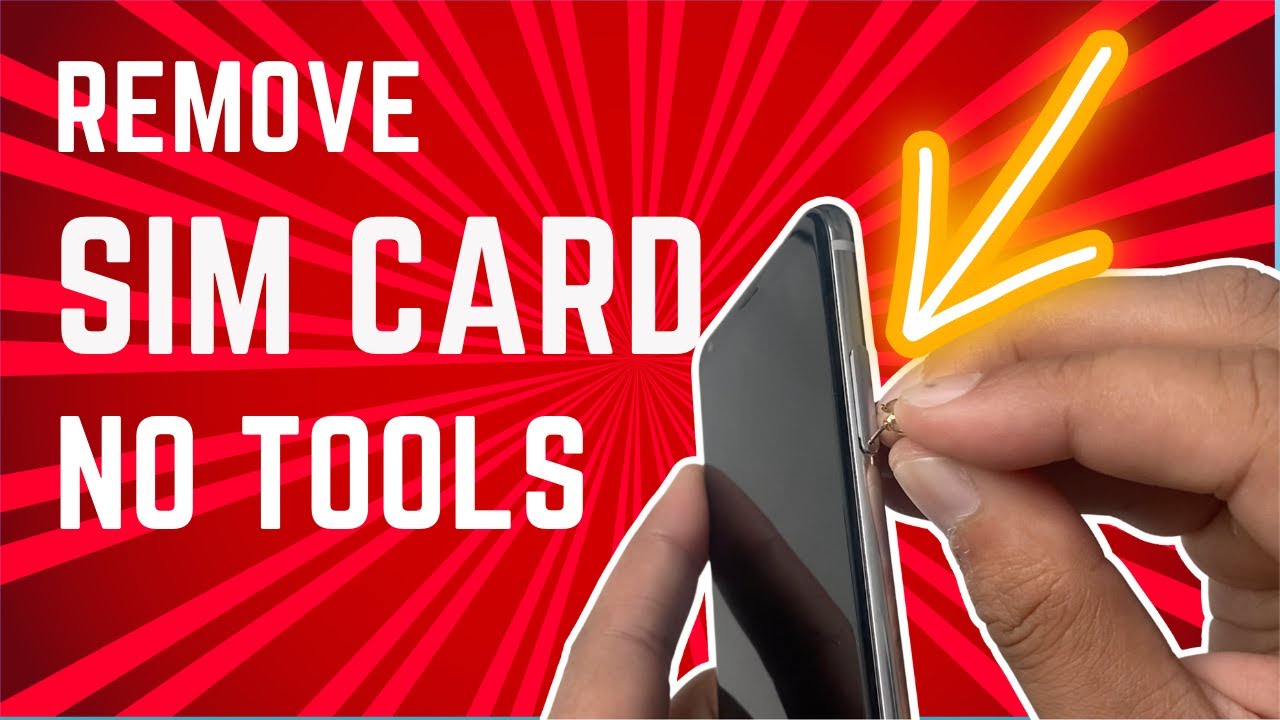
How to Remove Sim Card From Your Phone: A Step-by-step Guide
Are you looking to upgrade your phone or simply need to remove the SIM card for some reason? Removing the SIM card is a relatively simple process, but it can be tricky if you’re not familiar with the steps involved. In this article, we’ll guide you through the process of removing the SIM card from various types of phones, including Android and iPhone.
Understanding The Sim Card
Before we dive into the step-by-step instructions, let’s quickly understand what a SIM card is and its purpose. The SIM (Subscriber Identity Module) card is a small card that contains information about your phone number, account details, and other relevant data. It’s typically located on the back or side of your phone.
Removing Sim Card From Android Phones
If you have an Android phone, removing the SIM card is relatively easy. Here are the steps to follow:
- Turn Off Your Phone: Before attempting to remove the SIM card, make sure your phone is turned off.
- Locate The Sim Card Slot: Find the SIM card slot on your phone, which is usually located on the back or side of the device.
- Insert The Ejector Tool: Use a paper clip, a SIM ejector tool, or any other thin object to insert into the SIM card slot and gently push it in until you feel a slight click.
- Remove The Sim Card: Carefully pull out the SIM card from its slot.
Removing Sim Card From Samsung Phones
If you have a Samsung phone, the process is similar:
- Turn Off Your Phone: Before attempting to remove the SIM card, make sure your phone is turned off.
- Locate The Sim Card Slot: Find the SIM card slot on your phone, which is usually located on the back or side of the device.
- Use The Sim Ejector Tool: Use a paper clip, a SIM ejector tool, or any other thin object to insert into the SIM card slot and gently push it in until you feel a slight click.
- Remove The Sim Card: Carefully pull out the SIM card from its slot.
Removing Sim Card From Oppo Phones
If you have an OPPO phone, here are the steps to follow:
- Turn Off Your Phone: Before attempting to remove the SIM card, make sure your phone is turned off.
- Locate The Sim Card Slot: Find the SIM card slot on your phone, which is usually located on the back or side of the device.
- Insert The Ejector Tool: Use a paper clip, a SIM ejector tool, or any other thin object to insert into the SIM card slot and gently push it in until you feel a slight click.
- Remove The Sim Card: Carefully pull out the SIM card from its slot.
Removing Sim Card From Wiko Phones
If you have a Wiko phone, here are the steps to follow:
- Turn Off Your Phone: Before attempting to remove the SIM card, make sure your phone is turned off.
- Locate The Back Lid: Find the back lid of your phone, which usually contains the battery and SIM card slot.
- Use a Tool to Open The Back Lid: Use a screwdriver or any other thin object to gently pry open the back lid.
- Remove The Sim Card: Carefully pull out the SIM card from its slot.
Removing Sim Card From Xiaomi Phones
If you have an Xiaomi phone, here are the steps to follow:
- Turn Off Your Phone: Before attempting to remove the SIM card, make sure your phone is turned off.
- Locate The Back Lid: Find the back lid of your phone, which usually contains the battery and SIM card slot.
- Use a Tool to Open The Back Lid: Use a screwdriver or any other thin object to gently pry open the back lid.
- Remove The Sim Card: Carefully pull out the SIM card from its slot.
Removing Sim Card From Brondi Phones
If you have a Brondi phone, here are the steps to follow:
- Turn Off Your Phone: Before attempting to remove the SIM card, make sure your phone is turned off.
- Locate The Back Lid: Find the back lid of your phone, which usually contains the battery and SIM card slot.
- Use a Tool to Open The Back Lid: Use a screwdriver or any other thin object to gently pry open the back lid.
- Remove The Sim Card: Carefully pull out the SIM card from its slot.
Removing Sim Card From Huawei Phones
If you have an Huawei phone, here are the steps to follow:
- Turn Off Your Phone: Before attempting to remove the SIM card, make sure your phone is turned off.
- Locate The Sim Card Slot: Find the SIM card slot on your phone, which is usually located on the back or side of the device.
- Use a Tool to Eject The Sim Card: Use a paper clip, a SIM ejector tool, or any other thin object to insert into the SIM card slot and gently push it in until you feel a slight click.
- Remove The Sim Card: Carefully pull out the SIM card from its slot.
Removing Sim Card From Iphone Phones
If you have an iPhone phone, here are the steps to follow:
- Turn Off Your Phone: Before attempting to remove the SIM card, make sure your phone is turned off.
- Locate The Sim Card Slot: Find the SIM card slot on your phone, which is usually located on the back or side of the device.
- Use a Tool to Eject The Sim Card: Use a paper clip, a SIM ejector tool, or any other thin object to insert into the SIM card slot and gently push it in until you feel a slight click.
- Remove The Sim Card: Carefully pull out the SIM card from its slot.
Removing Sim Card Without an Ejector Tool
If you don’t have an ejector tool, don’t worry! You can still remove the SIM card using other objects like:
- A paper clip
- A SIM ejector tool substitute (available on Amazon)
- A needle
- A safety pin
Remember to be careful not to damage your phone or the SIM card.
Conclusion
Removing the SIM card from your phone is a relatively simple process. By following these step-by-step guides, you should be able to remove the SIM card from various types of phones, including Android and iPhone. Remember to be careful when handling your phone and its components to avoid any damage.
Recommended Tools For Removing Sim Card
- MMOBIEL 16 spilli estrattori for removal Scheda SIM
- MMOBIEL 100 spilli estrattori for removal scheda SIM
- MMOBIEL 10 spilli estrattori for removal scheda SIM
Buy on Amazon
These tools are available on Amazon and can be a useful substitute if you don’t have an ejector tool.


