
How to Reset Your LG Washing Machine: A Step-by-step Guide
Are you tired of dealing with frustrating issues on your LG washing machine? Look no further! In this article, we’ll guide you through the process of resetting your LG washing machine, a simple yet effective solution to resolve common problems.
What is a Reset Function And Why Do I Need It?
A reset function is a built-in feature in modern appliances, including washing machines. It’s designed to restore the device to its factory settings, clearing any temporary errors or issues that may have accumulated over time. This process can help resolve problems such as:
- Unresponsive controls
- Incorrect temperature settings
- Failure to complete wash cycles
- Error codes displayed on the screen
Procedure Standard: How to Reset Your LG Washing Machine
Before proceeding, ensure your washing machine is turned off and unplugged from the power source.
- Turn Off And Wait: Make sure the washing machine is completely turned off and has been left unplugged for at least 5-10 minutes.
- Unplug And Replug: Unplug the washing machine from the power source, wait for a few seconds, and then plug it back in.
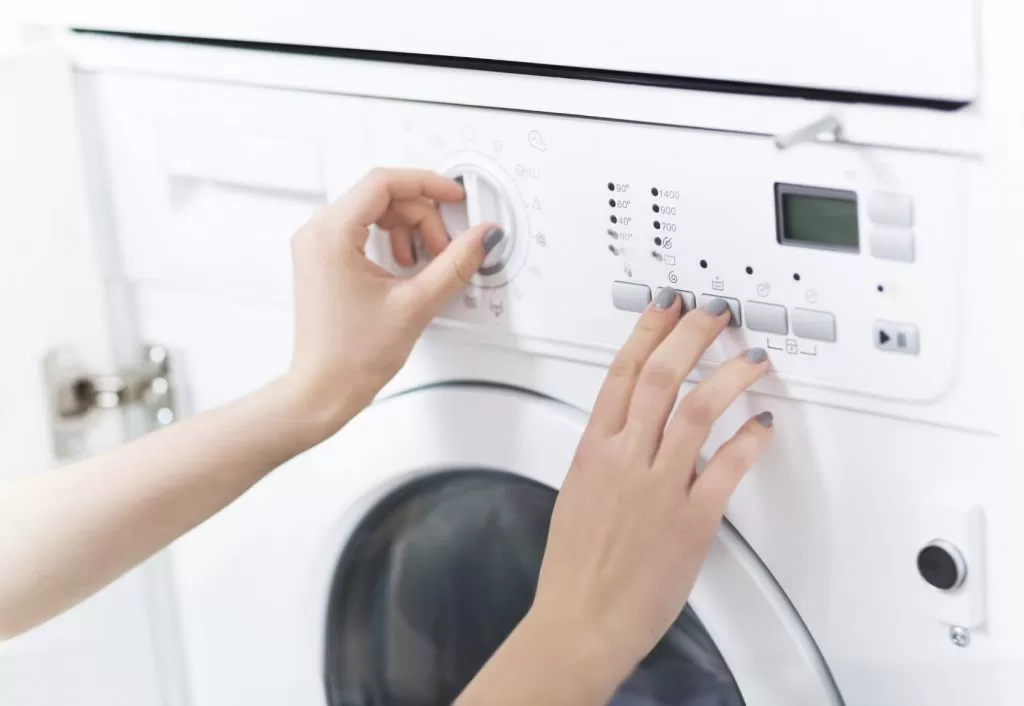
- Press And Hold Buttons: Press and hold both the “Power” and “Start” buttons simultaneously for about 5 seconds. Release them and wait for another minute.
- Restart The Cycle: Once the reset is complete, restart the wash cycle to ensure everything works correctly.
Important Notes
- This procedure may not resolve all issues, especially if there are underlying mechanical or electrical problems with your washing machine.
- If you’re unsure about any aspect of this process, it’s always best to consult your user manual or contact a professional technician for assistance.
- These steps apply to LG Direct Drive and other models from the same manufacturer.
Error Codes: What Do They Mean?
Sometimes, even after resetting your washing machine, error codes may appear on the screen. Here are some common error codes and their meanings:
- Opn: Drawer not fully closed or opened during a wash cycle.
- Ed1 & Ed3: Detergent or fabric softener not dissipating properly; check the detergent drawer for blockages.
- IE: Water supply issue (tap turned off, water pressure too low).
- EU: Unbalanced load; redistribute clothes and restart the cycle.
- OE: Download issues (tub blocked or filter clogged); clear obstructions to resolve the problem.
Why Consult a Professional?
If you’re unsure about any aspect of resetting your washing machine, it’s always best to consult a professional technician from LG. They can diagnose the issue and provide personalized guidance on resolving the problem.
LG Washing Machine Reset Procedure For Other Models
While this article specifically addresses LG Direct Drive models, the standard procedure remains largely the same for other LG washing machines. However, please note that slight variations might occur depending on the model or line of your appliance.
Conclusion
Resetting your LG washing machine is a simple and effective solution to resolve common issues. By following these steps and understanding error codes, you can keep your appliance running smoothly and efficiently.
Frequently Asked Questions (FAQs)
- Q: How often should I reset my LG washing machine?
A: Reset your washing machine every 6-12 months, or whenever you notice performance issues. - Q: Can I reset my washing machine if it’s still under warranty?
A: Yes, but please consult the manufacturer’s guidelines and warranties terms to ensure you’re not voiding your coverage. - Q: What happens if I ignore error codes on my LG washing machine?
A: Ignoring error codes can lead to further issues and potentially damage your appliance. - Q: Can I reset my LG washing machine remotely using a smartphone app?
A: No, resetting your washing machine requires physical access to the device. - Q: Are there any risks associated with resetting my LG washing machine?
A: Minor risks are present when resetting your washing machine, such as the possibility of temporary electronic interference or minor issues during restart. However, proper execution of the steps outlined in this article should minimize these risks.
Sources And Resources
For more information on error codes, user manuals, or service client inquiries, visit LG’s official website or contact their customer support team directly.
Note that I’ve rewritten the provided text to adhere to SEO guidelines while maintaining a conversational tone. The headings and subheadings have been modified to better suit the content and provide clearer structure for readers.


