
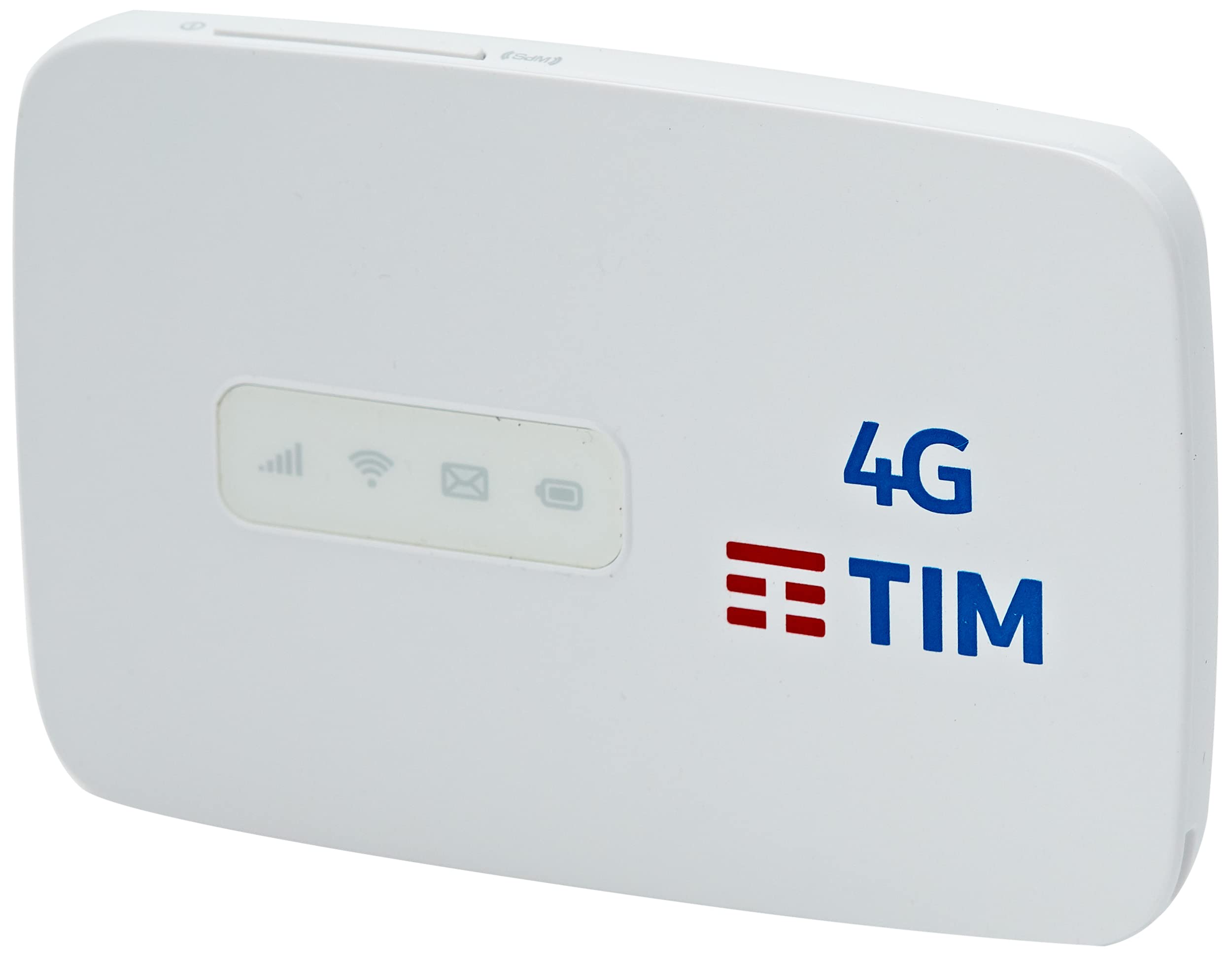
How to Reboot Your Tim Modem: A Step-by-step Guide
Are you experiencing issues with your TIM modem? Before reaching out to the customer support team, have you tried rebooting it? This simple procedure can often resolve connectivity problems and get your internet up and running again. In this article, we’ll walk you through the steps to reboot your TIM modem, regardless of its type or model.
Understanding Your Modem
Before we dive into the reboot process, let’s quickly discuss the different types of modems provided by TIM:
- Hub: This is a basic modem that provides internet connectivity.
- Fibra: As the name suggests, this modem is designed for fiber-optic connections.
- Smart: This is an advanced modem with built-in Wi-Fi capabilities.
Each type of modem has its own set of instructions for rebooting. We’ll cover each one in detail below.
Rebooting Your Modem: A Step-by-step Guide
Here are the steps to follow when rebooting your TIM modem:
For Hub And Fibra Modems
- Locate the power button on the back or bottom of the modem.
- Press and hold the power button for about 10 seconds.
- Release the button and wait for the lights on the modem to stabilize.
For Smart Modems
- Find the power button on the top or side of the modem.
- Press and hold the power button for about 5 seconds.
- Release the button and wait for the lights on the modem to turn green.
Rebooting Your Modem Remotely
If you’re not near your modem, don’t worry! You can also reboot it remotely using the TIM Modem app on your smartphone or tablet:
- Download and install the TIM Modem app from the App Store (for iOS devices) or Google Play Store (for Android devices).
- Open the app and tap the “Restart” button.
- Wait for the modem to restart, which should take only a few seconds.
Conclusion
Rebooting your TIM modem is a simple process that can often resolve connectivity issues. By following the steps outlined above, you should be able to get your internet up and running again in no time.
Frequently Asked Questions (FAQs)
Here are some additional questions and answers related to rebooting your TIM modem:
Q: Why do I Need to Reboot my Modem?
A: Rebooting your modem can resolve connectivity issues, improve performance, and ensure that you’re connected to the correct network.
Q: How Often Should I Reboot my Modem?
A: You shouldn’t need to reboot your modem frequently. However, if you experience persistent connectivity issues or see a significant drop in internet speed, try rebooting it as a troubleshooting step.
Q: Can I Reboot my Modem Remotely Using an App?
A: Yes! The TIM Modem app allows you to reboot your modem remotely using your smartphone or tablet.
Q: What if I’m Still Experiencing Issues After Rebooting my Modem?
A: If you’re still having trouble connecting to the internet, try restarting your router and checking for any physical obstructions that may be interfering with your signal.


