
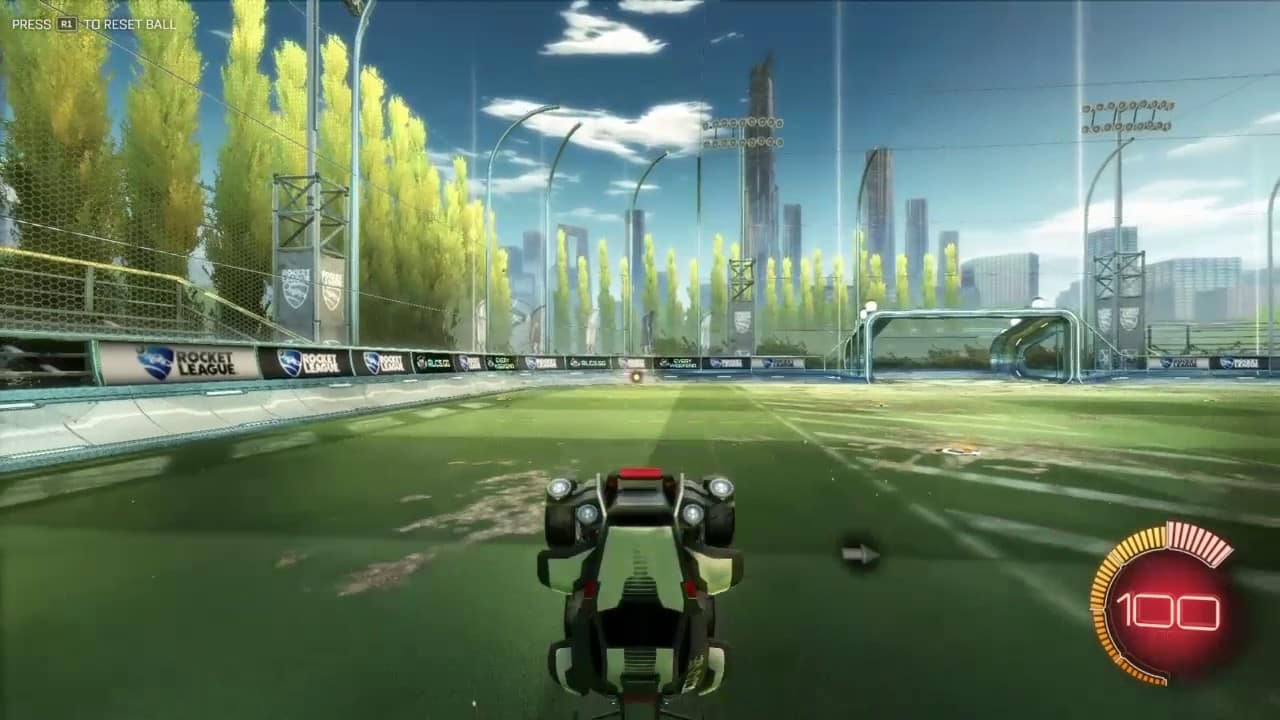
The Art of Spinning on Rocket League: A Comprehensive Guide
As a seasoned player of Rocket League, you’re likely no stranger to the thrill of spinning your vehicle in mid-air, outmaneuvering opponents, and scoring crucial goals. But have you ever wondered what it takes to become a master spinner? In this article, we’ll delve into the world of spinning on Rocket League, exploring the techniques, strategies, and tips that will take your gameplay to the next level.
Why Spin in The First Place?
Before we dive into the nitty-gritty of spinning, let’s talk about why it’s an essential skill for any Rocket League player. Spinning allows you to maintain control over your vehicle while airborne, making it easier to navigate through tight spaces and avoid collisions. It also enables you to make quick turns, change direction rapidly, and even perform complex maneuvers like flips and somersaults.
The Fundamentals of Spinning
So, what’s the secret to spinning on Rocket League? The answer lies in mastering two key elements: Boosting and rotation. To boost, you’ll need to collect boost pads scattered throughout the arena, which will give your vehicle a temporary speed boost. Meanwhile, rotation refers to the ability to turn your vehicle while airborne, using a combination of analog stick movements and button inputs.
Spinning With a Controller
If you’re playing Rocket League on a console or PC with a controller, spinning is relatively straightforward. To spin, follow these steps:
- Build up Boost: Collect boost pads to fill the boost bar.
- Jump And Vault: Press the jump button (usually L2) to vault into the air.
- Rotate: Use the left analog stick to rotate your vehicle while airborne.
- Apply Turbo: Hold the turbo button (usually R2) to maintain speed and control.
Spinning With a Keyboard
While spinning on a keyboard is more challenging than using a controller, it’s still achievable with practice and patience. Here’s how:
- Jump: Press the right mouse button to jump.
- Rotate: Use the W, A, S, and D keys to rotate your vehicle while airborne.
- Apply Turbo: Hold the Q and E keys to maintain speed and control.
Tips And Tricks For Mastering Spinning
Now that you know the basics of spinning on Rocket League, it’s time to take your skills to the next level. Here are some expert tips to help you master the art of spinning:
- Practice in Training Mode: Spend time practicing your spinning techniques in training mode before playing matches.
- Focus on Control: Prioritize control over speed when learning to spin.
- Master The Art of Rotation: Develop a feel for rotation by practicing different types of turns and movements.
- Stay Adaptable: Be prepared to adjust your technique based on the situation.
Conclusion
Spinning on Rocket League is an art that requires practice, patience, and persistence. By mastering the fundamentals of boosting and rotation, you’ll be able to navigate the game’s fast-paced action with ease and confidence. Remember to stay adaptable, focus on control, and always keep practicing – with these tips and a bit of dedication, you’ll be spinning like a pro in no time!
Frequently Asked Questions
Q: What’s the best way to practice spinning on Rocket League?
A: Practice your spinning techniques in training mode before playing matches.
Q: How do I master the art of rotation?
A: Develop a feel for rotation by practicing different types of turns and movements.
Q: Can I use a keyboard to spin on Rocket League?
A: Yes, but it’s more challenging than using a controller – practice patience and persistence!
Q: What are some expert tips for mastering spinning on Rocket League?
A: Focus on control, master the art of rotation, stay adaptable, and always keep practicing.
Q: How do I apply turbo while spinning on Rocket League?
A: Hold the Q and E keys (on keyboard) or R2 button (on controller) to maintain speed and control.


