
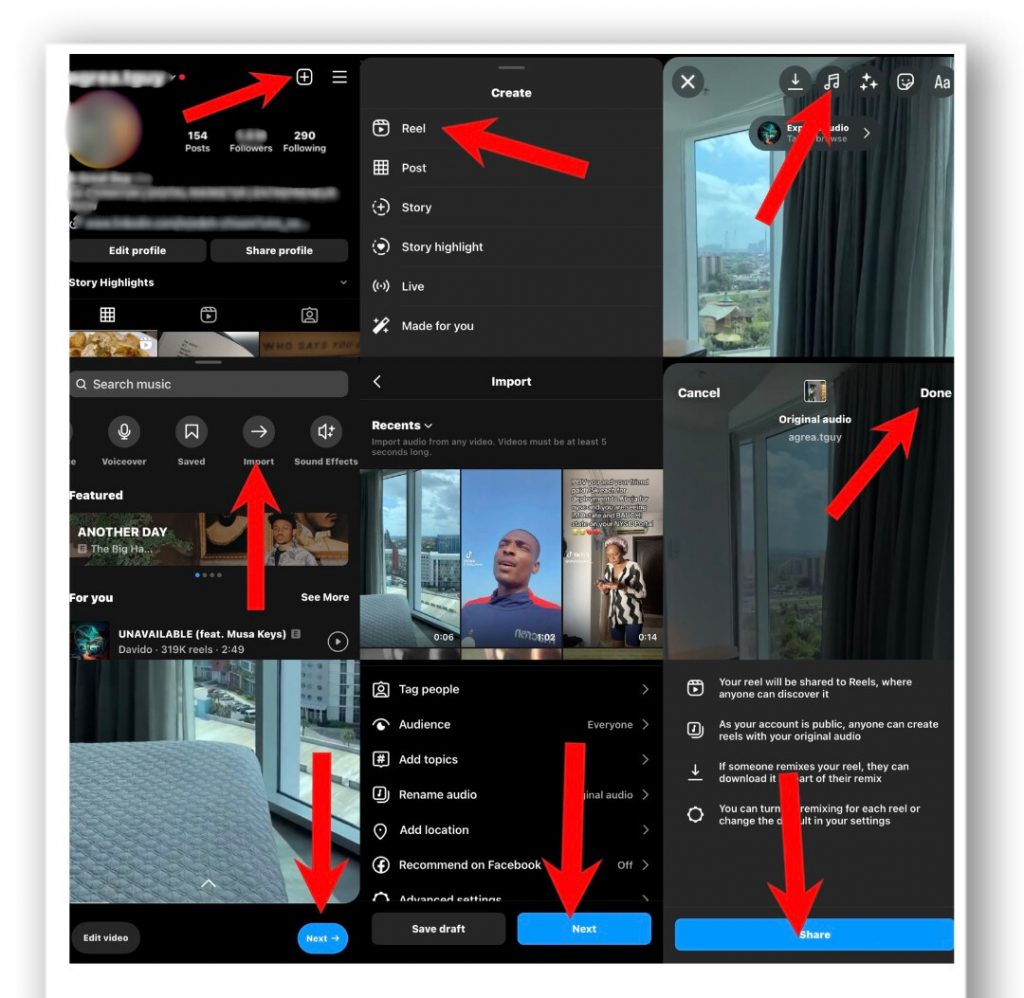
How to Save Instagram Videos With Music: A Step-by-step Guide
Are you tired of saving Instagram videos without music? Do you want to preserve the memories of your favorite moments on the platform, complete with the soundtrack that made them special? Look no further! In this article, we’ll show you how to save Instagram videos with music using both smartphones and computers.
The Challenge of Saving Instagram Videos With Music
Unlike other social media platforms, Instagram doesn’t offer a built-in feature to save videos with music. However, there are workarounds that can help you achieve your goal. We’ll explore these options in the following sections.
Method 1: Recording The Monitor on Your Smartphone (Android/iOS)
One way to save Instagram videos with music is by recording the monitor on your smartphone. This method is available on both Android and iOS devices. Here’s how to do it:
Recording The Monitor on an Android Device
- Open the Instagram app and navigate to the video you want to record.
- Swipe down from the top of the screen, then tap on the “Record monitor” icon in the center of the notifications bar.
- Tap on the red bar at the top of the screen to stop recording.
Recording The Monitor on an Ios Device
- Open the Instagram app and navigate to the video you want to record.
- Swipe down from the top-right corner of the screen, then tap on the “Record” icon in the Control Center.
- Tap on the red bar at the top of the screen to stop recording.
Method 2: Downloading Videos With Music Using Third-party Apps (PC)
For computer users, there are several third-party apps that can help you download Instagram videos with music. Here are a few options:
Storiesig
- Visit the StoriesIG website and enter the username of the account whose video you want to download.
- Click on the “Get started” button to begin the downloading process.
- Select the video you want to download and click on the orange “Download” button.
Other Options
You can also explore other options, such as using browser extensions or third-party apps like Go Record or ADV Scren Recorder. We’ll discuss these in more detail later.
Method 3: Capturing Videos With Music Using Screen Recording Software (PC)
If you prefer to capture videos on your computer rather than your smartphone, there are several screen recording software options available. Here’s how to do it:
Using Obs Studio
- Download and install OBS Studio from the official website.
- Launch OBS Studio and select the “File” option from the menu bar.
- Select the “Settings” option and choose the output format (e.G., MP4).
- Start recording the Instagram video using the “Start Recording” button.
Using Camtasia
- Download and install Camtasia from the official website.
- Launch Camtasia and select the “Record” option from the menu bar.
- Choose the output format (e.G., MP4) and start recording the Instagram video using the “Start Recording” button.
Conclusion
Saving Instagram videos with music may seem like a daunting task, but it’s definitely possible. With these methods, you can preserve your favorite memories on the platform and relive them whenever you want. Whether you’re using a smartphone or computer, there are workarounds available to help you achieve your goal. So go ahead, give it a try, and enjoy your saved Instagram videos with music!
Frequently Asked Questions
-
Q: Can I Save Instagram Videos With Music on my Android Device?
A: Yes, you can record the monitor on your Android device using the method described above. -
Q: How do I Download Instagram Videos With Music on my Pc?
A: You can use third-party apps like StoriesIG or explore other options such as browser extensions or screen recording software. -
Q: Can I Capture Videos With Music Using Screen Recording Software on my Pc?
A: Yes, you can use screen recording software like OBS Studio or Camtasia to capture videos with music on your PC. -
Q: Are There Any Other Options For Saving Instagram Videos With Music?
A: Yes, you can explore other options such as using browser extensions or third-party apps specifically designed for this purpose. -
Q: How do I Ensure The Quality of my Saved Video?
A: Make sure to choose the right output format and settings when recording or downloading your Instagram video to ensure the best quality possible. -
Q: Can I Save Multiple Videos at Once Using These Methods?
A: Yes, you can save multiple videos by following the same steps for each video you want to download or record. -
Q: Are There Any Potential Risks Associated With Saving Instagram Videos With Music?
A: As with any method of downloading or recording content, there may be some risks involved. Make sure to follow all applicable laws and regulations when saving Instagram videos with music. -
Q: Can I Use These Methods to Save Private or Deleted Videos on Instagram?
A: No, these methods are only suitable for saving public videos that have been shared by the account owner. Private or deleted videos cannot be saved using these methods.


