
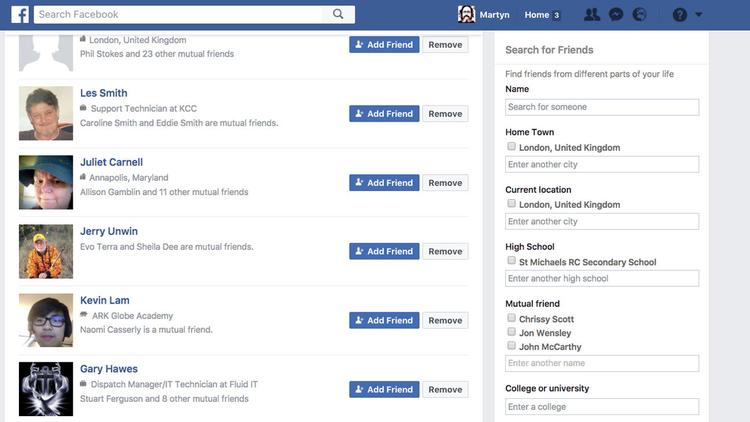
How to Search a Person on Facebook by Means of Photo
Are you looking for someone on Facebook but only have their photo? Searching for a person on Facebook can be a daunting task, especially when all you have is a picture. However, with the right tools and techniques, you can increase your chances of finding the person you’re looking for.
What to Do If You Don’t Know How to Search a Person on Facebook by Means of Photo
Before we dive into the nitty-gritty of searching for someone on Facebook using their photo, let’s address the elephant in the room: Facebook doesn’t have a built-in feature that allows you to search for people based on photos. However, there are some workarounds and third-party services that can help you find the person you’re looking for.
Tools You Can Use to Search a Person on Facebook by Means of Photo
Here are some tools you can use to search for someone on Facebook using their photo:
- Google Images: Google Images is an excellent tool for searching for people based on photos. It uses a reverse image search engine that can help you find similar images on the web.
- Tineye: TinEye is another powerful tool that allows you to search for images on the web. It’s specifically designed for reverse image searches, making it perfect for finding people on Facebook using their photo.
- Pimeyes: PimEyes is a lesser-known tool that uses artificial intelligence to find similar faces online. It’s free to use and can be a great resource for searching for someone on Facebook using their photo.
How to Use Each Tool
Here’s how you can use each of these tools to search for someone on Facebook using their photo:
- Google Images: To use Google Images, simply upload the photo of the person you’re looking for or enter the URL of a photo. The tool will then show you similar images online.
- Tineye: TinEye works similarly to Google Images. Upload the photo or enter the URL, and the tool will show you similar faces online.
- Pimeyes: PimEyes is a bit more complex. You’ll need to upload the photo or enter the URL of an image. The tool will then use artificial intelligence to find similar faces online.
Other Tools You Can Use
If these tools don’t work out for you, there are other options available:
- Reverse Image Search: This is a web-based service that allows you to search for images on the internet.
- Microsoft Bing: Microsoft Bing has a reverse image search feature that can help you find similar faces online.
Tips And Tricks
Here are some tips and tricks to keep in mind when searching for someone on Facebook using their photo:
- Use High-quality Photos: Make sure the photo you’re using is clear and well-lit.
- Search on Multiple Platforms: Don’t just rely on Facebook. Search on other social media platforms like Instagram, Twitter, or LinkedIn as well.
- Be Patient: Searching for someone online can take time, so be patient.
Conclusion
Searching for someone on Facebook using their photo is possible with the right tools and techniques. By using Google Images, TinEye, PimEyes, Reverse Image Search, and Microsoft Bing, you can increase your chances of finding the person you’re looking for. Remember to use high-quality photos, search on multiple platforms, and be patient.
Frequently Asked Questions
Here are some frequently asked questions:
- Q: Can I Search For Someone on Facebook Using Their Photo?
*A: Unfortunately, no. Facebook doesn’t have a built-in feature that allows you to search for people based on photos. - Q: What Tools Can I Use to Search For Someone on Facebook Using Their Photo?
*A: Google Images, TinEye, PimEyes, Reverse Image Search, and Microsoft Bing are all great options. - Q: How do I Use Each Tool?
*A: Each tool has its own unique interface. Make sure to read the instructions for each tool carefully.
Additional Resources
If you need more help or have additional questions, here are some resources:


