
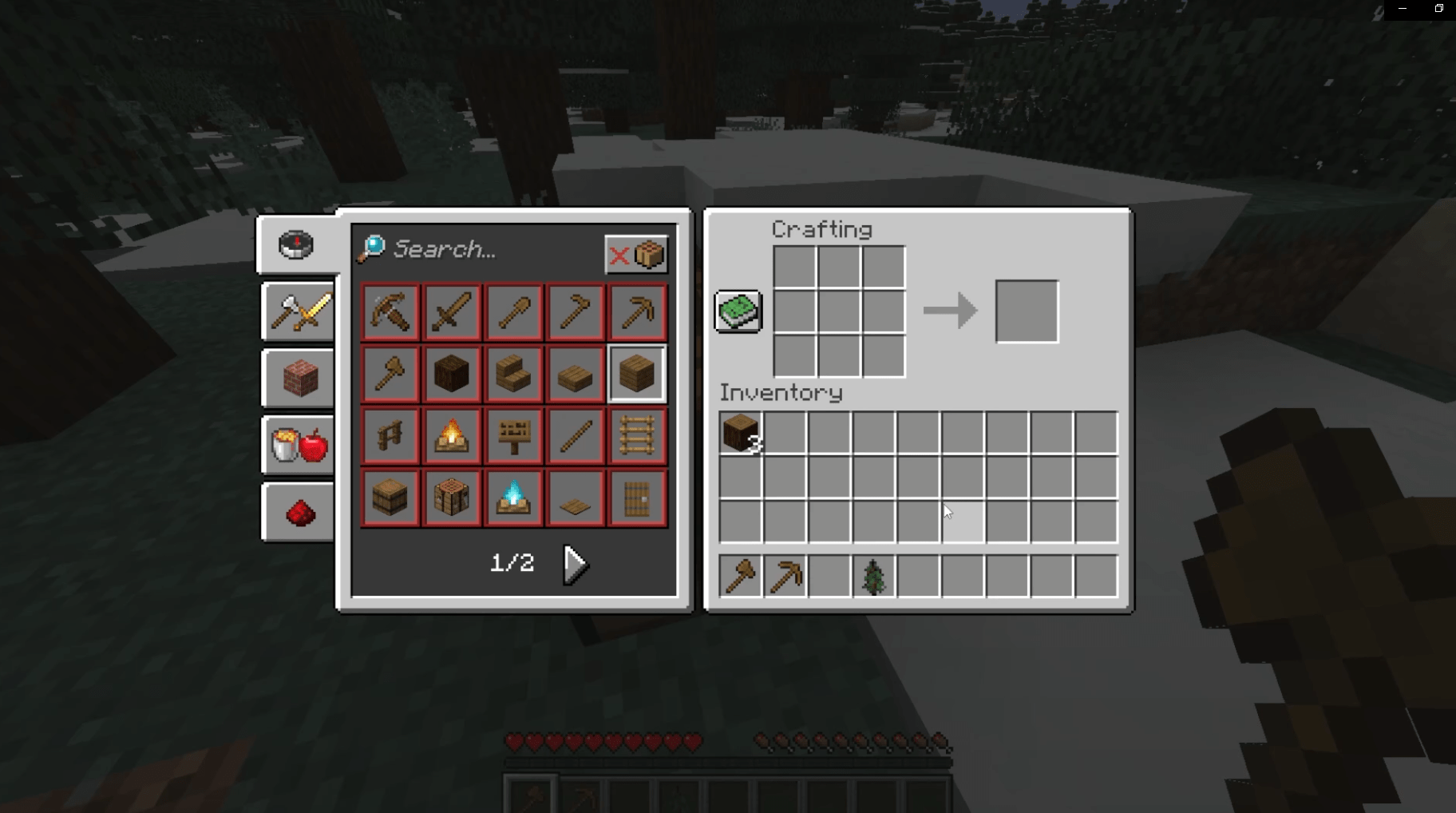
Exploring The Inventory of a Minecraft Player: A Guide
Are you an avid Minecraft player looking to gain insights into your fellow players’ inventories? Look no further! In this article, we’ll delve into the world of plugins, commands, and server management to help you uncover the secrets of a Minecraft player’s inventory.
Understanding The Need For Inventory Access
As a Minecraft administrator or moderator, it’s essential to maintain order and fairness within your server. One way to achieve this is by monitoring players’ inventories to prevent cheating or unfair gameplay. However, Minecraft doesn’t natively support this functionality. Instead, we’ll rely on community-created plugins and commands to facilitate inventory access.
Plugin-based Inventory Access
One popular plugin for inventory access is InvSee++. This plugin allows administrators to view the inventories of other players within their server. To install InvSee++, follow these steps:
- Download the InvSee++ jar file from the Spigot website.
- Place the file in your server’s plugins folder.
- Restart your server and connect to it through Minecraft.
Using The Invsee++ Plugin
Once installed, you can use the InvSee++ plugin to view a player’s inventory by using the command /invsee <username>. This will display the player’s current items and resources in their inventory.
Command-based Inventory Access
Alternatively, you can use a command-based approach to access a player’s inventory. As an administrator or moderator, you can use the op command to grant privileges to other users, allowing them to view inventories as well. The syntax for this command is /op <username>. To revoke these privileges, use the deop command: /Deop <username>.
Modifying Inventories
With InvSee++ installed and configured, you can also modify a player’s inventory by moving items from their inventory to your own. This can be useful for confiscating items used in cheating or unfair gameplay. To do this, simply move the item(s) from the player’s inventory to your own.
Conclusion
Accessing a Minecraft player’s inventory requires creativity and resourcefulness. By utilizing plugins like InvSee++ and commands, you can gain valuable insights into your players’ activities and maintain fairness within your server. Remember to always follow best practices for plugin installation and configuration to ensure smooth gameplay for all users.
Frequently Asked Questions
- Q: What is Invsee++?
A: InvSee++ is a Minecraft plugin that allows administrators to view the inventories of other players within their server. - Q: How do I Install Invsee++?
A: Download the InvSee++ jar file from the Spigot website, place it in your server’s plugins folder, and restart your server. - Q: What is The Command For Viewing a Player’s Inventory?
A: Use the/invsee <username>command to view a player’s current items and resources. - Q: How do I Revoke Privileges Granted With The
opCommand?
A: Use thedeopcommand:/Deop <username>. - Q: Can I Modify a Player’s Inventory Using Invsee++?
A: Yes, you can move items from a player’s inventory to your own, but be cautious not to disrupt gameplay. - Q: What Are Some Other Plugins or Commands That Can Help me Manage my Minecraft Server?
A: Explore the Spigot website and forums for more plugins and commands tailored to your needs. - Q: Can I Use Invsee++ on a Non-spigot Server?
A: While InvSee++ is primarily designed for Spigot servers, you can try installing it on other Minecraft server types. However, compatibility may vary. - Q: How do I Prevent Cheating or Unfair Gameplay in my Minecraft Server?
A: Regularly monitor your players’ inventories and activities using plugins like InvSee++, implement fair rules and consequences, and engage with your community to maintain a positive gaming environment.
By following this guide and exploring the world of plugins and commands, you’ll be well-equipped to manage your Minecraft server and ensure a fun, fair experience for all players.


