
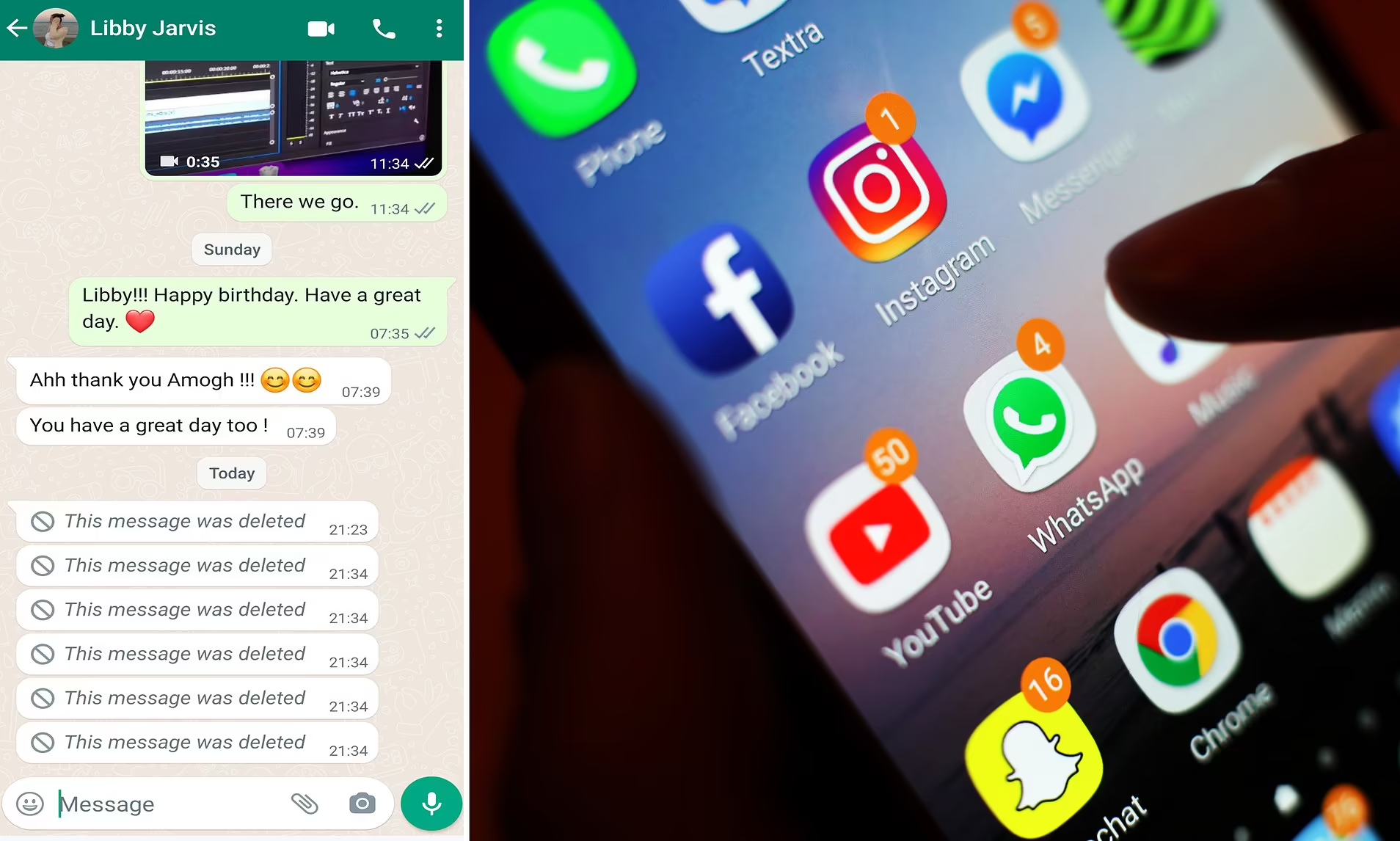
How to See Deleted Messages on Whatsapp: A Step-by-step Guide
Are you struggling to recover an old message that was accidentally deleted from WhatsApp? Don’t worry, we’ve got you covered! In this article, we’ll show you how to see deleted messages on WhatsApp using various methods.
Introduction
WhatsApp is one of the most popular messaging apps in the world. However, sometimes we may delete a message by mistake or intentionally. But what if you need to recover that message? Don’t worry, we’ve got a step-by-step guide to help you see deleted messages on WhatsApp.
How to See Deleted Messages on Whatsapp For Android
If you’re using an Android device, there are several ways to see deleted messages on WhatsApp.
Method 1: Restore From Backup
If you have created a backup of your WhatsApp conversations before deleting the message, you can restore it. To do this:
- Open Google Drive and sign in with your account.
- Look for the WhatsApp backup folder and select the date when the backup was created.
- If the date is before the message was deleted, you can restore the conversation.
Method 2: Use a Third-party App
You can use third-party apps like WhatsRemoved+ or Message Reminder to save notifications from WhatsApp. These apps will save the content of messages even after they are deleted.
To use these apps:
- Download and install the app on your device.
- Grant the app permission to access system notifications.
- Configure the app settings according to your needs.
- You can view saved messages in the app’s interface.
How to See Deleted Messages on Whatsapp For Ios
If you’re using an iOS device, there are limited options available to see deleted messages on WhatsApp.
Method 1: Restore From Icloud Backup
If you have created a backup of your WhatsApp conversations before deleting the message and it is stored in iCloud, you can restore it. To do this:
- Open Settings on your iPhone.
- Tap on “Chat” and then tap on “Backup.”
- If the date is before the message was deleted, you can restore the conversation.
Method 2: Use a Third-party App
Unfortunately, there are no reliable third-party apps available for iOS to save notifications from WhatsApp.
How to See Deleted Messages on Whatsapp Without an App
If you don’t want to install any third-party app, you can still see deleted messages on WhatsApp using the following methods:
Method 1: Use a Screenshot or Recording
You can take a screenshot or recording of the conversation to save it. This way, even if the message is deleted, you’ll have a copy.
Method 2: Export Whatsapp Messages to Pc
If you’ve exported your WhatsApp conversations to your computer using iTunes or Finder, you can view them there.
How to See Deleted Messages on Whatsapp Web
The WhatsApp web version does not allow you to recover deleted messages. However, if you’ve recovered a message on your mobile device, you can access it via the web interface.
Conclusion
Recovering deleted messages on WhatsApp is possible using various methods. Whether you’re using an Android or iOS device, there are steps you can take to see deleted messages on WhatsApp. Remember to always create backups of your conversations and consider using third-party apps to save notifications from WhatsApp.
Frequently Asked Questions (FAQs)
Q: Can I recover a message that was deleted a long time ago?
A: It depends on the method used to recover the message. If you have created a backup, it may be possible to recover the message. However, if you’ve relied on third-party apps, their success rate may vary.
Q: Will recovering a deleted message notify the sender or recipient?
A: No, recovering a deleted message will not send any notifications to the sender or recipient.
Q: Can I use these methods to recover messages sent via ephemeral mode?
A: Unfortunately, no. Ephemeral messages are designed to self-destruct after a certain period and cannot be recovered using these methods.
Q: Are there any risks associated with recovering deleted messages?
A: Yes, attempting to recover deleted messages may void your WhatsApp account or device warranty. Proceed with caution!
Table 1: Methods For Recovering Deleted Messages on Whatsapp
| Method | Android Device | Ios Device |
|---|---|---|
| Restore from Backup | Possible | Possible (iCloud backup) |
| Use a Third-Party App | Possible | Not Available |
| Screenshot or Recording | Possible | Possible |
| Export WhatsApp Messages to PC | Possible | Possible |
Table 2: Features of Third-party Apps
| App Name | Android Device | Ios Device |
|---|---|---|
| WhatsRemoved+ | Possible | Not Available |
| Message Reminder | Possible | Not Available |
I hope this article has helped you understand how to see deleted messages on WhatsApp.


