
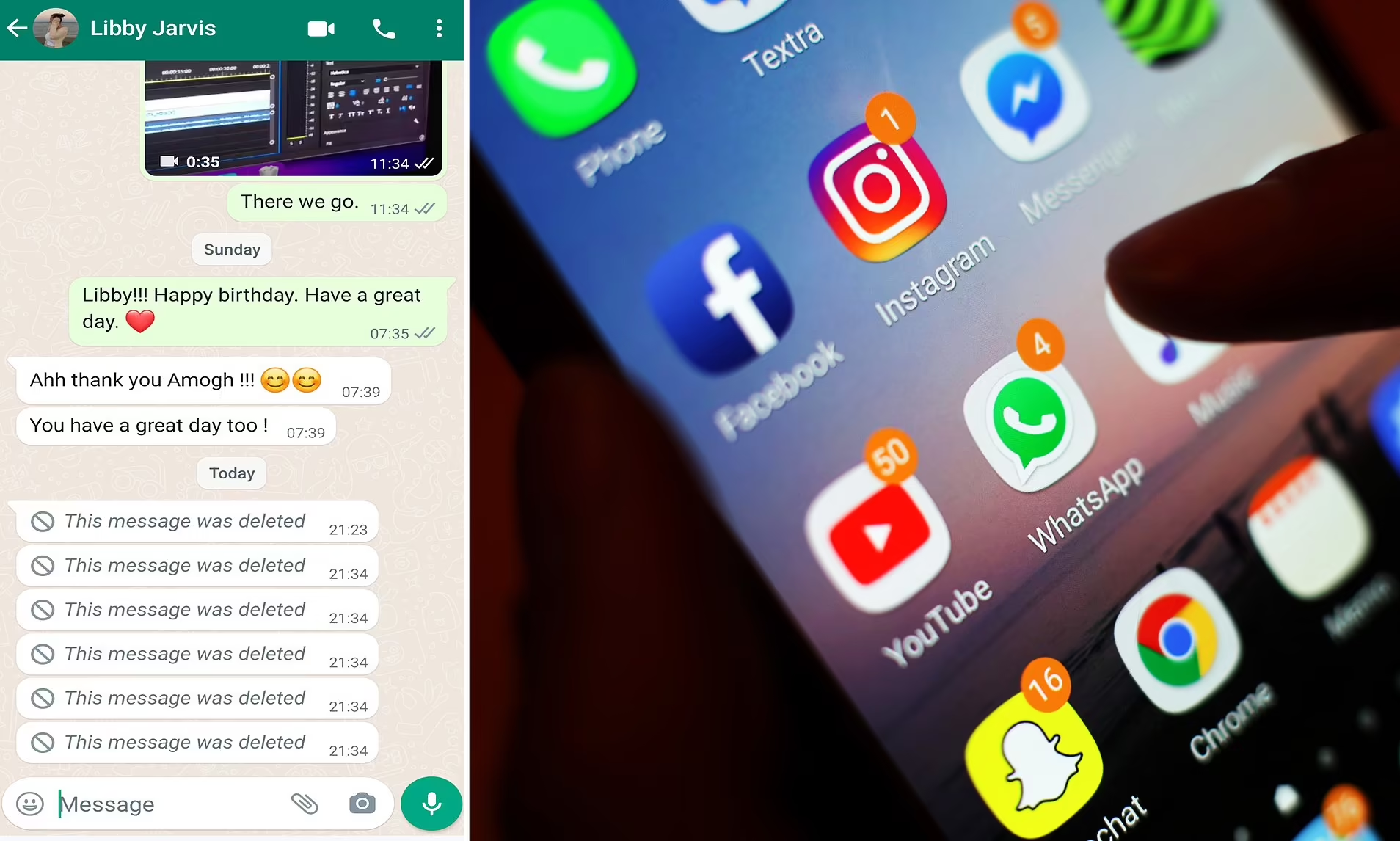
How to See The Notifications Erased on Your Smartphone
Are you tired of seeing hundreds of notifications on your phone every day, only to ignore them without even thinking about it? Do you often find yourself erasing notifications without taking a closer look at them? If so, this article is for you.
In this article, we will show you how to see the notifications erased on various smartphones, including Android, Samsung, Xiaomi, Huawei, iPhone, Instagram, and Facebook. We will also provide tips on how to recover deleted notifications and how to use third-party apps to access your notification history.
How to See Notifications Erased on Android
If you have an Android smartphone, you’re in luck! The operating system allows you to easily access the chronology of your notifications. To do this:
- Go to your phone’s settings app.
- Scroll down and select “App and notifications.”
- Tap on “Chronology notifications” or search for it using similar terms.
- Toggle the switch to enable the feature.
- You will now see a record of all your notifications from the past 24 hours, including those you have ignored.
How to See Notifications Erased on Samsung
If you have a Samsung smartphone, you can access the chronology of your notifications using the following steps:
- Open the settings app.
- Scroll down and select “Notifications.”
- Tap on “Advanced Settings” and then tap on “Chronology notifications.”
- Toggle the switch to enable the feature.
How to See Notifications Erased on Xiaomi
If you have a Xiaomi smartphone, be aware that the operating system may not allow direct access to the chronology of your notifications. However, you can use third-party apps to achieve this. Some popular options include “Chronology of the Notifications” and “Notification Log.”
How to See Notifications Erased on Huawei
If you have a recent Huawei smartphone without Google services, you won’t be able to access the chronology of your notifications directly from the operating system. However, you can use third-party apps or follow the same procedure as for Xiaomi.
How to See Notifications Erased on Iphone
Unfortunately, if you have an iPhone, you won’t be able to see deleted notifications using the built-in operating system. However, if you quickly unblock your iPhone using Face ID or Touch ID without scrolling through the notifications or deleting them, you can still access them by swiping left at the bottom of the screen.
How to See Notifications Erased on Instagram
If you have an Instagram account, you can access the chronology of your notifications by following these steps:
- Open the app.
- Tap on the heart icon in the top-right corner of the screen.
- Scroll down to see all your notifications from the past 24 hours.
How to See Notifications Erased on Facebook
If you have a Facebook account, you can access the chronology of your notifications by following these steps:
- Open the app or go to the website.
- Tap on the bell icon in the top-right corner of the screen.
- Scroll down to see all your notifications from the past 24 hours.
Tips And Tricks
- To avoid missing important notifications, check your notification history regularly.
- Use third-party apps with caution and be aware of any potential security risks.
- Consider using a phone with a better notification management system if you’re frequently deleting or ignoring notifications.
- Always check your device’s documentation for specific instructions on how to access the chronology of your notifications.
Conclusion
In conclusion, seeing deleted notifications on your smartphone is easier than you think. By following these steps and tips, you can recover important communications that you may have otherwise missed. Remember to be cautious when using third-party apps and always prioritize your device’s security and privacy.
Frequently Asked Questions (FAQs)
- Q: Can I Recover Deleted Notifications on my Iphone?
A: Unfortunately, no. The built-in operating system does not allow direct access to the chronology of your notifications. - Q: How do I Know if a Notification is Important or Can be Ignored?
A: Check the content and sender of the notification before deciding whether it’s worth reading or ignoring. - Q: Are Third-party Apps Safe to Use?
A: Some third-party apps may pose security risks, so always check reviews and documentation before installing. - Q: How Often Should I Check my Notification History?
A: Check your notification history regularly to avoid missing important communications. - Q: Can I Use This Method on Other Social Media Platforms?
A: Yes, many social media platforms offer similar features for accessing notification histories. - Q: Is it Possible to Prevent Notifications From Being Deleted in The First Place?
A: Some devices and operating systems allow you to set notifications to be saved or not deleted immediately. - Q: What if I Accidentally Delete a Notification And Want to Recover It?
A: Check your device’s documentation for specific instructions on how to recover deleted notifications. - Q: Can I Customize my Notification Settings to Avoid Cluttering my Phone With Unnecessary Notifications?
A: Yes, most devices allow you to customize notification settings to minimize clutter and optimize your user experience.


